How to Prevent Flexible Filament from Jamming in Direct Extruders
Although direct extruders handle flexible materials like TPU better, they are not free from jams. The main problem occurs when the filament does not follow a straight and constrained path from the spool to the gear. A path with curves or slack allows the TPU to bend during printer movements, tangling and stopping the job. 🚫
Optimizing the Filament Path is Crucial
The most effective solution is to shorten and straighten the material path as much as possible. Implementing a short and straight guide prevents the filament from having space to curve and create a mechanical blockage.
Steps to Guide the Filament Correctly:- Use a short PTFE tube that rigidly connects the extruder entrance to a fixed support point. This tube must be perfectly aligned with the feed axis.
- Place the spool as close as possible to the print head. A spool holder mounted on the side of the printer frame is the ideal option to reduce the length of free filament.
- Ensure the entire path, from the spool to the drive gear, is free of obstacles and does not allow the material to stray from its designated path.
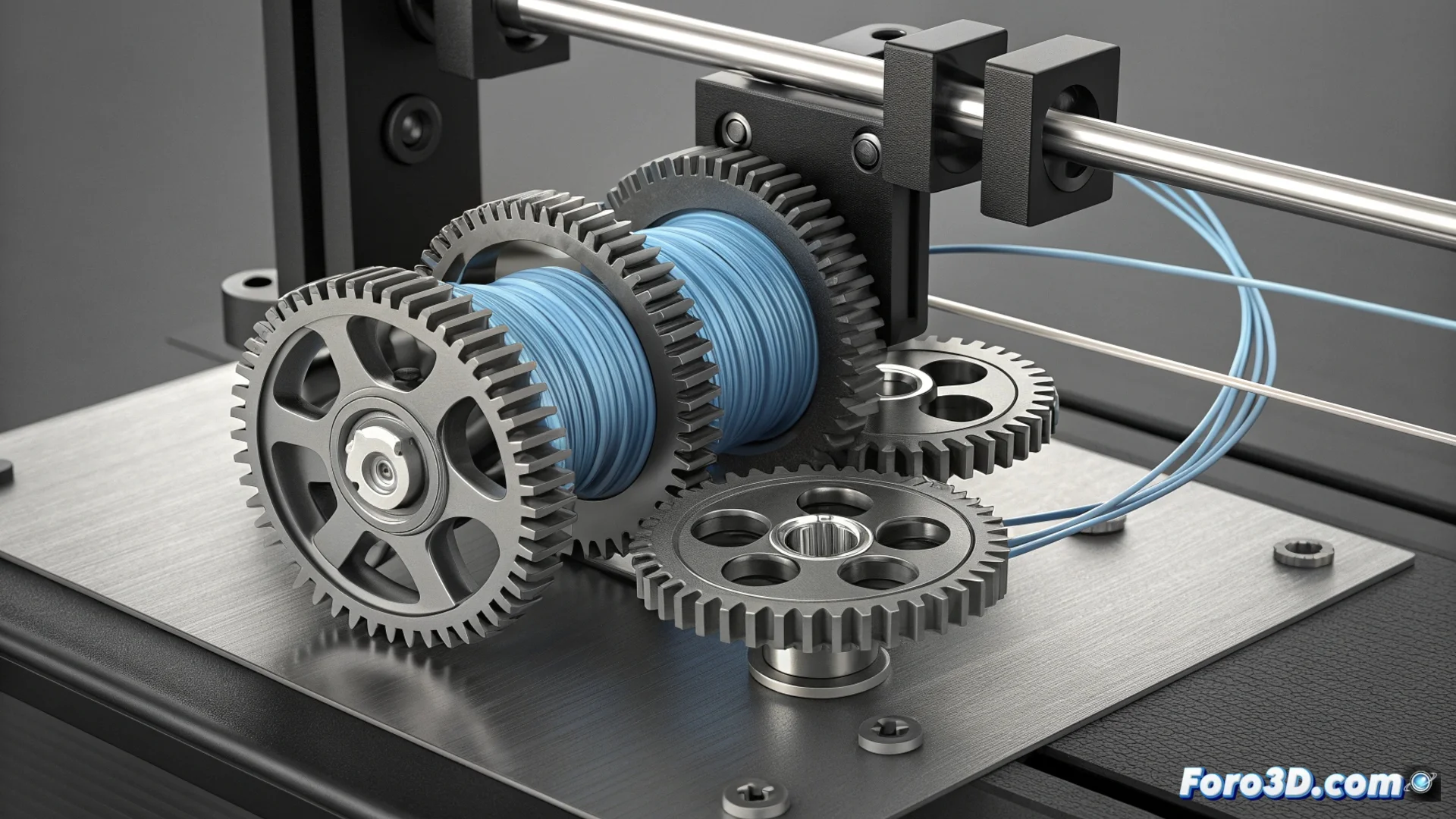
Poorly guided flexible filament is more likely to create a sculpture around the gears than to flow toward the nozzle.
Adjust Retraction for Soft Materials
Configuring retraction parameters in the slicer is the second pillar for preventing jams. For TPU, these settings must be very conservative to avoid compressing and bending the filament inside the extruder.
Key Settings in Slicing Software:- Reduce the retraction distance to the minimum necessary, typically between 0.5 and 1 mm. Excessive retraction is the main cause of tangles.
- Decrease the retraction speed below 25 mm/s. A slow speed allows moving the flexible material in a more controlled and safe manner.
- Consider disabling retraction for infill movements or when using the "combing" function, which further reduces unnecessary filament movement inside the extruder.