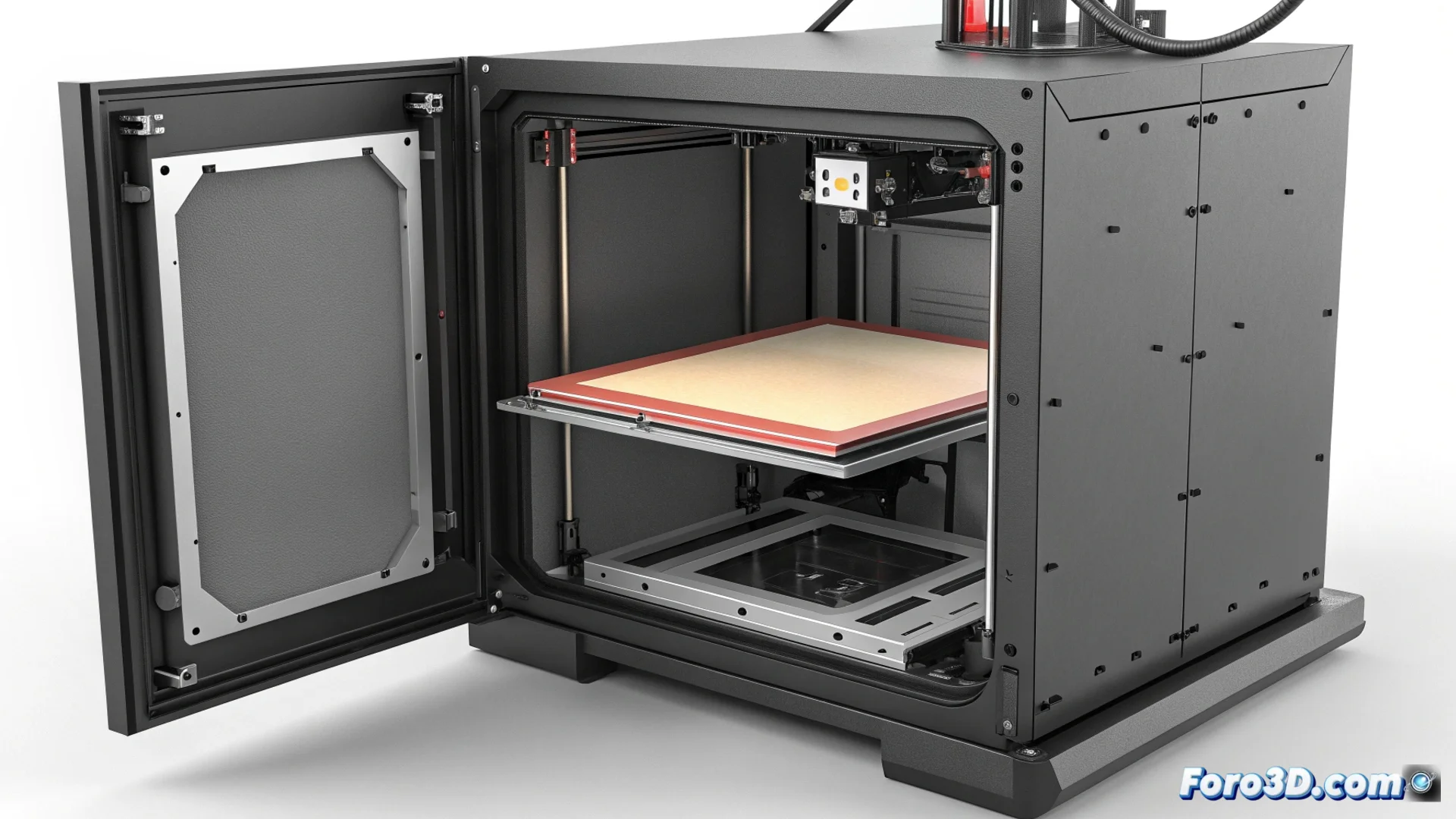
How to Prevent Corner Lifting on the Qidi X-Max 3
The Qidi X-Max 3 features a heated chamber designed to process technical filaments like ABS or ASA. Despite this advantage, large-format parts may exhibit warping or corner lifting, a setback that challenges the very purpose of the machine. The root cause is often a temperature difference between the heated bed and the air inside the chamber. 😤
Why the Corners Lift
The phenomenon occurs when the initial layer of plastic cools and contracts faster than the upper layers that are still hot. This differential contraction creates internal stress that literally pulls the corners off the bed. Air currents or uneven heating inside the chamber worsen the problem.
Optimize first layer adhesion:- Clean the PEI bed with isopropyl alcohol to remove grease or dust residues that hinder adhesion.
- Precisely level the nozzle so that the first line of material is slightly squished onto the bed.
- Apply an auxiliary adhesive, such as hairspray or a special ABS glue stick, to increase grip.
- Print a wide skirt or brim around the model. This structure acts as an anchor that distributes contraction forces and holds the corners down.
A machine designed to conquer warping sometimes reminds us that the laws of physics are inescapable. Watching a perfect corner decide to lift is a spectacle as fascinating as it is annoying.
Manage the Chamber's Internal Climate
To reduce the thermal gradient that causes the problem, it is essential to achieve a uniform and stable environment before starting to print.
Key actions for a stable environment:- Preheat the chamber for at least ten minutes so that the entire air volume reaches a homogeneous temperature.
- Verify that the lid closes hermetically and that the door seals have no leaks that create drafts.
- Adjust print parameters: slightly lower the speed, increase the bed temperature by five degrees, and reduce or turn off the layer fan for the first layers.
Conclusion for Flawless Prints
Mastering the Qidi X-Max 3 for printing technical materials involves tackling the problem from two fronts: ensuring perfect bed adhesion and meticulously controlling the chamber environment. Implementing these steps systematically neutralizes the forces that lift the corners, allowing you to fully exploit the potential of this heated chamber printer. 🎯