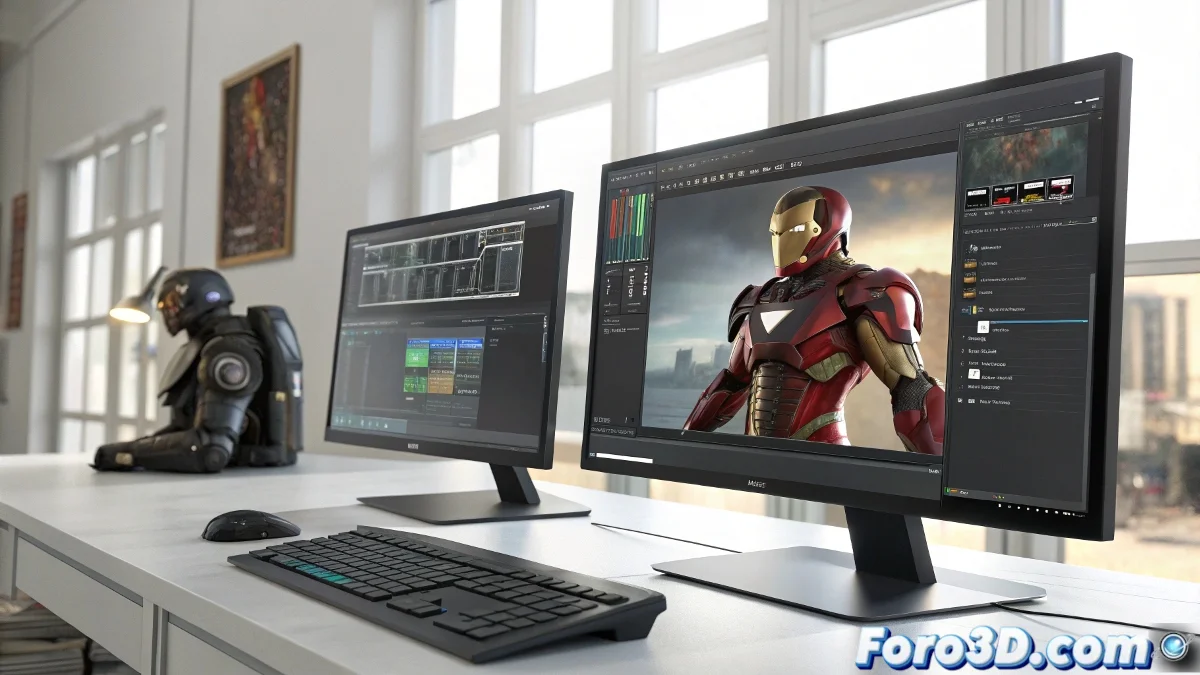
The Art of Drag and Drop Like a Pro in 3ds Max
Anyone who has worked with 3ds Max knows that the real final boss isn't rendering without noise, but finding those damn missing textures. 🕵️♂️ This is where Drag and Drop Pro comes in, the plugin that turns the simple act of dragging files into an almost therapeutic experience.
The Digital Assistant We All Need
This little genius automatically recognizes what type of file you're trying to place in your scene. From V-Ray proxies to preconfigured materials, everything is placed like magic. All you have to do is drop it in the window, like you're a 3D assets DJ. 🎧
- Missing textures: It finds and links them automatically
- Complex proxies: It loads them with their corresponding viewer
- Predefined materials: It applies them instantly just by dropping them
Accelerated Workflow for Real Projects
Imagine this scenario: you have to recreate Tony Stark's workshop for an architectural visualization. Instead of spending hours configuring each element, you simply drag your files and the plugin takes care of the rest. Tools should work for you, not the other way around. 💼
In the 3D world, time is money, and this plugin is the best investment you'll know
The Importance of Properly Naming Files
The only requirement for this spell to work is having well-organized and named files. If your folder structure looks like the Matrix code, not even the best plugin in the world can save you. Although, it's still easier than explaining to a client why their render takes 12 hours. ⏳
To wrap up, let's remember that technology helps us, but doesn't perform miracles: if your file is named proxy_final_V2_ok_revision_Juan_definitivo_FINAL.max, maybe you should rethink your workflow... or your life. 😅