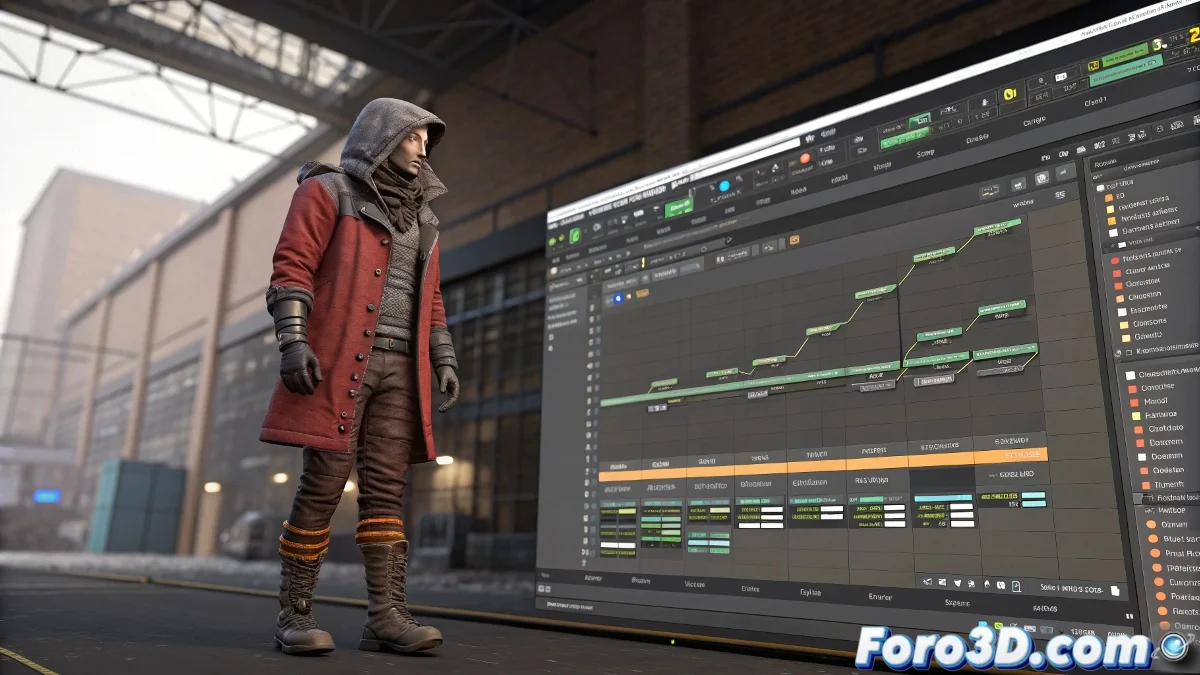
When Your Cloth Simulation Decides to Become a Patience Test
Working with cloth simulations in 3ds Max can be as frustrating as trying to fold a freshly washed sheet on a windy day. 🌬️ And if you add a 1440-frame timeline to that, even the most powerful computer can start begging for mercy.
Why is My 3ds Max Slower Than a Hungover Snail?
The answer lies in three main culprits:
- Cloth Simulations: Every keyframe is a complex calculation your CPU must process
- Limited Hardware: Insufficient RAM and old CPUs don't help
- Overloaded Interface: Track View trying to handle too much data at once
Tricks to Avoid Aging While You Wait
Save your sanity with these techniques:
- Cache Your Simulations: Convert that digital cloth into external files
- Divide and Conquer: Work in animation segments
- Use the Curve Editor: Lighter than Dope Sheet for precise editing
- Strategic Zoom: Ctrl + mouse wheel to focus on key areas
An uncached Cloth simulation is like a cat in a china shop: unpredictable, destructive, and will probably make you cry.
When All Else Fails... Plan B
If after optimizing everything your computer is still suffering:
- Try rendering in layers
- Consider using a render farm
- Pray to the 3D gods (sometimes it works) 🙏
Fun fact: 90% of animators have seriously considered changing professions at least once while working with Cloth simulations. The other 10% are lying. 😅
And remember: if in the end your character walks as if wearing pants full of cement, you can always say it's an artistic style. Who can prove you didn't want them to move like a robot with arthritis?