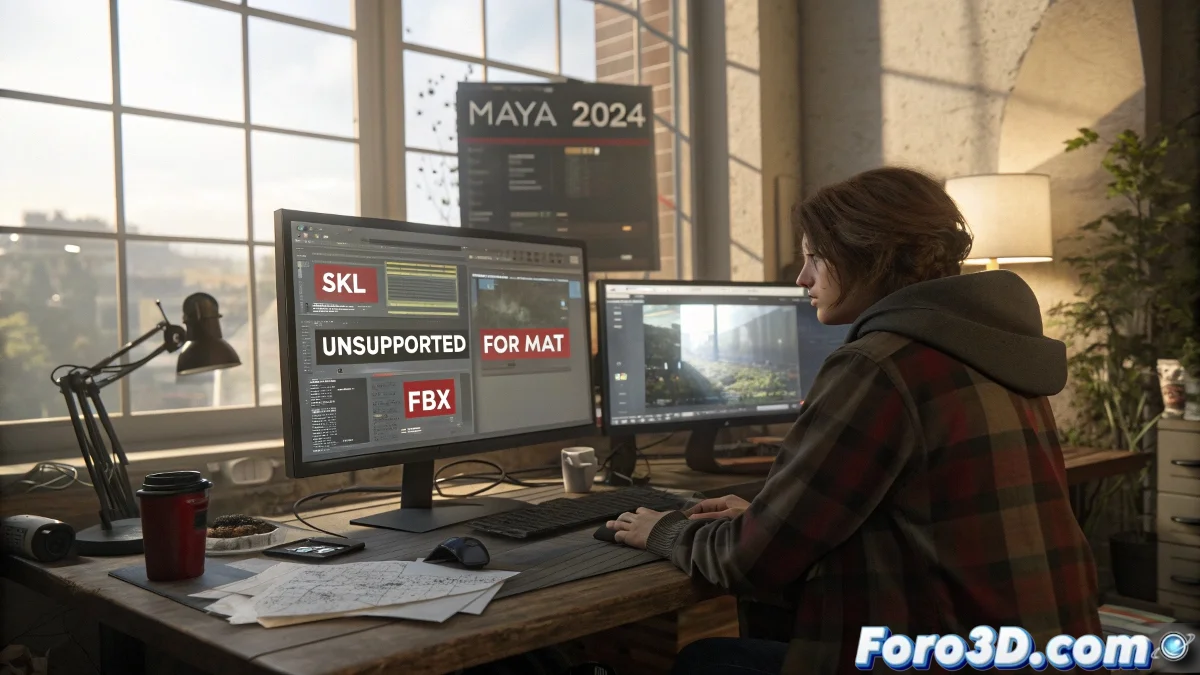
The Mysterious Case of .skl Files in Maya 🔍
In the fascinating world of 3D, few things are more frustrating than encountering a .skl file that Maya looks at with a face that says I don't know who you are or what you're doing here. These files, which usually contain character skeletons, have the peculiarity of being like those friends who only speak a very specific language - and Maya is not on their list of acquaintances.
Why Maya Plays Dumb with .skl Files
The fundamental problem is that .skl is not Maya's native format. These files usually come from:
- Game engines like Unreal Engine
- Specialized rigging tools
- Other 3D programs with their own peculiarities
It's like trying to play a Blu-ray on a VHS - technically both are video, but you need the right equipment to make them compatible.
The Survival Kit for .skl Files
To avoid ending up crying in a corner, try these strategies:
- Conversion to FBX: The universal translator of 3D
- Specialized plugins: Like professional interpreters
- Export from the source: Go back to the program that created it
- Custom scripts: For those who like to live dangerously
As the wise ones at Foro3D say: When a file won't open, it's because the universe wants you to take a break. Or to search Google better.
Tricks That Will Save You Headaches
Before giving up and starting to rebuild the skeleton from scratch:
- Verify the file is not corrupted (yes, it happens more often than you think)
- Check the documentation of the software that generated the .skl
- Try different versions of the same file
- Update Maya and your plugins to the latest version
At the end of the day, working with .skl files in Maya is like trying to do international diplomacy without a translator. With patience and the right tools, you can get them to understand each other. And if not, there's always plan B: say it was a conceptual art exercise about digital miscommunication. 🎨
Remember: in the 3D world, what can't be solved with technique is solved with creativity... or by restarting the program. ✨