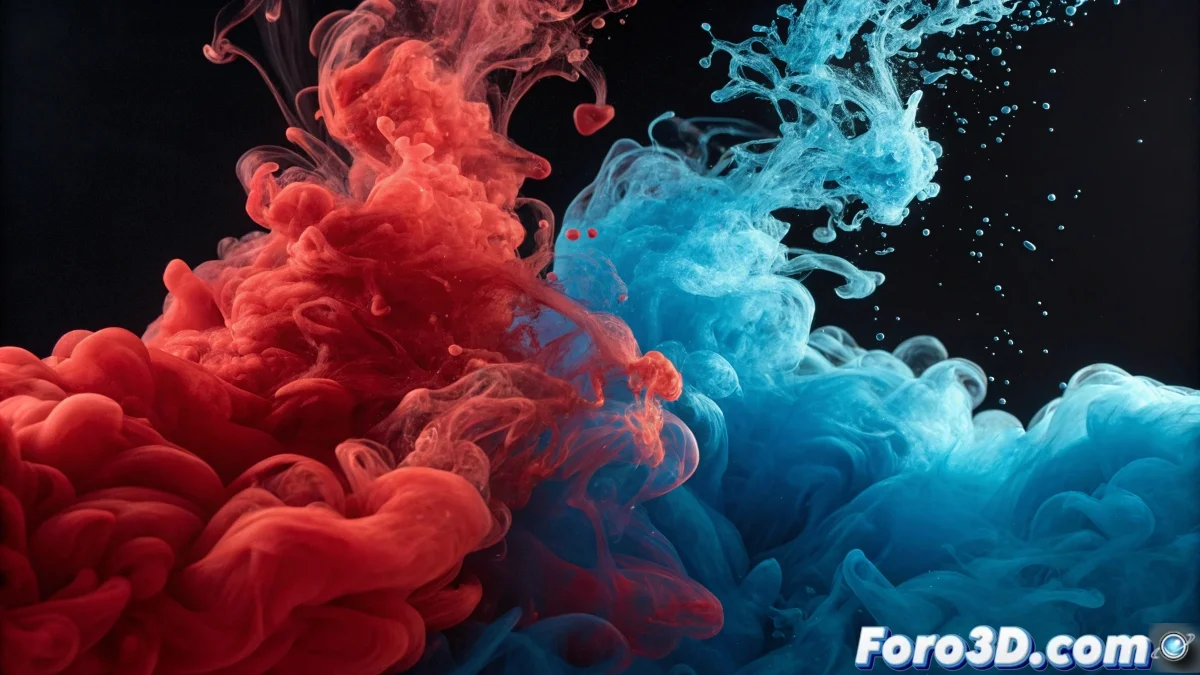
The Art of Mixing Virtual Liquids
Mixing fluids in Maya to recreate that hypnotic effect of paints combining is one of the most rewarding challenges in digital simulation. The key is understanding that it's not about a single fluid with different colors, but about multiple fluids interacting with each other.
To achieve this effect you need to work with simulation systems that allow for the coexistence and interaction of different liquids. Bifrost is your best ally for this purpose, as it is specifically designed for this type of multi-fluid simulation.
Mixing fluids in Maya is like being a digital bartender: you need to know how your liquid ingredients interact
Basic Setup with Bifrost
The most effective approach is to use Bifrost to simulate multiple liquids. Start with a simple scene that allows you to control all parameters without distractions.
- Create main container: establish a master liquid that defines the total volume
- Add separate emitters: configure an emitter for each fluid color
- Define unique properties: assign different densities and viscosities
- Configure collisions: ensure the glass or container functions as a collider
Material Properties for Realistic Mixing
The visual magic happens in material assignment and render properties. Each fluid needs its own shader, but they must interact visually when they mix.
Transparency and refraction are crucial for the mixture to look convincing. Too much opacity and they'll look like solid masses, too little and the colors will lose their identity 😅
- aiStandardSurface Shader: use for advanced transparency control
- Transmission and opacity: adjust to achieve partial visibility
- Saturated colors: maintain high saturation for visual contrast
- Realistic refraction: configure appropriate IOR for liquids
Advanced Interaction Techniques
For more complex and realistic mixtures, you need to delve deeper into simulation parameters. Viscosity, surface tension, and emission speed determine how the fluids will behave when they meet.
Experimenting with different combinations of these parameters will allow you to create everything from smooth, gradual blends to more dramatic effects of colors struggling to predominate.
- Adjust viscosity to control fluidity
- Modify surface tension for cohesion
- Vary temperatures for convection effects
- Control emission speeds per color
After mastering these techniques, you'll be able to create fluid mixtures so hypnotic that you'll probably forget you're working and not watching satisfying videos on the internet 🌈