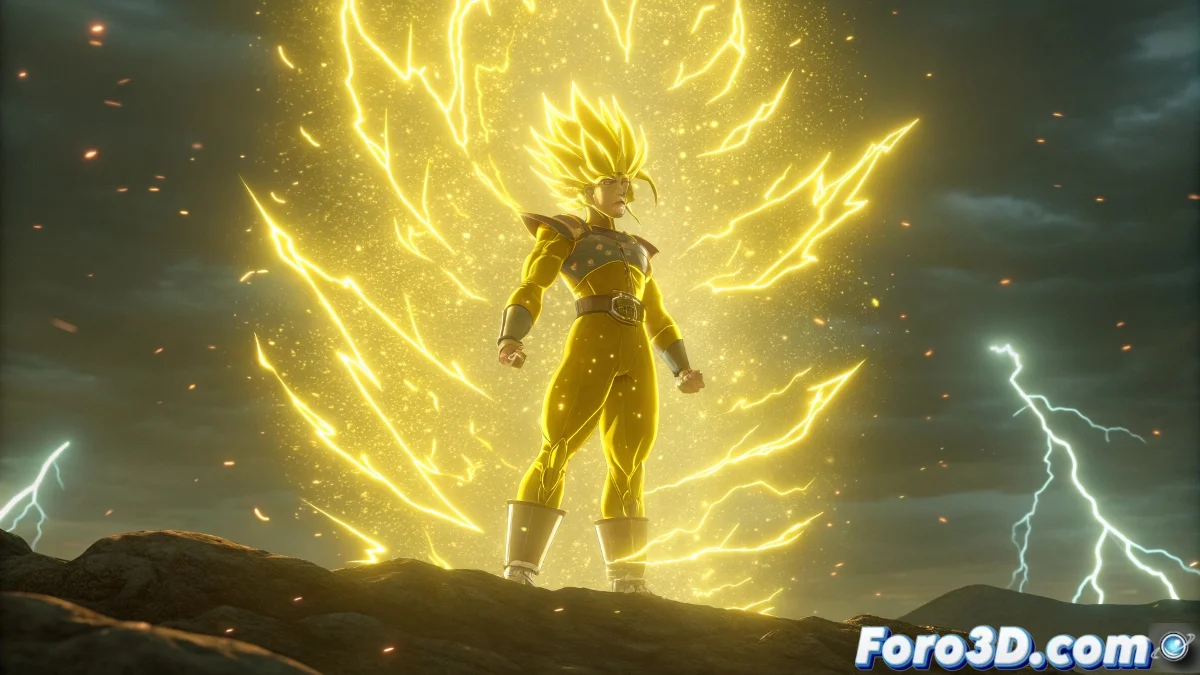
How to Create Dragon Ball Effects in After Effects
Welcome to the world of visual effects, future super warrior! 🐉✨ Creating those iconic Dragon Ball auras in After Effects 7.0 is easier than you think, although you'll need some patience (and maybe a few dragon balls).
For the characteristic aura:
- Use the "Particles" effect to generate the energy base
- Apply "Glow" to give it that characteristic shine
- Combine layers with different blending modes
A good aura effect is not measured by its intensity, but by how much it makes you want to shout "Kamehameha!" when you see it.
Super Warrior Transformation Step by Step
For the hair that turns yellow and the teleportation:
- Create an animated color adjustment for the hair change
- Use masks and distortion effects for the transformation
- For the teleportation, animate a blur and fade effect
Don't worry if at first your effects look more like a Saiyan with a cold than a super warrior. With practice, you'll achieve that epic look that would make even Freezer cry with emotion. 😎💥
Remember that the key is in layers and more layers - like Goku's transformations, the more the better. And now, make your project more overloaded than a filler episode! 🚀