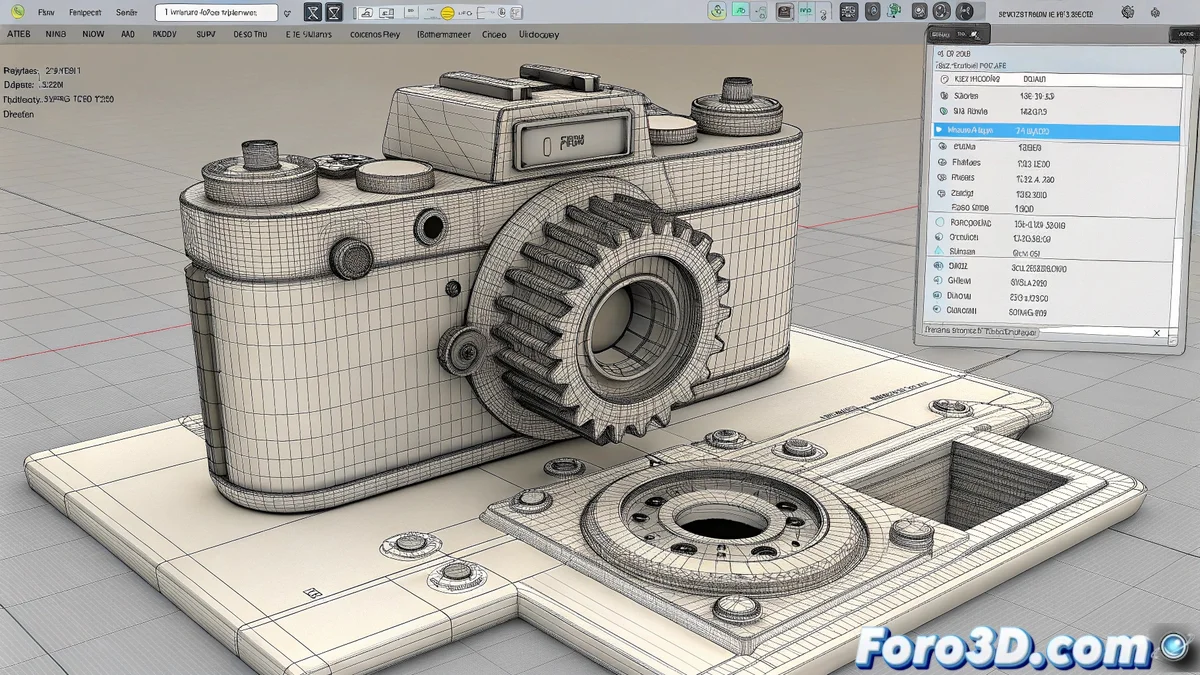
Building a Bridge Between Industrial Design and Visualization
Taking a model from SolidWorks, parametric design software, to 3ds Max, a polygonal modeling and rendering environment, can be a delicate process. 🏗️ Native CAD formats are not directly compatible with Max, and an incorrect export can result in broken meshes, inverted normals, or disproportionate scaling. However, with the right workflow, it is possible to transfer complex models with surprising integrity, ready to be textured and rendered.
The Professional Option: nPower Power Translators
The most robust and efficient solution is to use a specialized plugin like nPower Power Translators. This add-on acts as a native translator, allowing you to open .sldprt and .sldasm files directly within 3ds Max. 🔌 The main advantage is that it preserves not only the geometry but also the assembly hierarchy and, in many cases, even the feature tree. Additionally, it includes automatic tools to repair and optimize the mesh, converting NURBS surfaces into a clean polygon network.
A dedicated plugin avoids the game of telephone between different softwares.
Alternative Methods Without a Plugin
If you don't have access to a commercial plugin, the safest route is to use universal exchange formats. From SolidWorks, you can export the model as STEP or IGES, formats that preserve surface geometry well. 📤 Then, in 3ds Max, import this file. Another common option is to export as OBJ or STL, although these formats tend to generate heavier meshes and may lose information about individual parts in an assembly.
- Post-import cleanup: Check and merge duplicate vertices, and verify normals.
- Scale adjustment: Ensure that the units in SolidWorks and 3ds Max match.
- Loss of parametrics: The model will arrive in Max as a static mesh, not parametrically editable.
Tips for an Optimized Workflow
To get the best results, it is recommended to simplify the model in SolidWorks before exporting. Removing very small fillets, mounting holes, and other details that won't be visible in the final render can drastically reduce the mesh complexity in Max. 💡 It is also useful to export the most critical parts separately to have greater control over their final appearance in the scene.
If the imported model looks more like modern abstract art than an engineering piece, remember that 3ds Max still doesn't understand millimeter tolerances... only well-imported polygons. 😉 Patience and the right technique are your best allies.