How to Fix the HMS 0A00-0100-0001-0004 Error on Bamboo Printers
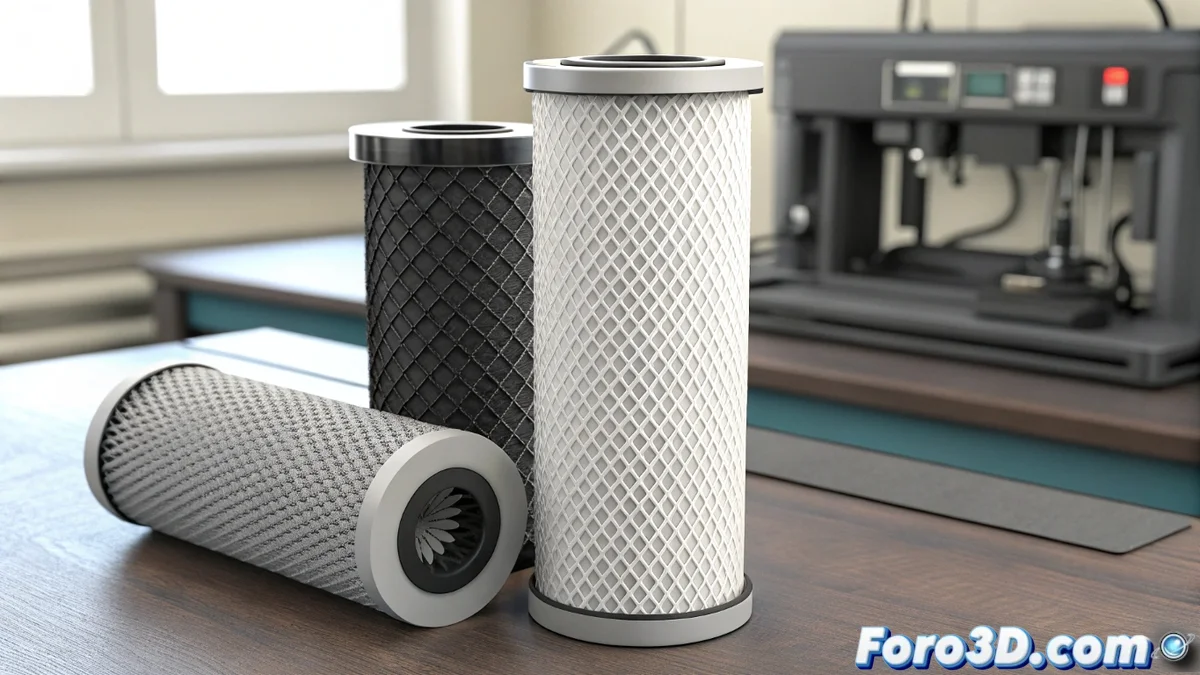
If your Bamboo 3D printer displays the code HMS_0A00-0100-0001-0004, don't panic. This message is a maintenance warning indicating that the system has detected an anomaly related to the activated carbon filter for volatile organic compounds (VOCs). It appears when the internal air quality sensor (if installed) detects that the filter has reached the end of its useful life or is not properly placed. It is not a failure that stops the machine, but it is crucial to address it to preserve air quality in your creation space. 🛠️
Understanding the Alert and Its Replacement Procedure
This error acts as a scheduled reminder for preventive maintenance. Ignoring it could compromise filtration effectiveness. The procedure to resolve it is straightforward and focuses on physically replacing the component.
Steps to Replace the Activated Carbon Filter:- Complete Shutdown and Disconnection: Before any manipulation, turn off the printer and unplug it from the power outlet to ensure a safe operation.
- Locating the Compartment: Find the filter cover, which is normally located on the rear area or base of the printer, depending on the specific Bamboo model you own.
- Extraction and Inspection: Carefully remove the used filter. If it is dark, visibly saturated, or has been in use for many months, confirm that it needs to be replaced.
- Installation of the New Filter: Insert the official replacement filter, ensuring it fits perfectly into its slot without needing to apply force. Close the compartment securely.
- Restart and Verification: Reconnect the printer and turn it on. During the startup sequence, the system will perform a check, and the error message should disappear.
Regular maintenance not only prevents errors but also extends the life of your equipment and takes care of your work environment.
Advanced Solutions When the Error Persists
Have you installed a new and genuine filter, but the HMS_0A00-0100-0001-0004 warning remains on screen? This indicates that the problem might be configuration or sensor-related. Don't worry, there are several actions you can take before contacting technical support.
Checklist if the Error Persists:- Thorough Physical Verification: Ensure the filter is perfectly seated and that no film or plastic protector remains that obstructs airflow or sensor contact.
- System Restart: Try performing a full restart from the printer's settings menu. In some cases, a factory reset (consulting the manual first) can clear erroneous data stored in cache.
- Sensor Cleaning: If you have access and knowledge, check if the air sensor is visibly dirty. Careful cleaning with compressed air might help, although this operation should be done with great care.
- Professional Diagnosis: If the error continues after all these steps, it is likely that the air quality sensor itself is defective. At this point, the most recommended action is to contact Bamboo's official technical support for an in-depth analysis.
Conclusion: More Than an Error, a Call to Care
Resolving the HMS_0A00-0100-0001-0004 code goes beyond a simple confirmation click. It is a process that emphasizes the importance of proactive maintenance in 3D printing. Addressing this alert in time ensures that your Bamboo printer operates optimally and, more importantly, that your workshop or workspace maintains adequate air quality. Remember that the machine, with its silent reminders, often watches over the health of the creative process as much as the creator themselves. ✅