How to Fix the First Layer Not Sticking to the Print Bed
One of the most common and frustrating problems when 3D printing is when the initial material does not stick to the base. This setback can ruin hours of work and usually has identifiable causes and systematic solutions. 🛠️
Diagnose the Main Causes of Detachment
The failure in adhesion of the foundational layer normally originates from three key factors. First, an incorrect distance between the nozzle and the platform. Second, poor bed leveling. And third, poorly configured temperature parameters for the filament being used. Addressing these points in order is crucial to resolve the problem permanently.
Essential Steps to Correct Adhesion:- Calibrate the Nozzle Height: Precisely adjust the separation between the tip and the bed at all points, using a sheet of paper or a caliper.
- Level the Platform Meticulously: Whether through the machine's manual or automatic procedure, uniform resistance should be sought when sliding the paper.
- Clean the Print Surface: Remove grease, dust, and residues with isopropyl alcohol to ensure optimal material grip.
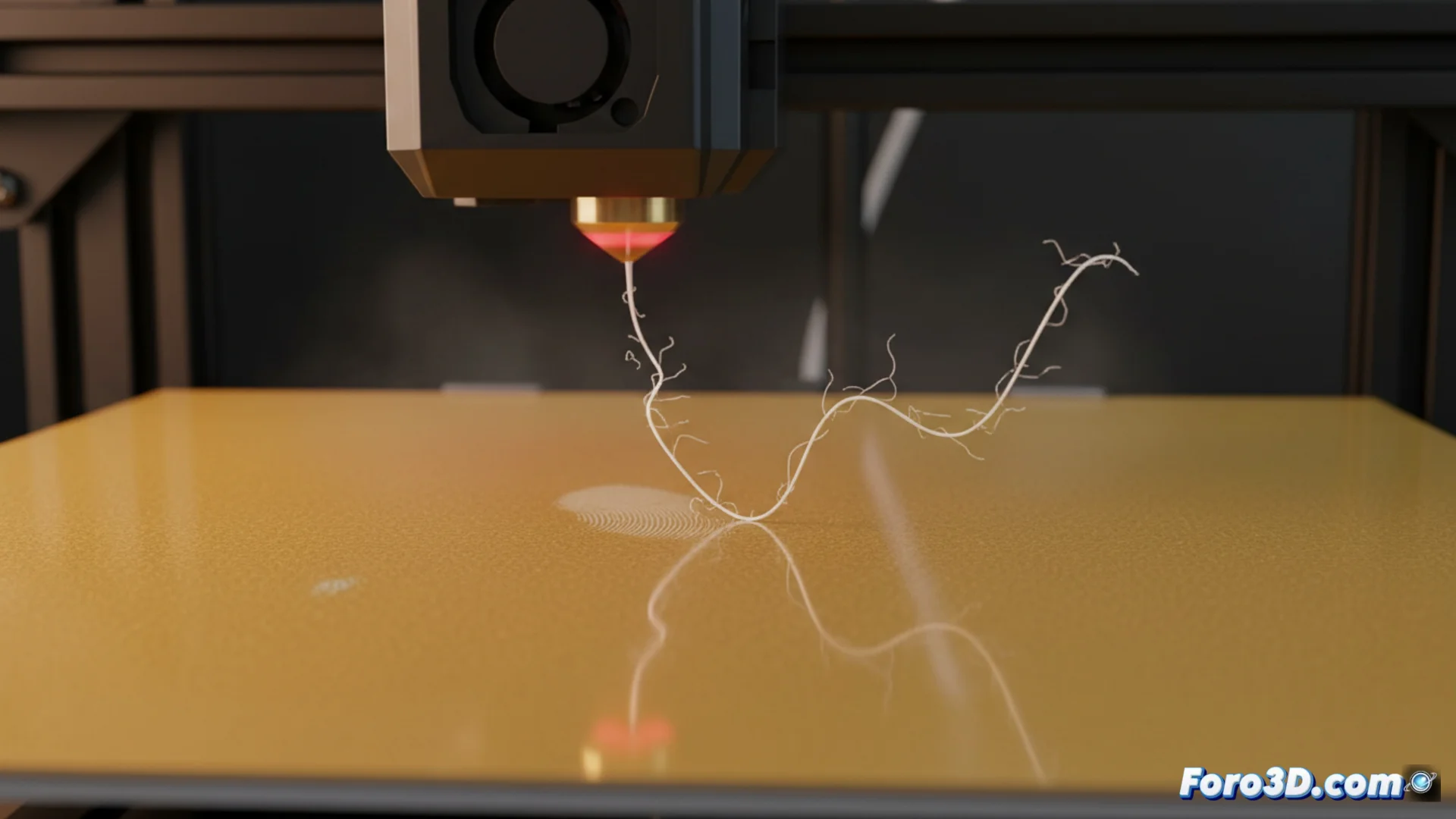
Seeing the filament tangle like spaghetti is an ironic reminder that technology still depends on well-executed manual adjustments.
Adjust Temperature and Surface Parameters
Heat is a fundamental ally. Configuring the bed temperature and the extruder according to the type of plastic is decisive. For PLA filament, it is recommended to heat the base between 60°C and 70°C and the hotend between 190°C and 220°C. For ABS, the bed requires more heat, ideally between 90°C and 110°C.
Improvements for the Bed Surface:- On glass or metal beds, applying a thin layer of hairspray, glue stick, or placing painter's tape can dramatically increase adhesion.
- For platforms with PEI coating, a deep cleaning is usually sufficient to restore their gripping properties.
- Printing a first layer test allows visual verification that the filament lines flatten slightly against the base, without separating or piling up.
Conclusion: Patience and Method Are Key
Solving the issue of the first layer not sticking is, to a large extent, a matter of methodology and patience. Skipping the basic steps of calibration and cleaning is the main cause of recurring failures. Dedicating time to check leveling, adjust temperatures, and keep the bed spotless ensures that first layer adheres perfectly, laying the foundation for a successful print. ✅