How to Fix MINTEMP and MAXTEMP Errors on Your 3D Printer
When your 3D printer stops abruptly with MINTEMP or MAXTEMP alerts, it is activating a crucial safety protocol. These warnings arise because the thermistor, the sensor that measures the temperature of the hotend or the heated bed, sends a value that is outside the predefined limits. A MINTEMP error indicates a reading that is too cold, sometimes below ambient temperature, while MAXTEMP indicates excessive and dangerous heat. Its function is to prevent damage from overheating or operating with a malfunctioning sensor. 🔧
Identify and Diagnose the Source of the Problem
To start resolving these failures, the first step is always a thorough physical inspection. Focus your attention on the electrical connections of the extruder assembly and the heating base.
Initial Review Steps:- Check connections: Ensure that the thermistor and heater cartridge cables are properly inserted, both on the control board and on the hotend itself. A disconnected, damaged, or broken insulation cable is a very common cause.
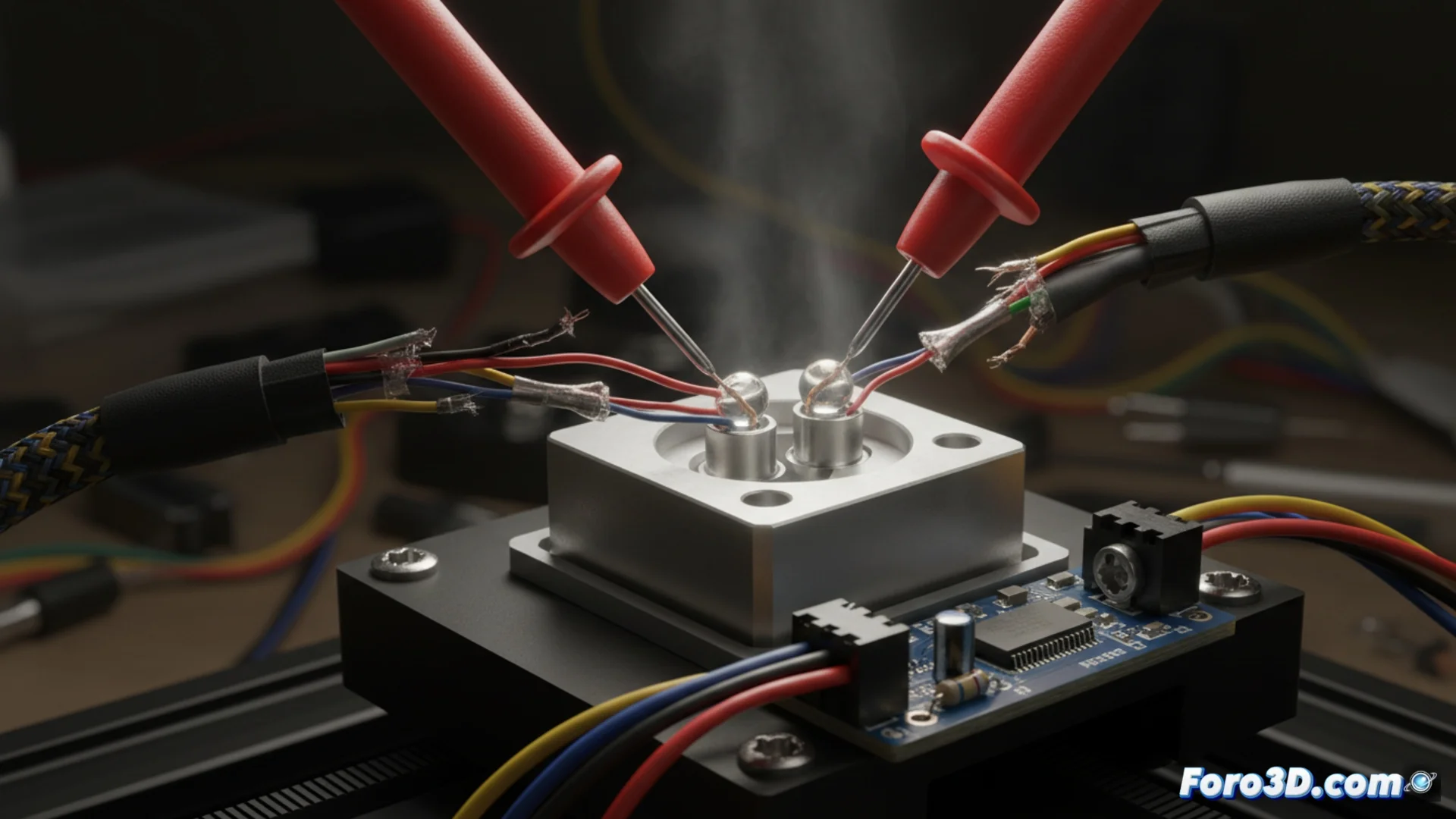
- Test the thermistor: Use a multimeter in ohmmeter mode to measure the sensor's resistance at ambient temperature. The value should be close to the specified one for your model (e.g., 100k ohms for an NTC 100K). Infinite resistance means an open circuit (broken sensor), and a zero reading points to a short circuit.
- Inspect the wiring path: Look for signs of wear, crushing, or burns along the entire cable route, especially at points of continuous flexing.
A temperature error is, essentially, a message from your printer asking for help. Don't ignore it; it's the best defense against a major failure.
Resolve Interferences and Adjust Configuration
If the hardware seems to be in order, the culprit may be more subtle. Electrical interference can distort the weak thermistor signal, causing the board to read false values and trigger protections.
Solutions for Persistent Problems:- Isolate sensitive cables: Ensure that the sensor wires do not run parallel or intertwined with the power cables from the power supply or motors. Separating them or using shielded cable can eliminate electrical noise.
- Verify firmware configuration: Access your printer's configuration (often in the Configuration.h file of Marlin) and confirm that the thermistor type defined for each component (hotend and bed) exactly matches the physical model installed. A misassigned thermistor table generates erroneous readings.
- Consider an intermittent failure: Sometimes the problem only appears with certain printer movements, indicating a cable about to break. Manually move the axes while monitoring the temperature to detect sudden drops or spikes.
Conclusion and Practical Perspective
Resolving MINTEMP and MAXTEMP errors requires a methodical approach: from the most basic physical check to considering software adjustments. These messages, although frustrating, are an essential protection system. Mastering their diagnosis not only recovers your printer but also helps you better understand its internal workings and prevent future mishaps. Patience during the review, especially when handling connectors in tight spaces, is always rewarded with a reliable and safe machine. 🛠️