How to Fix Layer Shifting in 3D Printing
One of the most frustrating problems when 3D printing is seeing how the layers of your object do not align correctly, as if they have shifted sideways. This error, known as layer shifting, usually originates because the machine's axes do not move with the necessary precision. Identifying the root cause is the first step to fixing it definitively 🔧.
Analyze the Origin of the Problem
Before touching the printer, it is crucial to examine the G-Code file. Some commands can generate movements that are too abrupt for your equipment's mechanics, forcing the motors and causing them to lose their position. Using software to visualize the print path allows you to easily locate these problematic sections.
Initial Diagnostic Steps:- Inspect the G-Code with a viewer to detect accelerations or sharp turns.
- Reduce the overall print speed, which gives the motors more margin to position themselves accurately.
- Verify that the 3D model does not have extreme geometries that, combined with high speed, push the machine's limits.
A model with very sharp corners and high speed is the perfect combination for the layers to dance their own choreography.
Adjust the Mechanical Components
Most cases of layer shifting are resolved by adjusting the physical part of the printer. Poor mechanical condition is the main cause.
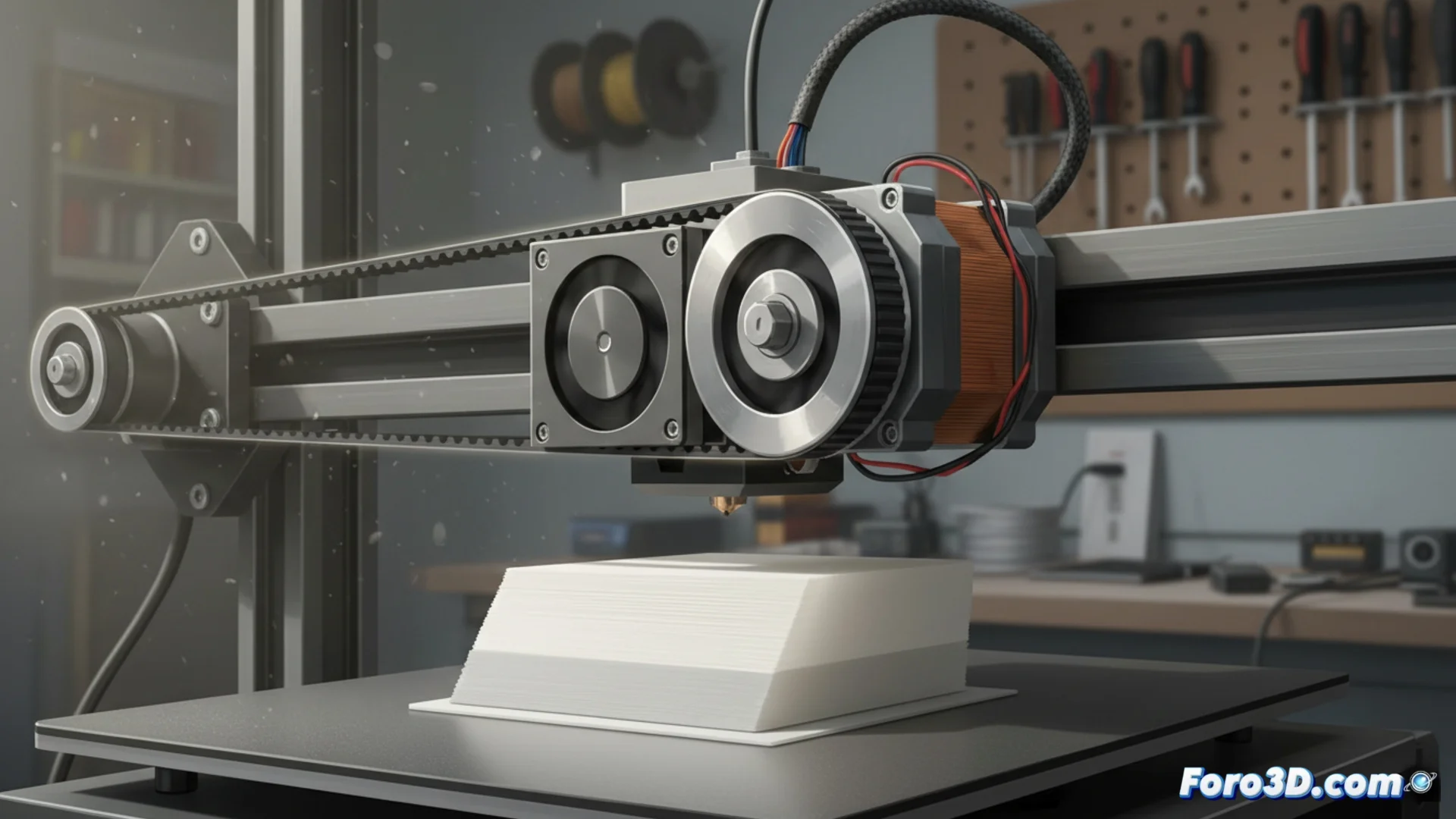
Key Components to Check:- Belt Tension (X and Y Axes): A loose belt allows the head or bed to slip; one that is too tight overloads the motors. It must have the appropriate firmness.
- Pulley Fixation: Ensure that the pulleys are tightly secured to the motor shafts and have no play.
- Cleaning and Lubrication: Linear guides or rods must be clean and lubricated. Irregular friction can jam the head and misalign the layers.
Configure the Electronics and Perform Maintenance
Electronic adjustments and preventive care are equally important. A motor that does not receive enough power or dirty bearings can ruin a long print.
The stepper motor current (Vref) is a crucial factor. If it is insufficient, the motors lose steps and cause shifting. Consult your printer's documentation to correctly adjust this value on the control board. Performing periodic maintenance to clean and lubricate all moving components not only solves this problem but also prevents many others. In the end, it is about ensuring that every movement is smooth and precise 🎯.