How to Fix Layer Shifting on the Creality K1 Max
When the Creality K1 Max operates at its maximum speeds, a recurring problem is seeing the print layers not align. This defect, which can make your part look like an unwanted topographic map, usually indicates that the stepper motors are losing steps. In large-format CoreXY architectures, the main cause often lies in two interrelated factors: incorrect belt tension and overly aggressive motion parameters. 🔧
Diagnose and Correct Belt Tension
The belt drive system is the heart of motion in a K1 Max. If the belts are loose, the head does not respond precisely to the motor commands. If they are excessively tight, they generate friction and load that exceed the capacity of the motors and bearings. Both situations result in incorrect positioning of the extruder.
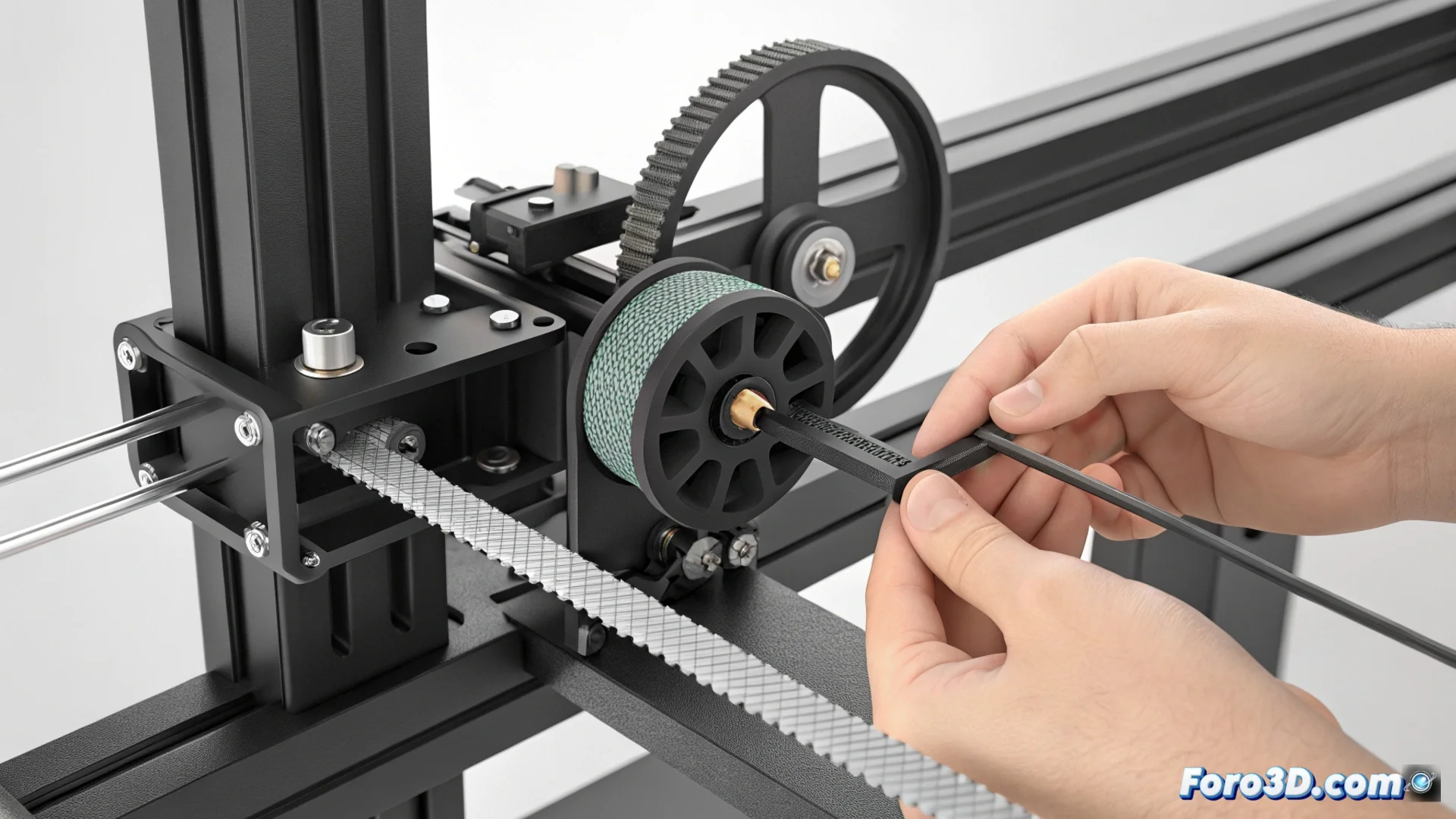
Steps to adjust tension:- Locate the tensioners: Find the tensioner screws on the X-axis carriage and on the motors that move the Y-axis. It is crucial to work with the printer completely turned off.
- Test the current tension: Press the belt with a finger at the midpoint of its path. It should give slightly, a few millimeters, offering firm but not rigid or loose resistance.
- Adjust incrementally: Use the provided Allen key to turn the tensioners. Do this in small increments of a quarter turn and check the tension after each adjustment. The goal is to achieve uniform and symmetrical tension in all belts.
Correct tension eliminates backlash that causes vibrations and is the first fundamental step to prevent motor failures.
Calibrate Speed and Acceleration Parameters
Although this model is designed to be fast, pushing its limits can destabilize the mechanical assembly. Reducing acceleration is often more effective than just lowering speed, as it minimizes the inertial forces the motors must counteract.
Recommended settings in firmware or slicer:- Reduce general acceleration: Try values between 8000 and 12000 mm/s², starting from the lower limit if the problem is severe. This setting affects all movements.
- Manage speeds by movement type: Keep high speeds for infills and travel moves, but lower the speed for external perimeters. This ensures precision in visible layers.
- Adjust jerk: A jerk value that is too high can cause sudden vibrations. Reducing it slightly helps make movements smoother.
Conclusion for Stable Printing
Fixing layer shifting on the K1 Max requires a dual approach. First, ensure optimal mechanical transmission through meticulous belt adjustment. Second, adapt software parameters so they do not overload the hardware. Periodically check tension and use conservative print profiles for complex models to exploit this printer's speed without sacrificing the dimensional quality of your parts. 🚀