How to Fix Error E23 on Bamboo Printers with MMS/AMS Module
When your Bamboo 3D printer displays the dreaded E23 code, you're facing a critical interruption in the internal communication between the main unit and the multi-filament MMS/AMS system. This failure prevents proper recognition of the spools and immediately halts any printing job, generating moments of true frustration when you most need to advance your projects 🚨.
Initial Diagnosis of the Communication Problem
Error E23 specifically indicates a data flow disconnection between essential components. Before panicking, it's essential to understand that it's generally a solvable issue through a systematic verification protocol. The good news is that in most cases, it doesn't require professional technical intervention if you follow the proper steps 🔧.
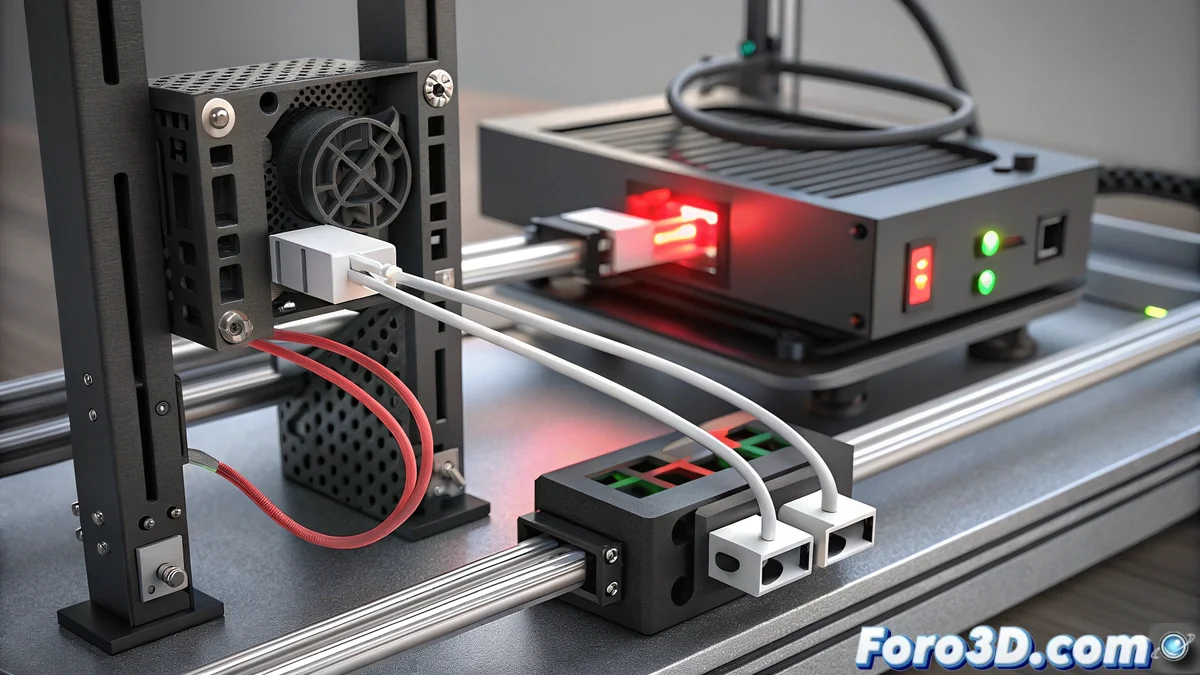
Thorough Verification of Physical Connections:- Minutely inspect all interconnection cables between the MMS/AMS module and the main printer, confirming they are fully inserted at both ends without visible deformations
- Examine with special attention the power connector and the data cable, as they are often the main culprits of communication failures due to loose contacts or internal damage
- Perform a deep cleaning of all connectors using compressed air to remove dust particles, filament, or residues that may be interfering with signal transmission
Technology sometimes seems to have days of passive resistance, as if the filament module decided to go on a technical strike just when you most need to complete that important design.
System Restart and Update Procedures
If the physical connections are in perfect condition, the next level of solution involves power restarts and software updates. These processes help reset communication parameters that may have been corrupted during previous operations 🔄.
System Recovery Sequence:- Completely turn off both the main printer and the MMS/AMS module, disconnecting them from the power grid for at least 30 seconds to allow complete drainage of residual energy
- Upon reconnecting, turn on the main printer first and only then the multi-filament module, respecting this boot sequence for proper initialization
- Access the settings menu to check for pending firmware updates, as Bamboo Lab regularly releases patches that specifically fix communication issues between components
Advanced Considerations and Definitive Resolution
When the problem persists after basic checks, it may be necessary to resort to deeper restoration procedures. A factory reset from the control panel usually resolves persistent conflicts, although it involves the loss of custom settings that you will need to restore manually. Remember that these systems, although advanced, depend on smooth communication between all their components to function correctly 🎯.