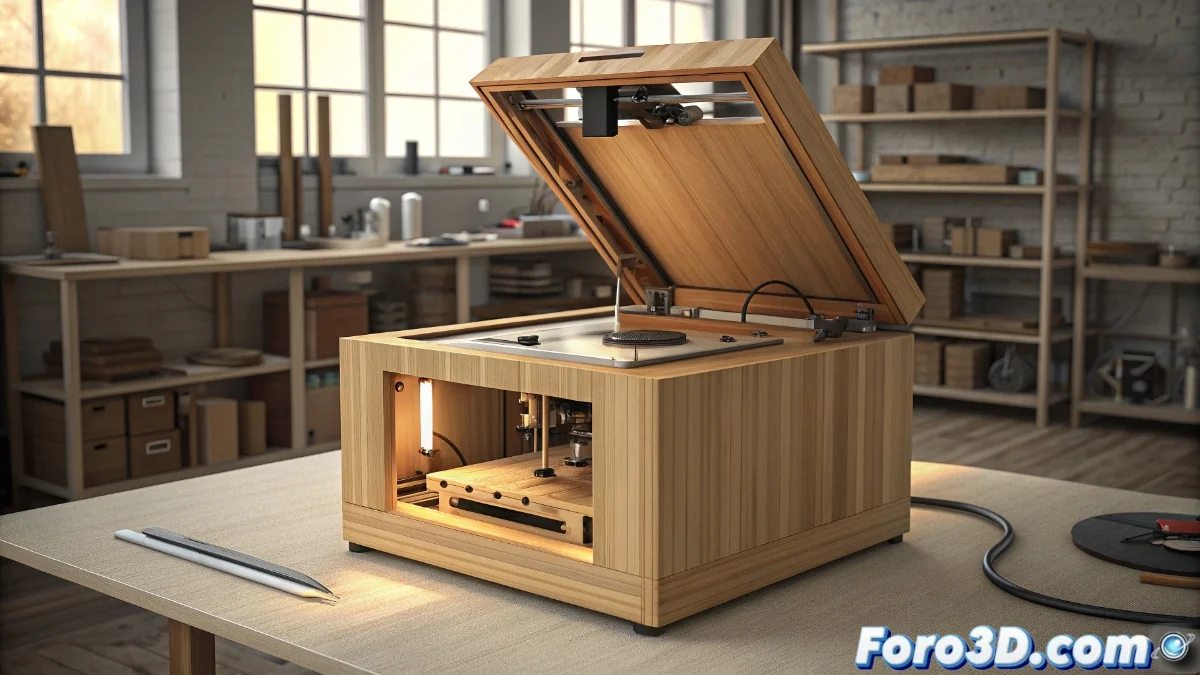
How to Fix Error E19 on Bamboo Printers
When your Bamboo printer displays the dreaded E19 code, it indicates an anomaly in the cover closure system. This safety mechanism prevents operation when it does not detect a complete closure, protecting both the user and the equipment during printing operations 🛡️.
Thorough Verification of the Closure System
The first crucial step is to meticulously examine the hermetic closure of the top cover. Often, minimal interferences such as filament residues or poorly placed cables can compromise the complete seal. It is essential to ensure there are no obstructions on the edges and to apply uniform pressure until you hear the characteristic sound of the mechanism locking correctly.
Step-by-Step Verification Procedure:- Visually inspect the entire perimeter of the cover for foreign objects or deformations
- Perform multiple closure tests to verify consistency in the mechanism
- Examine hinges and coupling systems for possible structural damage
3D printer safety technology acts as a silent guardian, preventing accidents even when we ourselves overlook basic procedures.
Maintenance of Sensor Components
Position sensors are the heart of the detection system. These components, whether magnetic or optical, require periodic maintenance to function optimally. The accumulation of dust particles or printing residues can alter their detection capacity, generating false positives in errors.
Specialized Cleaning Protocol:- Identify the exact location of all sensors on the printer's frame and base
- Use soft, dry cleaning materials to avoid damage to electronic components
- Verify the correct alignment and securing of magnets and mechanical switches
Reflection on User Practices
Frequently, the urgency to start projects leads us to omit essential checks. This situation is akin to trying to drive with half-open doors, where safety systems act as reminders of procedures we should not ignore. Methodical patience during preparation avoids numerous setbacks during print execution 🎯.