How to Fix Error E18 on Bamboo Printers
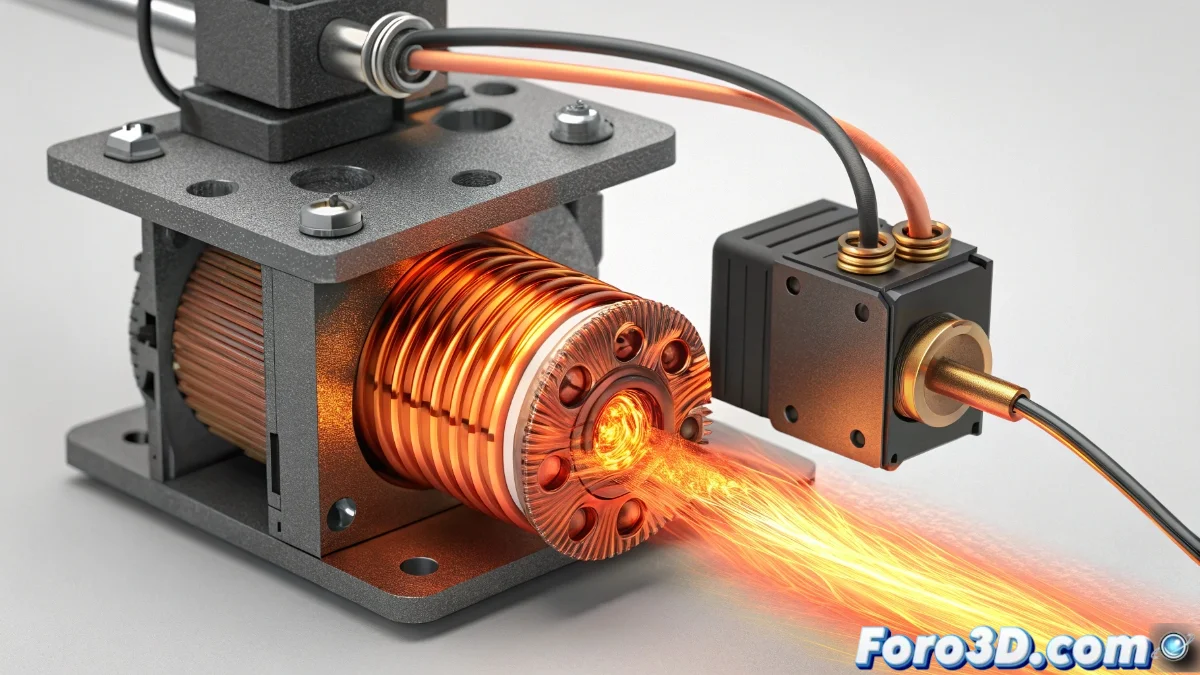
The E18 error on Bamboo printers is a critical warning that indicates complications in the extruder motor, often related to overheating or excessive electrical resistance. This failure abruptly interrupts prints and requires quick intervention to protect the extrusion system from possible irreversible damage. Identifying and acting in time is essential to preserve your equipment's performance 🛠️.
Precise Diagnosis of Error E18
To determine the origin of the E18 code, it is crucial to perform a meticulous evaluation. Start by monitoring the motor temperature during operation; if it feels excessively hot to the touch, it could be due to insufficient ventilation or high current flow. Use a multimeter to measure the motor's resistance, as anomalous values often indicate faults in the windings or internal connections. Additionally, a visual inspection of the wiring can reveal loose connections or damage that worsens the problem.
Key steps for diagnosis:- Check the motor temperature during operation and detect signs of physical overheating
- Measure electrical resistance with a multimeter to identify abnormal values
- Visually inspect the wiring for loose, damaged, or worn connections
An overheating motor is like an exhausted athlete: it needs rest and inspection to avoid total collapse.
Effective Solutions for Error E18
Once the cause is identified, address the problem with practical solutions. Thoroughly clean the motor's ventilation system, removing any obstructions in the air ducts. If the error persists, adjust the motor current in the firmware settings, slightly reducing the values to prevent overheating. In more severe cases, where measurements confirm abnormal resistance, complete motor replacement may be the safest option. Don't forget to ensure proper cooling of the mainboard, as accumulated heat in the electronics can affect motor performance.
Recommended corrective actions:- Clean the ventilation system to remove obstructions and improve airflow
- Adjust the motor current in the firmware to reduce overheating risk
- Consider replacing the motor if resistance measurements confirm internal malfunction
Final Reflection on Preventive Maintenance
The E18 error reminds us of the importance of preventive maintenance in 3D printers. These motors, though small, are vital for the success of your projects and can "rebel" under adverse conditions, such as excess heat. Implementing periodic checks and timely adjustments not only resolves immediate problems but also extends the lifespan of your Bamboo printer. Don't underestimate the power of regular inspections! 🔧