How to Fix Error E06 on Bamboo Printers: Complete Guide
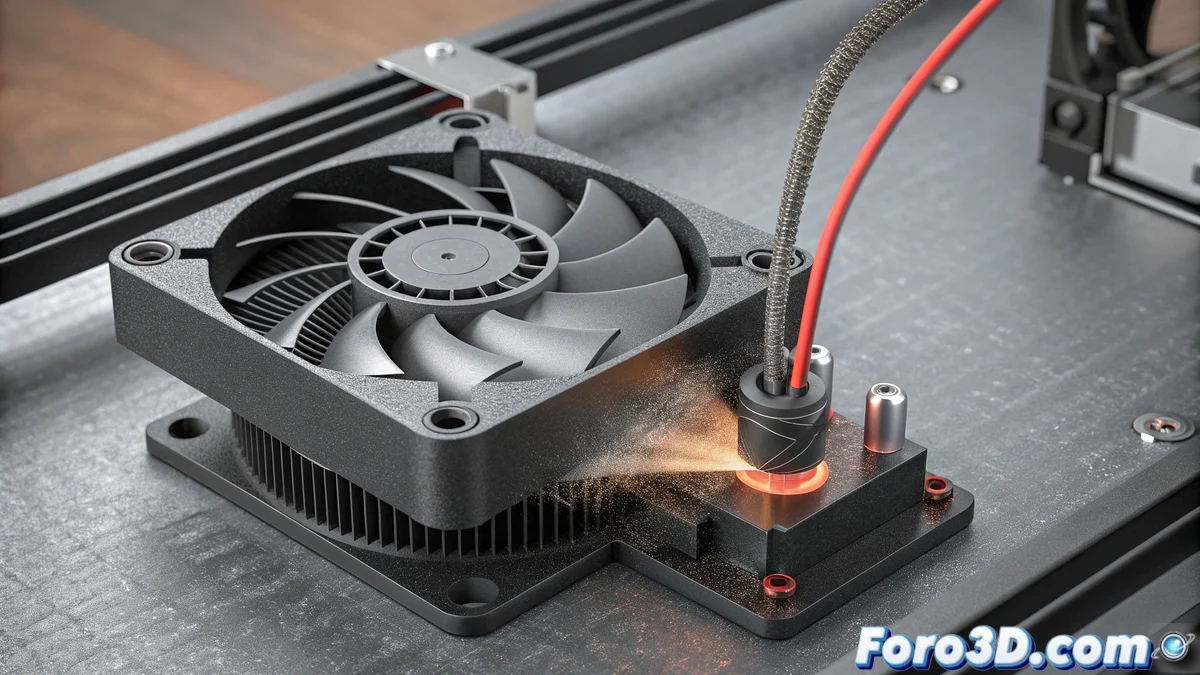
When your Bamboo printer displays the E06 code, it is alerting about a malfunction in the hotend cooling system. This error specifically monitors the fan rotation speed and stops the print when it detects anomalies to prevent overheating damage 🔥.
Initial Problem Diagnosis
Before performing any intervention, it is crucial to understand that the E06 error can originate from multiple causes. The printer's system constantly checks that the fan spins within the established parameters, and when it detects irregularities, it activates this safety code. The most common causes include mechanical obstructions, electrical circuit failures, or progressive wear of the internal bearings ⚙️.
Physical verification steps:- Completely disconnect the printer from the power source to ensure your safety during the inspection
- Visually examine the fan blades for accumulation of lint, filament residues, or other obstacles that limit their movement
- Manually rotate the fan to perceive if there is abnormal resistance or metallic sounds indicating wear in the bearings
- Thoroughly check the connection wiring for cuts, disconnections, or signs of overheating in the terminals
Regular preventive maintenance can prevent up to 80% of cooling system-related errors in 3D printers.
Cleaning and Maintenance Procedures
If during the inspection you identify dirt accumulation, proceed with a deep cleaning using compressed air or soft-bristle brushes. It is essential to avoid using liquid cleaners that could cause short circuits in the electronic components. To maintain optimal performance, we recommend performing this process every 60-90 days, especially if the printer operates in environments with high concentrations of suspended particles 🧹.
Essential preventive maintenance:- Schedule periodic cleanings according to the intensity of use of your equipment
- Verify that the fan mounting is firm and does not produce excessive vibrations during operation
- Check that there are no mechanical play that could alter the sensor's speed reading
Replacement of the Faulty Fan
When the previous measures do not resolve the E06 error, you will probably need to replace the complete component. Identify the compatible model by checking the label on the original fan. During installation, carefully disconnect the connector from the old fan and ensure to connect the new one respecting the correct polarity. Finally, run a no-load operation test to confirm that the error has disappeared and the new fan operates within normal parameters 🔄.
Final Considerations
Resolving the E06 error on Bamboo printers requires a methodical approach that combines physical verification, thorough cleaning, and eventual component replacement. Remember that this protection system is designed to safeguard your equipment from major damage, so addressing it promptly will not only resolve the current interruption but also extend the useful life of your printer. Sometimes, the fan seems to work correctly until the printer decides to remind us of the importance of preventive maintenance 😅.