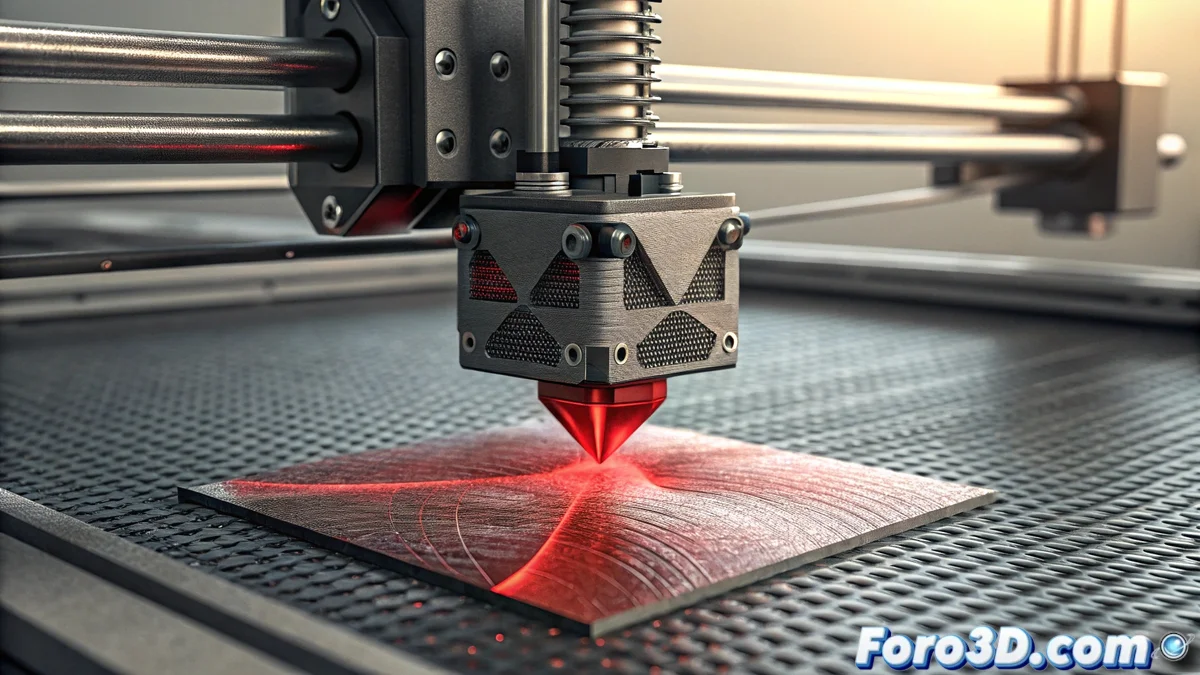
How to Fix Error E02 on Bamboo Printers: Complete Guide
The error code E02 on Bamboo printers represents one of the most common issues related to the automatic leveling system. This alert message usually appears during the initial calibration phase or just before starting a print job, indicating that the machine has detected irregularities in the distance between the nozzle and the hot bed surface 🔧.
Precise Diagnosis of Error E02
To correctly identify the causes of the leveling error, it is essential to perform a systematic check. Start by examining the condition of the print surface, as filament residues or adhesives can interfere with the sensor's measurements. If the problem persists, carefully observe the behavior of the print head during the automatic calibration process.
Warning signs to consider:- Abrupt stopping of the print head during the leveling movement
- Inability of the nozzle to reach the established reference points
- Inconsistent readings in different areas of the hot bed
A dirty height sensor is the main cause of incorrect readings in 70% of reported cases
Step-by-Step Solution Procedure
Resolving the error E02 requires a methodical approach that combines cleaning, manual verification, and technical adjustments. Start with a thorough cleaning of the sensor using isopropyl alcohol and specific applicators, ensuring that any particles affecting its operation are removed.
Sequence of corrective actions:- Deep cleaning of the sensor with appropriate materials
- Complete system reset and execution of automatic leveling
- Manual height verification using paper as a calibrator
- Inspection of electrical connections and condition of the metal bed
Advanced Technical Considerations
When basic solutions do not resolve the leveling problem, it is time to evaluate more specific components. For models equipped with an inductive sensor, verify that the metal bed is correctly positioned and free of deformations. Firmware updates can fix software bugs, while specialized technical assistance is recommended when irreparable hardware failures are suspected 🛠️.