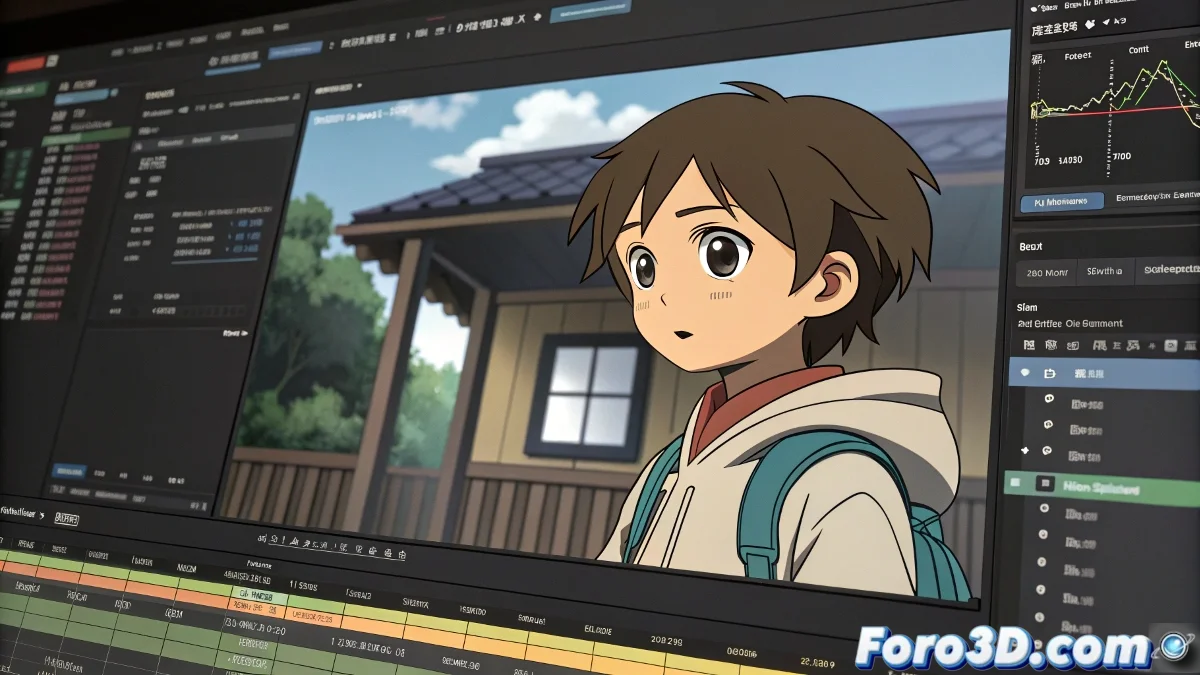
The Art of Exporting Without Your Animation Looking Like a Pixelated Meme
When a novice animator faces Anime Studio Pro (now known as Moho) for the first time, exporting often becomes a drama worthy of a soap opera. The program, in its infinite wisdom, suggests saving the project as uncompressed AVI, which generates files so heavy they could be used as ship anchors 🚢. And the worst part: sometimes they don't even look good.
Image Sequences: The Animator's Lifesaver
The most elegant solution is to export the animation as a PNG or TGA image sequence. This offers:
- Maximum quality per frame.
- Alpha channel for transparency (ideal for compositing).
- Total control when editing in programs like Premiere or DaVinci Resolve.
If you prefer to live on the edge, you can also install codecs like Lagarith Lossless, but be prepared for your operating system to look at you with suspicion 🤨.
Settings: The Secret to Avoiding Regret Later
Before you start, check:
- The project resolution (don't expect miracles if you're working in 480p).
- The FPS, because nobody wants an animation that looks like a flipbook from the 1920s.
Anime Studio can be finicky, but with these tricks, exporting will stop being a leap into the void.
In the end, it all comes down to mastering the program before it masters you. And if all else fails, you can always say the pixelation was an artistic effect 🎨. Good luck, brave animator!