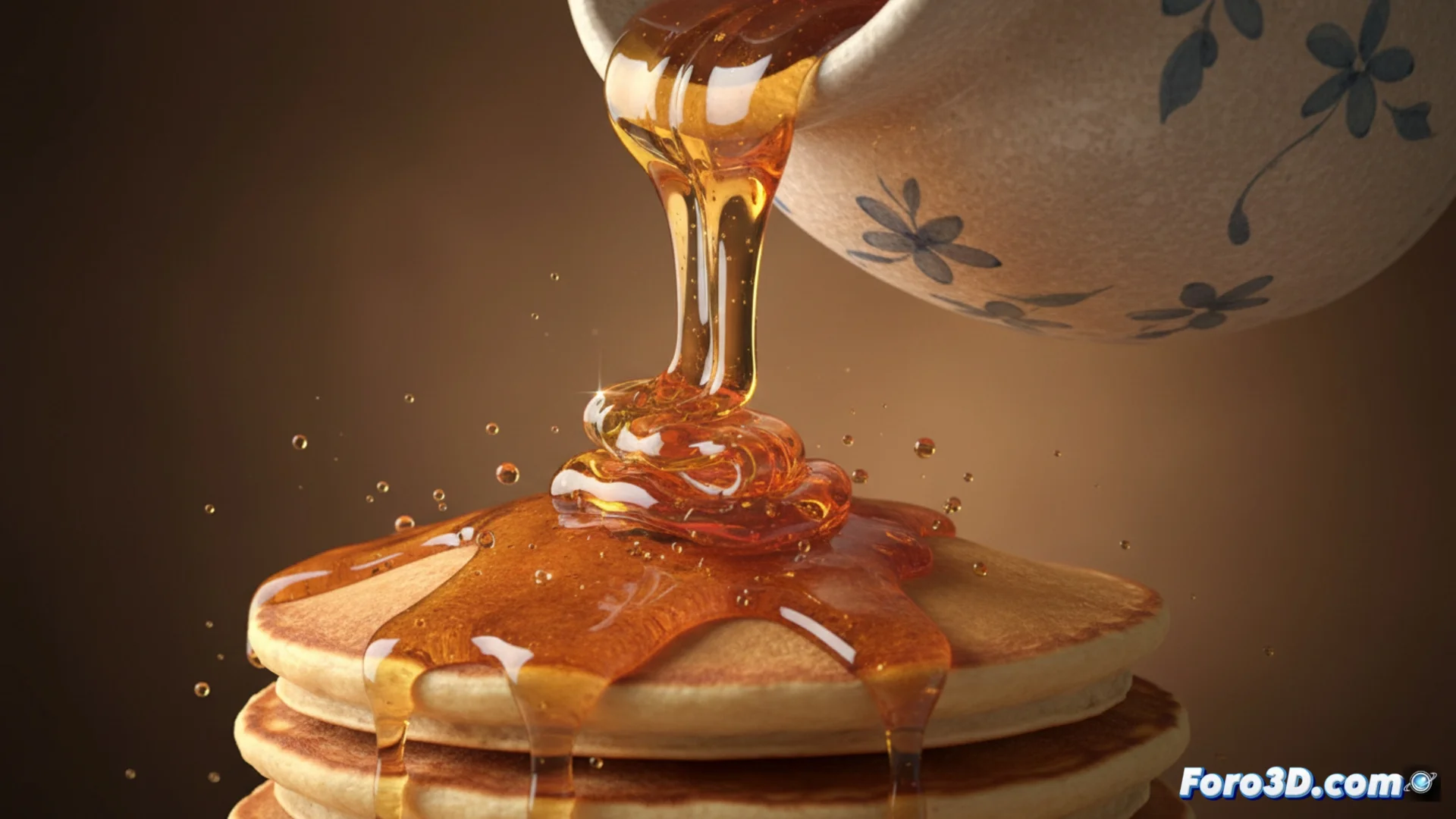
How to Create Flowing Liquid in 3D Software
Generating the illusion of a fluid in motion within a digital environment is a technical challenge that involves merging multiple techniques. 🧪 Artists rely on particle systems to produce elements like foam and droplets, while the main body of the liquid is modeled using volumes or meshes that change their shape. For the flow to be perceived as natural, it is essential to use physics solvers that calculate properties like viscosity. The final process requires adjusting many parameters and considerable time to process the image.
Specialized Tools for Simulating Fluids
The key to handling this complex behavior lies in applications created specifically for it. Software like RealFlow, Houdini, or the Bifrost system within Maya offers environments where the liquid's behavior in a defined space can be directed precisely. The artist sets up an emitter, determines environmental forces like gravity, and then runs the calculations. This phase produces cache data that can be reviewed and modified before moving to the next stage.
Typical Workflow in a Simulator:- Define the domain and emitter: The area where the fluid will exist and the point from which it originates are established.
- Set up the physical environment: Forces such as gravity, wind, or collisions with objects are adjusted.
- Process and cache: The software calculates the movement and saves the data to allow modifications and repetitions without recalculating everything.
Patience is an essential ingredient. Adjusting a simulation so that a liquid spills in a cinematically correct way can take longer than the real action it represents.
Bringing the Liquid to Life with Materials and Lighting
Once the simulation geometry is ready, the next crucial step is to apply the correct visual materials. Using a Subsurface Scattering shader is vital for light to penetrate the fluid volume, generating that characteristic sense of density and internal color. The way the scene is lit must be meticulous, taking advantage of intense reflections and refractions to highlight transparency and surface movements. 💡
Key Elements for the Final Look:- Shader with Subsurface Scattering (SSS): Allows simulating how light scatters within a semitranslucent material like water, milk, or juice.
- Lighting for Refraction: Lights and HDRI must be set up to create realistic distortions when looking through the liquid.
- Ray-Tracing Render Engine: To accurately capture transparency effects, reflections, and shadows, producing the most convincing results.
Conclusion on the Comprehensive Process
Creating realistic liquids in 3D is a process that combines advanced physical simulation and careful rendering. From defining dynamic behavior with specialized tools to polishing the visual appearance with complex shaders, each stage is interdependent. Success lies in understanding how these systems interact and being prepared to invest the necessary time in adjusting and processing, thus achieving a digital fluid that not only moves but also feels tangible and believable. 🎬