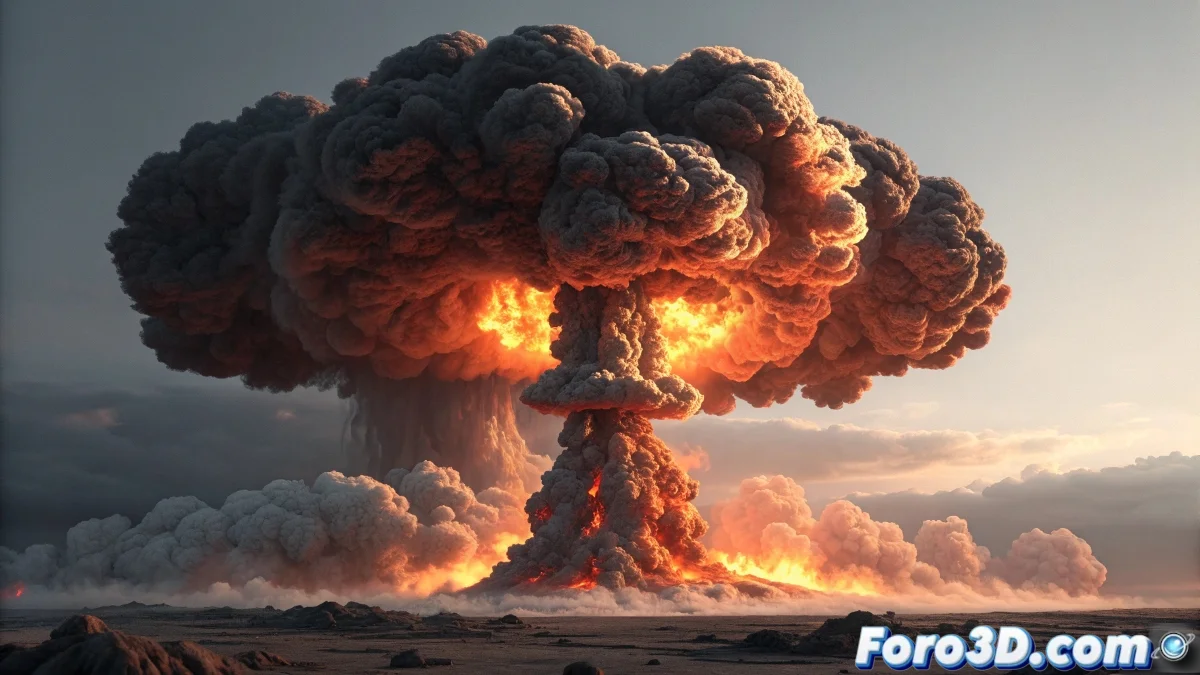
The Art of Exploding in Cartoon Style
It is indeed possible to create explosions and smoke with a cellshading style in 3ds Max, although it requires a completely different approach than realistic effects. Cellshading, also known as toon shading, transforms chaotic explosions into works of art with defined edges and flat colors.
The secret is not in physically simulating the explosion, but in representing its visual essence through non-photorealistic material and lighting techniques. It's like turning a destructive phenomenon into an animated painting.
In the cellshading world, an explosion doesn't need to be realistic, it needs to be aesthetically convincing
Techniques for Cartoon-Style Explosions
There are several approaches to achieve this effect, from simple methods with materials to advanced render settings. The key is to eliminate smooth transitions and create well-defined color bands.
- Ink'n Paint type materials: using 3ds Max's native toon material
- Band lighting: setting up lights that create flat color areas
- Billboard geometry: modeling flames as planes with textures
- Outline effects: enabling outline rendering for marked edges
Cellshading Material Setup
The ink'n paint material in 3ds Max is your best ally for this effect. It allows you to precisely control how lights and shadows are rendered, creating that characteristic Japanese animation look.
For explosions, you will need to adjust the parameters to mimic the behavior of fire and smoke, while maintaining the cartoon style. It's a balance between recognizability and stylization 😊
- Paint Levels: reduce to 2 or 3 to create defined color bands
- Lighted colors: use vibrant orange and yellow tones for flames
- Shaded values: adjust between 30-50 for consistent shadows
- Ink outlines: enable with variable thickness for details
Alternatives for Smoke and Atmospheric Effects
Smoke presents a particular challenge because its diffuse nature contradicts the hard-edged style of cellshading. The solution lies in approaching it as solid shapes with controlled transparencies.
Instead of using volumetric particle systems, it's better to model smoke shapes as stylized clouds or use textures with transparency on camera-oriented planes.
- Create smoke clouds through organic modeling
- Use materials with transparency gradients
- Apply noise modifiers for irregular shapes
- Use sprites with stylized smoke textures
With these techniques you can create explosions that look like they came straight out of an anime... although you'll probably spend more time adjusting colors than watching things blow up 🎨