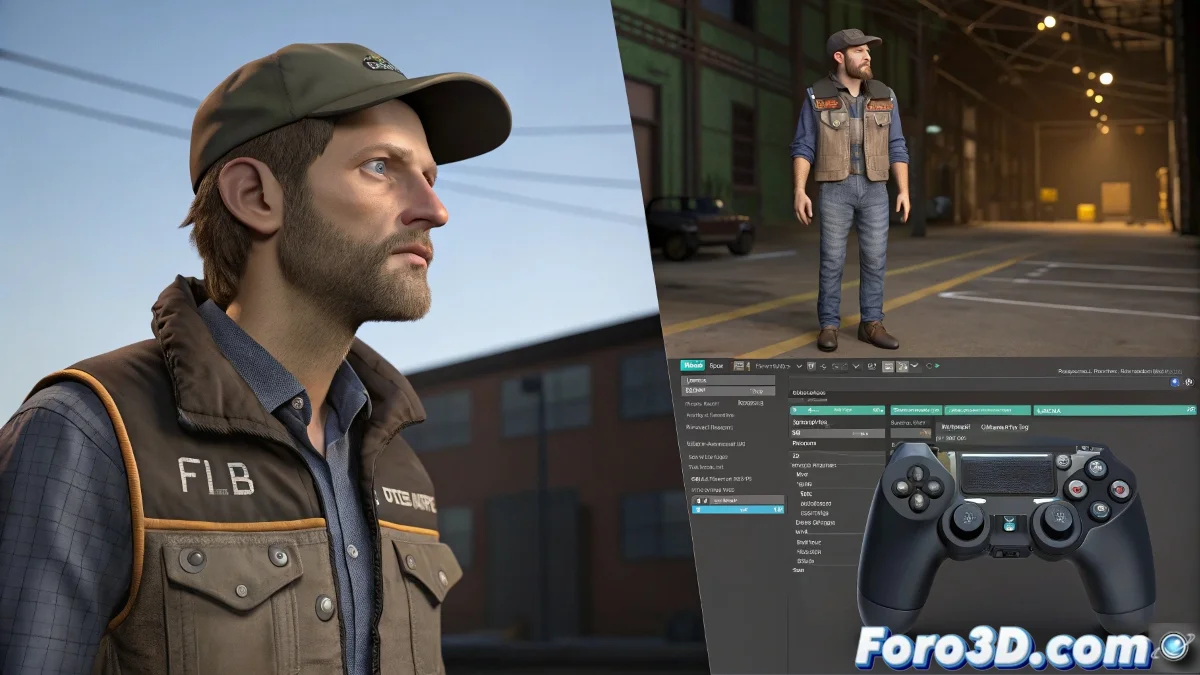
When IK/FK Makes You Doubt Your 3D Career
Setting up a decent IK/FK system is like learning to skate: at first you fall more than you progress, but once you get the hang of it, it's pure magic. 🎩 This 35-minute tutorial guides you step by step, even though YouTube will later compress it like it's a 2006 meme.
The ABCs of IK/FK Rigging They Don't Teach in School
- IK for precise movements (like placing hands on surfaces)
- FK for natural arcs (like swinging arms while walking)
- Blending for smooth transitions between both systems
- Controllers that don't look like an engineering exam
A good IK/FK rig is like a good suit: you don't notice it when it's well made, but it's glaringly obvious when it fails.
Uploading Your Tutorial Without It Looking Like a Bigfoot Video
To prevent YouTube from ruining your tutorial:
- Export in H.264 (the language YouTube understands)
- Use 1080p minimum (720p already looks like a dial-up era tutorial)
- Bitrate of 15,000 kbps (yes, your internet will suffer)
- 30 fps (unless your rig is for film)
Alternatives When YouTube Isn't Enough
If the compression is killing you:
- Upload the original to Google Drive/Mega and share the link
- Try Vimeo for less compression
- If the forum allows it, split the video into parts
Fun fact: 90% of rigging problems are solved by restarting the software... the other 10% require tears and tutorials like this one. 😅
And remember: if your tutorial looks pixelated but teaches well, it's worth more than a 4K video that explains nothing. After all, what matters is that people learn... even if it means watching your rig at 480p like in the old days. Happy rigging! 🦴
Bonus tip: Record a 1-minute test first to adjust your settings. Better to discover your microphone sounds like a tin can now than after recording for 35 minutes.