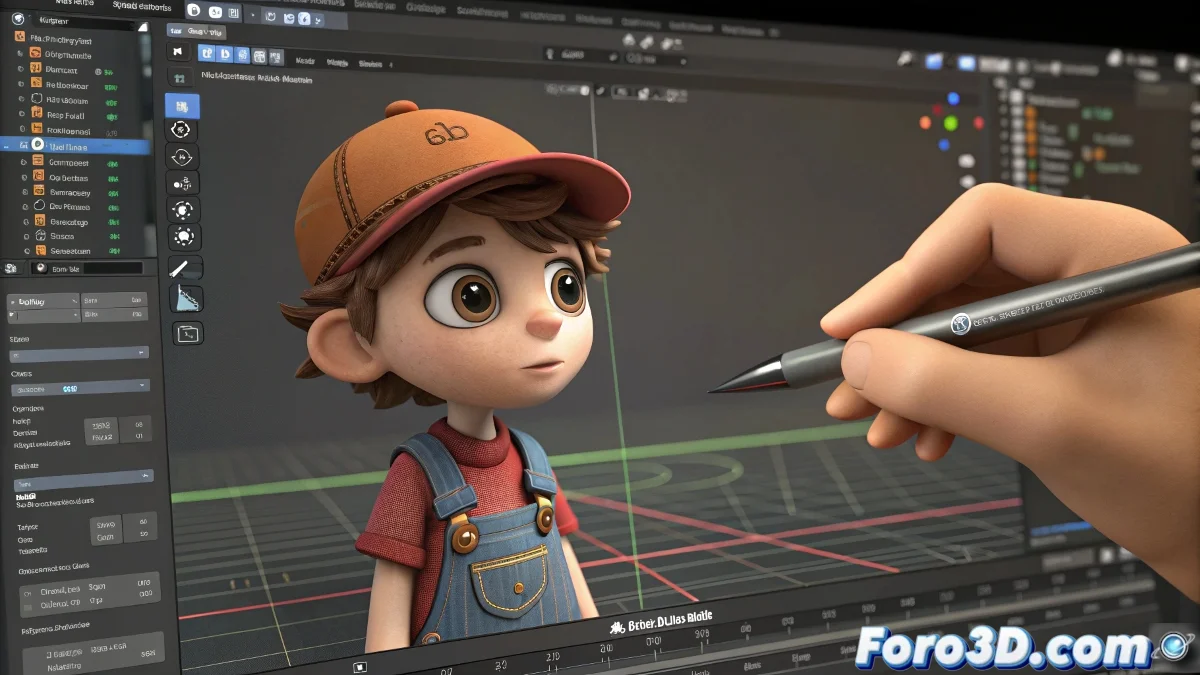
How to Correct Playblast-Type Animations with Advanced Control
If you are looking to correct playblast-type animations with advanced control, similar to what Animation Mentor offers, there are several tools that can help you achieve this goal. Although there aren't many free options that completely match that experience, there are alternatives that can be very useful. And no, you don't need to be a Disney artist to do it! 🎨
Free and Accessible Options
Here are some free alternatives you can try:
- Blender: With its Grease Pencil tool, you can draw directly on the animation window, which facilitates corrections and visual notes frame by frame.
- Krita: Although it is more focused on drawing, you can import image sequences and draw over them with great precision.
- Shotcut or DaVinci Resolve: These video editing programs allow for simple annotations and overlays, although they are not as focused on frame-by-frame correction.
Affordable Paid Options
If you are willing to invest a little, here are some affordable paid options:
- TVPaint Animation: A professional 2D animation program with drawing tools over sequences, widely used in the industry and relatively affordable.
- Toon Boom Harmony Essentials: The basic version of Harmony also allows drawing over sequences and has options for working on already rendered animations.
If you are looking for something more specific for 3D animators, the usual technique is to use playblasts within the 3D software itself (like Maya or Blender) and use the annotation or Grease Pencil tools to leave feedback or corrections. This avoids having to constantly export and reimport.
In summary, although there isn't a free "all-in-one" tool that is exactly like Animation Mentor, by combining tools like Blender with Krita or even DaVinci Resolve, you can achieve a very similar workflow without investing much. And remember, if the animation doesn't turn out perfect, you can always blame the playblast! 😉
Creativity and practice are key in animation. Don't be afraid to experiment with different tools and techniques!