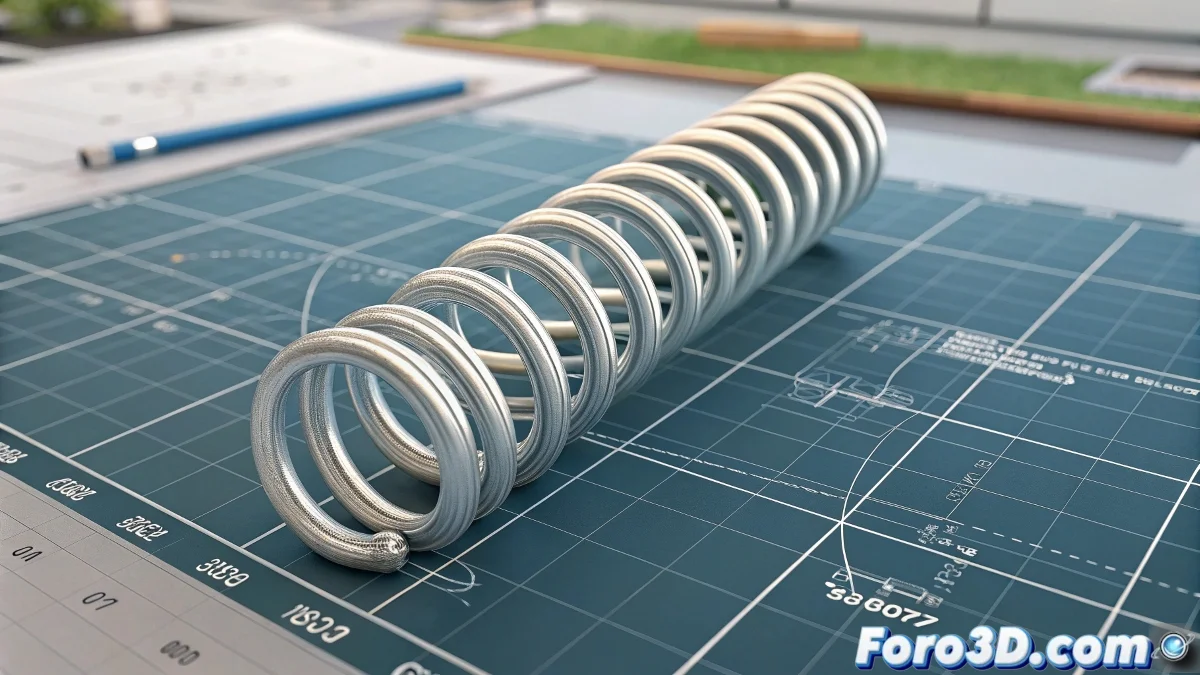
How to Control the Initial Height in Wire Parameters for Helix
When you use Wire Parameters to link an object's rotation to the height of a Helix in 3ds Max, it's common for the initial height to be zero if you only use a simple expression like (-X_Rotation)73. This happens because the base value is not defined and the calculation starts from zero. To solve this, you need to modify the expression to include a fixed initial value. And no, you don't need to be a math expert to do it! 📏
Modifying the Expression
For example, if you want the initial height to be 50 and then have it stretch based on rotation, you can write something like this in the Wire Parameters:
50 + (-X_Rotation) 73
This indicates that the Helix will always have a base height of 50, and from there, with rotation, the height will increase or decrease according to the calculated value. This way you avoid it starting completely shrunken.
Controlling the Behavior
If you want to better control the behavior, you can also use more complex functions or limit values with conditionals. However, to start, this simple addition works very well and is easy to understand. The trick is to add the initial value you want and then multiply the rotation to stretch the Helix.
Be careful, because if the rotation becomes negative, the height could also become negative. You can add a maximum to avoid negative values or adjust the formula so it's always positive. In summary, Wire Parameters is very powerful; you just need to give it that extra bit with the formula to start from the correct height and prevent your spring from turning into a lifeless thread. So adjust those parameters and get ready to see it come to life! 🌟
With these tips, you will be able to effectively control the initial height in Wire Parameters for Helix in 3ds Max. And remember, if the height doesn't behave as you expected, you can always blame the rotation! 😉