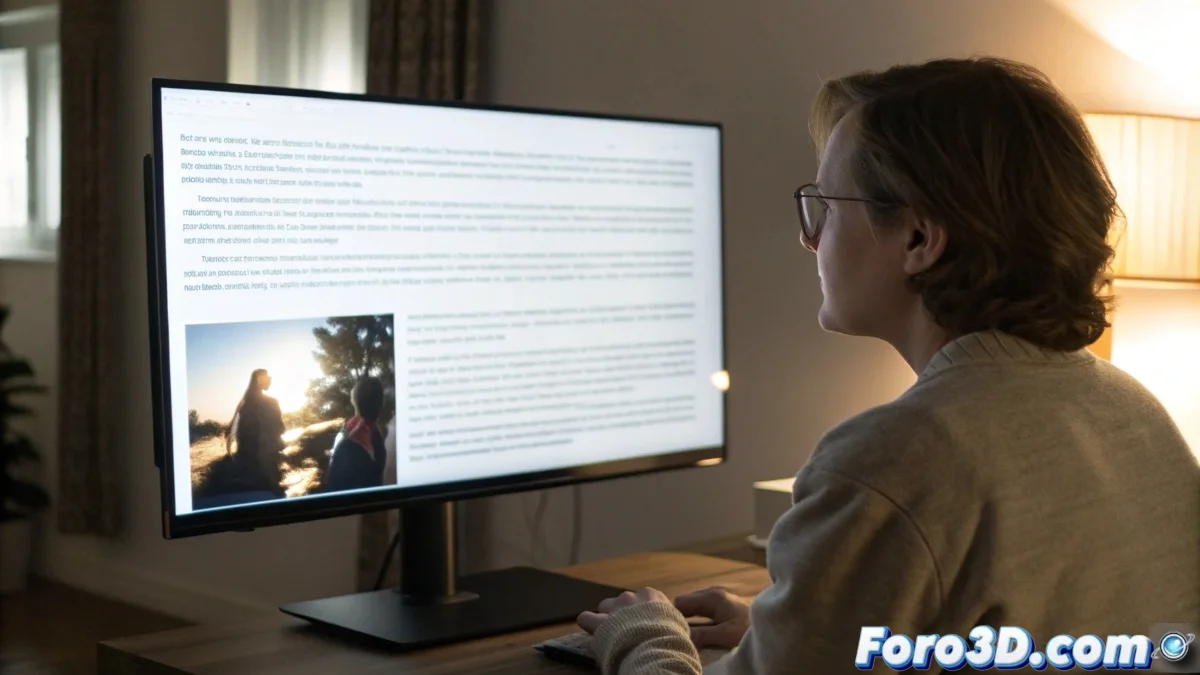
How to Choose a Monitor for Amblyopia or Lazy Eye
Amblyopia, commonly called lazy eye, requires devices that facilitate comfortable and stable vision. Choosing the right monitor can make a difference in visual fatigue and daily quality of life. 🖥️
Key Technologies to Reduce Visual Strain
It is essential to prioritize features that minimize eye strain. Flicker-free technology eliminates backlight flickering, while a built-in blue light filter protects against short wavelengths that overload the eyes. Additionally, a matte surface prevents annoying reflections. 👁️
Essential Features:- Flicker-free: Avoids flickering that fatigues the eyes binocularly
- Blue light filter: Reduces exposure to aggressive short wavelengths
- Anti-reflective surface: Eliminates glare that hinders visual fixation
A monitor for amblyopia should act like an ergonomic sofa for your pupils, demanding less visual laziness and offering maximum comfort.
Resolution and Homogeneity for Sharp Focus
A Full HD resolution or higher ensures that texts and objects are well-defined, facilitating focus without excessive effort. IPS panels provide brightness homogeneity, avoiding uneven areas that disorient ocular convergence. 📊
Visual Quality Aspects:- High resolution: Clear and defined images and texts
- Brightness homogeneity: Uniform distribution without brighter or darker areas
- IPS panel: Consistent colors and wide viewing angles
Ergonomic Adjustments and Specific Recommendation
An ergonomic stand allows adjusting height and tilt to optimize the viewing angle, reducing strain on eye muscles. Combining these features creates a visual environment that supports long-term eye health. For users with amblyopia, the ASUS ProArt PA278QV is an excellent option, integrating an IPS panel, accurate color reproduction, and eye care technologies. 🛠️