How to Change the Desiccant in the AMS and Resolve the HMS_0702-0200 Error
The Automatic Material System (AMS) constantly monitors humidity. When the internal desiccant loses its effectiveness after several thermal regeneration cycles, the printer stops operation and displays the HMS_0702-0200 error code. This signal alerts you that you must intervene manually to restore the moisture barrier and protect your filament spools. 🛡️
Steps to Replace the Desiccant Cartridges
To replace the exhausted material, follow this orderly procedure. Always make sure to use specific silica gel for the Bambu Lab AMS, as it is designed to withstand the high temperatures of the regeneration cycle.
Step-by-Step Procedure:- Power Off and Disconnect: First, turn off the 3D printer and disconnect the power and data cables from the AMS module.
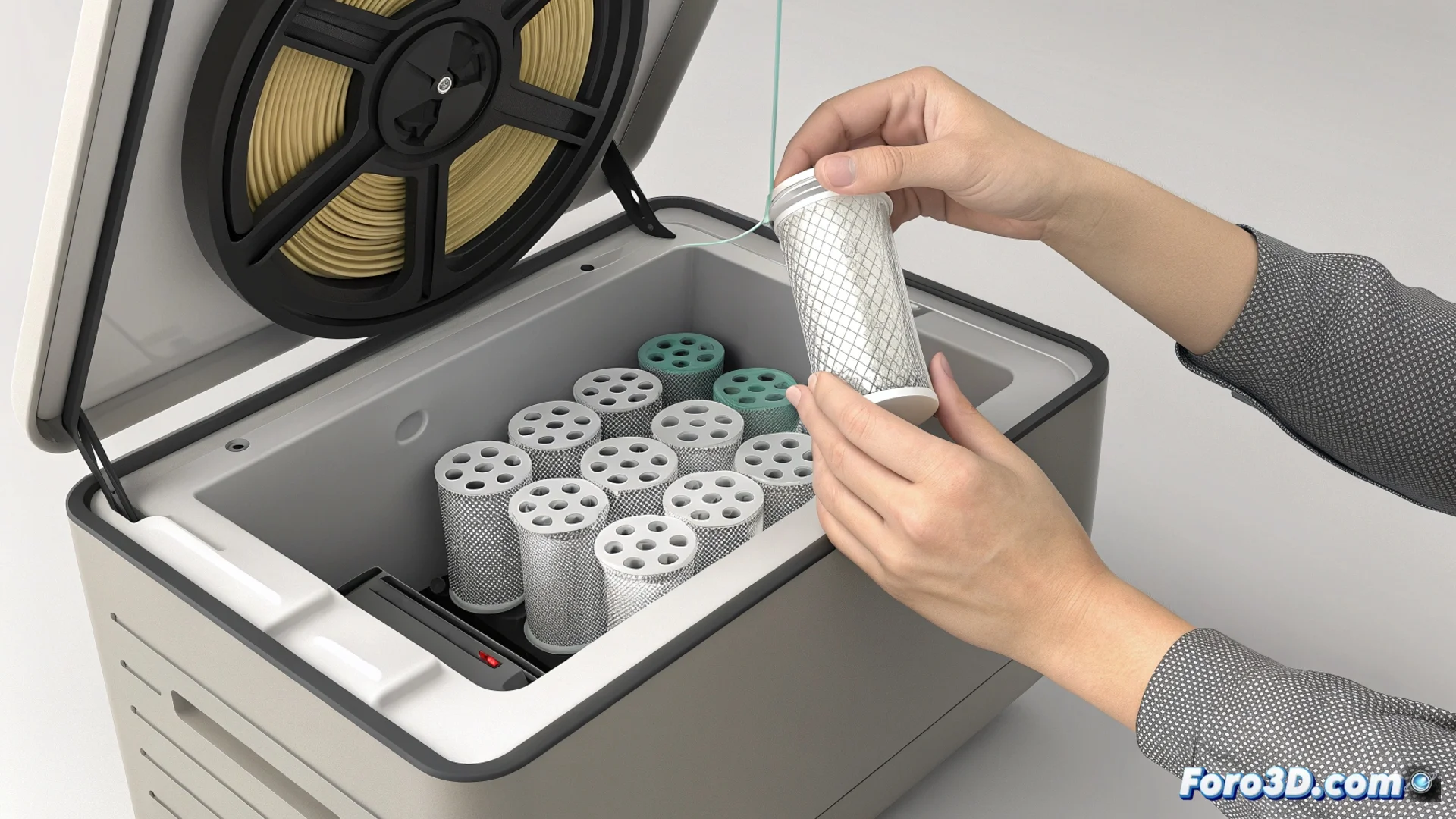
- Open and Locate: Lift the top cover of the AMS. Identify the desiccant cartridges, which are normally located in the back area of the device.
- Remove and Insert: Carefully remove the used cartridges. Insert the new cartridges, checking that they fit securely in their designated slot.
- Restart the System: Reconnect the AMS to the printer and turn it on. The system should automatically detect the new components and the error message should clear.
A small gel becomes the essential guardian that prevents your filaments from absorbing moisture and becoming brittle or printing poorly.
Tips to Optimize Desiccant Lifespan
Beyond replacement, proper maintenance can make the new desiccant work effectively for longer. The main goal is to minimize its exposure to the ambient humidity in the workshop or room.
Recommended Practices:- Keep Closed: Always close the AMS lid when not loading or unloading a filament spool. This simple habit drastically reduces the entry of humid air.
- Monitor the Environment: Try to place your printer and AMS in a space with the lowest and most stable relative humidity possible.
- Log Changes: Note the date when you perform the replacement to anticipate the next maintenance cycle.
Conclusion on AMS Maintenance
Resolving the HMS_0702-0200 error by changing the desiccant is a simple but critical task. It ensures that the AMS can continue protecting your materials from moisture, which is essential for achieving consistent, high-quality prints. Paying attention to these operational details avoids major problems and ensures the continuous productivity of your 3D printing setup. ✅