How to Avoid Errors When Importing Old BIP Files in Recent Versions of 3ds Max
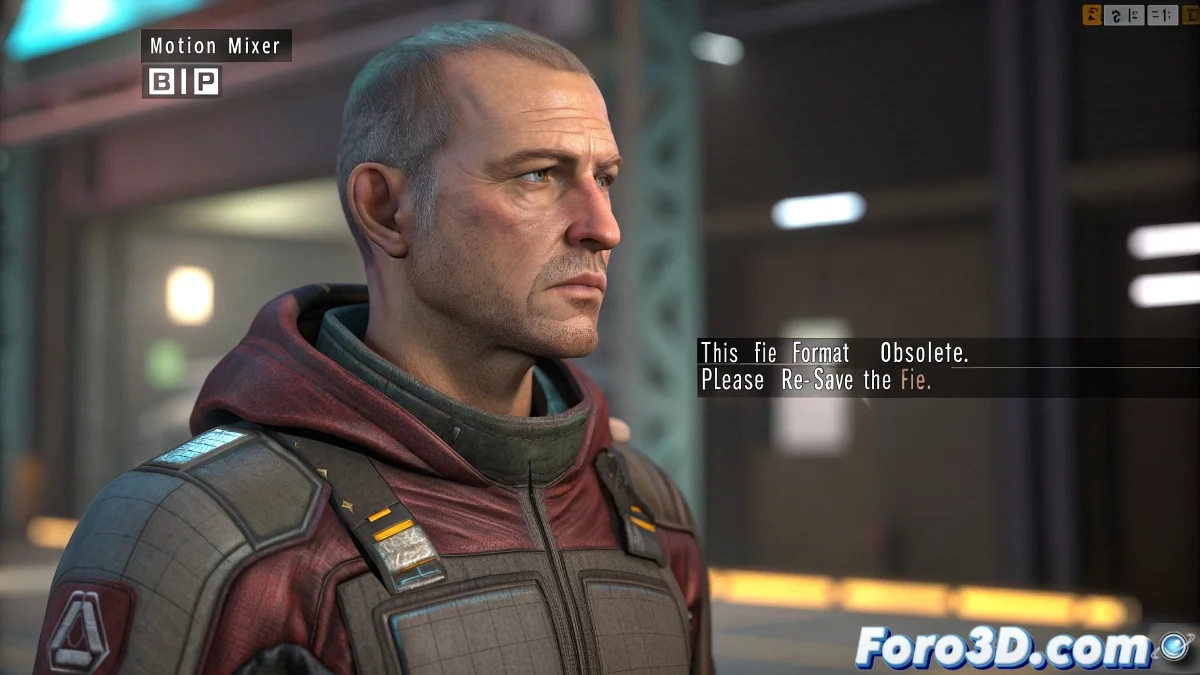
If you've ever tried to load a .BIP file created in the digital prehistory of 3ds Max, you've surely been greeted by the famous message: This file format is obsolete. Please re-save the file... 😩. And of course, your character is left motionless, staring into the void as if waiting for instructions.
Why This Friendly Error Occurs
The problem arises because modern versions of 3ds Max want nothing to do with Jurassic formats. If the BIP file was created in very old versions (like Max 2012 or earlier), the current software simply throws up its hands and says: I can't handle this.
Solutions to Bring the BIP File Back to Life
- Open the .BIP file in an older version of 3ds Max (if you have access to one, like 2014 or 2016) and re-save it from there. It's like giving the file a quick update.
- If you don't have old versions, you can create a similar rig and use Save Motion Capture File to export a new BIP compatible with the current version.
- Another alternative is to use Motion Mixer. Import the file as a clip and manually apply the animation to the current Biped. More steps, but it usually works 🛠️.
Additional Tips to Avoid Repeating the Drama
If you work with BIP files from different sources, always try to maintain an updated library of animations in a recent format. This way you'll avoid unpleasant surprises in the middle of an urgent project.
Final thought: If after all that the file remains rebellious, remember that maybe it's already enjoying its golden retirement. Perhaps it wants to rest in peace in some forgotten corner of the hard drive... or in the best case, become part of animation history 😅.
Conclusion with Humor and Resignation
With these methods, you can revive those old BIP files and give them a second chance to shine in current projects. And if nothing works... well, you can always pay a nostalgic tribute to the animations of yesteryear 🎬.