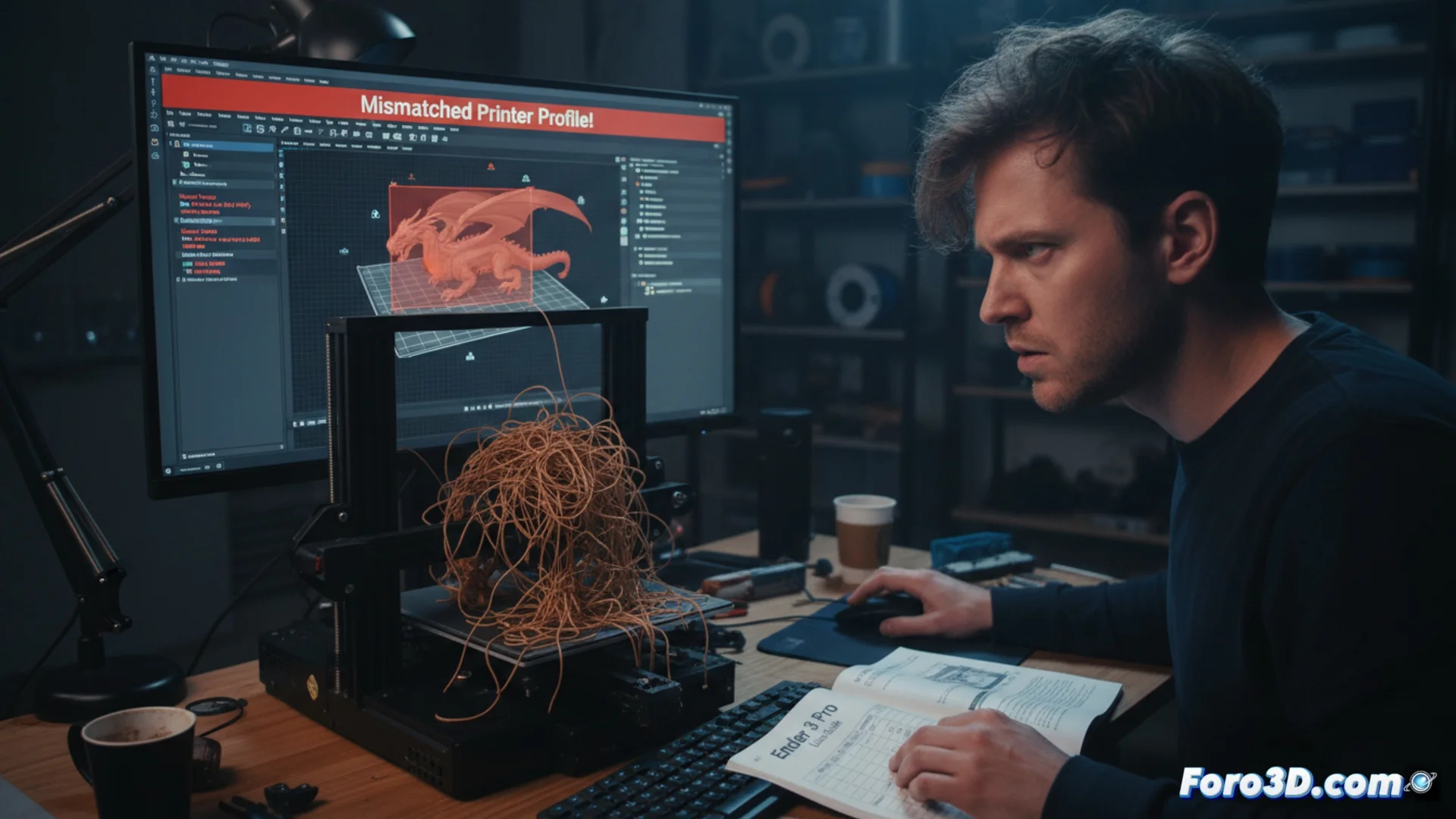
How to Avoid Damage to Your 3D Printer from Incorrect G-Code Commands
When the instruction file that guides your 3D printer contains commands that it cannot interpret or execute, the result can be catastrophic. These failures not only ruin the model you're trying to produce but can also seriously compromise the physical integrity of your equipment. 🚨
The Origin of the Problem: Incorrectly Configuring the Machine
The root of this issue almost always lies in the slicing process of the model. If the software uses a printer profile that does not match your hardware, it will generate G-Code with inappropriate values. This code dictates precise actions such as heating the extruder, moving the axes, or regulating motor speeds, forcing the machine to operate outside its safe limits.
Steps to Verify the Profile in Your Slicer:- Before slicing, ensure the software has selected the exact model of your printer. Do not rely on generic profiles.
- Check in the settings that the print area, maximum height, and maximum hotend temperature values match the manufacturer's official specifications.
- Verify that other hardware parameters, such as the extruder type or heated bed, are correctly defined.
A G-Code that orders heating to 300°C on a machine whose thermistor supports 250°C is a sure way to generate smoke and permanent damage.
Review and Manually Correct Parameters
Even with the correct profile, it is a smart practice to monitor the settings for each job. Predefined values may not be optimal for the specific material you're using or for the model design.
Key Verification Actions:- Examine the temperatures assigned to the bed and extruder, adjusting them to the filament (PLA, ABS, PETG, etc.).
- Inspect the print speed and retraction settings to avoid clogs or stringing.
- If you obtained the G-Code file from an external source, open it with a text editor. Look for commands like M104 (extruder temperature) or G1 (linear movement) to identify and correct any anomalous figures.
Conclusion: Prevention is Key
Operating your 3D printer with an incompatible G-Code is an avoidable risk. Spending a few minutes confirming the machine profile in the slicing software and manually reviewing critical parameters will save you hours of frustration, wasted material, and, most importantly, costly repairs. A meticulous workflow protects your investment and ensures successful prints. ✅