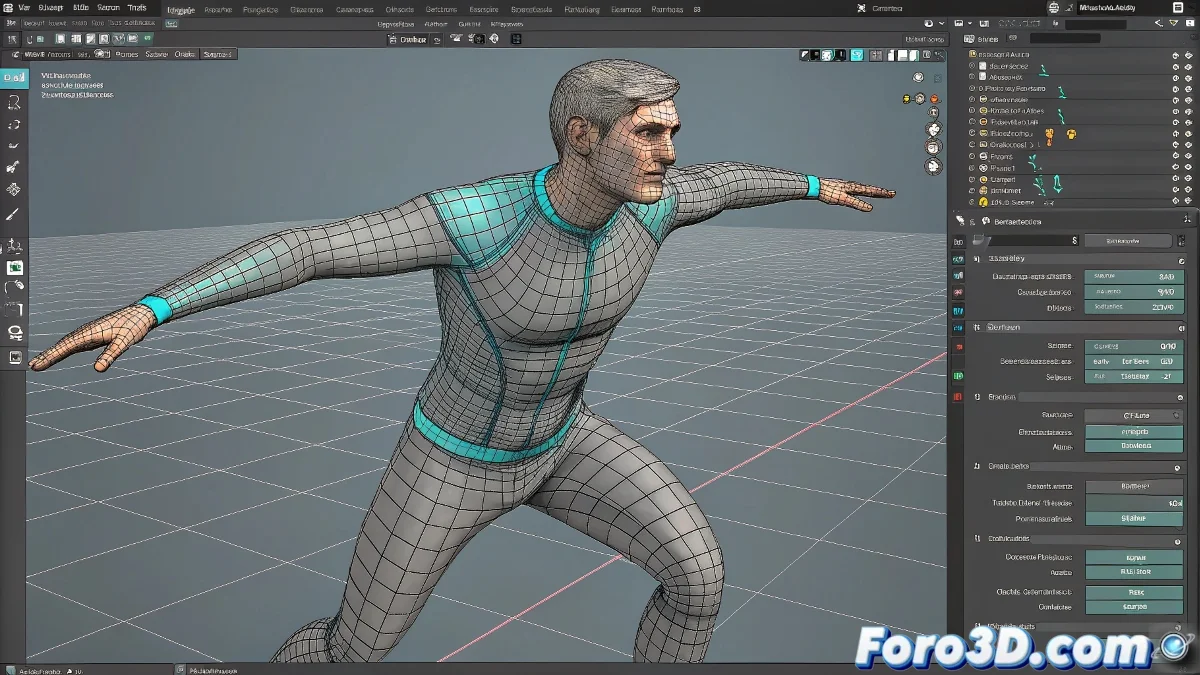
Master the Wrap Deformer in Maya Like a Jedi 🪄
Ah, the Wrap Deformer! That digital lifesaver that turns hard objects into soft, chewy gum. In Maya, it's your best ally for making one mesh follow another like a lapdog. Let's get to the point:
Quick Guide to Applying a Wrap Deformer
- First select the high-res mesh (your detailed character)
- Then the low-res mesh (the one that will act as the control)
- Go to Deform > Wrap in the animation menu
- Adjust the parameters like Dropoff and Smoothness
"A well-applied Wrap is like good makeup: it works magic without revealing the trick."
Common Mistakes and How to Avoid Them
- Problem: The deformer doesn't work
Solution: Verify that both meshes are in the same initial position - Problem: Strange deformations
Solution: Adjust the Dropoff and use the component editor to fine-tune influences
For tutorials in Spanish, I recommend:
- The channel "Maya en Español" on YouTube
- The series "Deformadores en Maya" by CGSpain
- The course "Rigging para humanos" on Domestika
Remember: the Wrap Deformer is powerful, but as with all great power comes great responsibility... and the occasional headache when it misbehaves. Persevere, because the result is worth it! 💪
PS: If it doesn't work at first, try restarting Maya. 30% of problems are solved with this "magic ritual". ✨