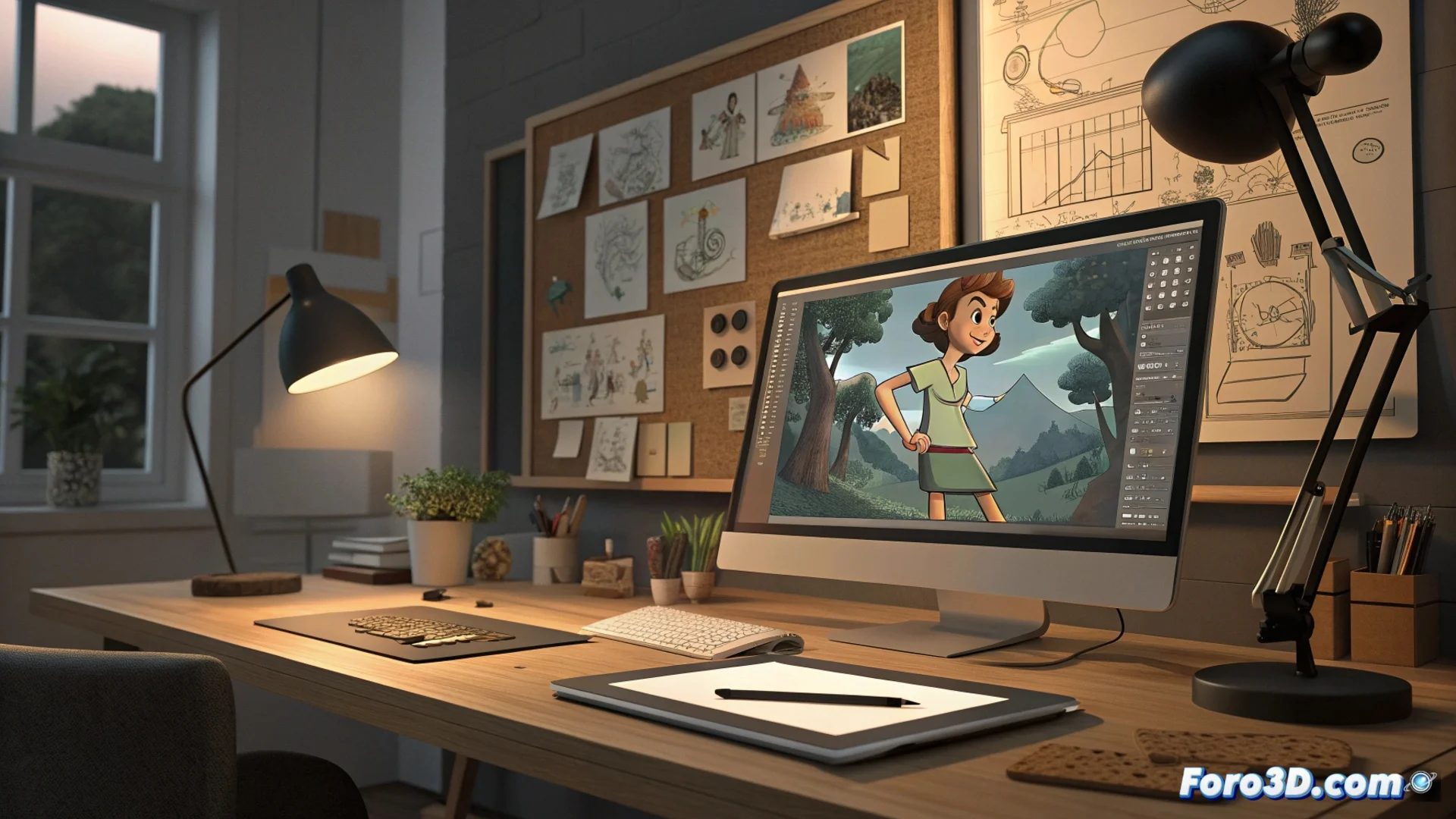
How to Animate Your Corel Draw Vector Drawings
When your vector illustrations in Corel Draw are ready, the next challenge is to bring them to life. 🎬 The choice of the right software determines how much control you'll have and the visual style you'll achieve.
Select Your Animation Tool
There are several applications designed to work with vector graphics. Adobe Animate is a popular option to get started, ideal for creating frame-by-frame animations or using interpolations. For more demanding projects, Toon Boom Harmony offers a comprehensive set of features, used in professional productions. If you're looking for a free alternative with an accessible learning curve, OpenToonz is an excellent option to start animating without investing.
Software options for different levels:- Adobe Animate: Perfect for beginners, handles vectors natively and allows motion interpolation.
- Toon Boom Harmony: Advanced tool with powerful rigging, used in the animation industry.
- OpenToonz: Free and open-source software, ideal for learning the fundamentals of 2D animation.
Choosing the right program is not just about power, but about how well it fits your workflow and personal style.
Organize and Animate Your Elements
The process begins by exporting your drawings from Corel Draw. Formats like PNG with transparency or SVG preserve quality and are compatible with most programs. Once imported, it's crucial to separate the elements into independent layers (arms, legs, head) to animate each part separately. Then, you define the key frames that mark the main poses. The software can generate the in-between frames automatically, although drawing each one manually provides absolute control over the movement.
Essential Workflow:- Export from Corel Draw in PNG with transparent background or SVG.
- Import and organize the elements into separate layers within the animation software.
- Define key frames and let the software interpolate, or draw each frame by hand.
Integrate Sound and Finalize the Project
Visual animation is just one part. You'll need a video editor to assemble the sequences, add music, sound effects, and dialogues. DaVinci Resolve offers a complete suite of editing, color correction, and audio mixing for free. For recording and processing voices, Audacity is a solid and cost-free tool. Planning with a simple storyboard before animating helps visualize the scenes and avoids redoing work. The key is to start with a short scene and master basic principles like anticipations and follow-through with a walk cycle, before attempting complex sequences. Patience is your main ally in this process. ✨