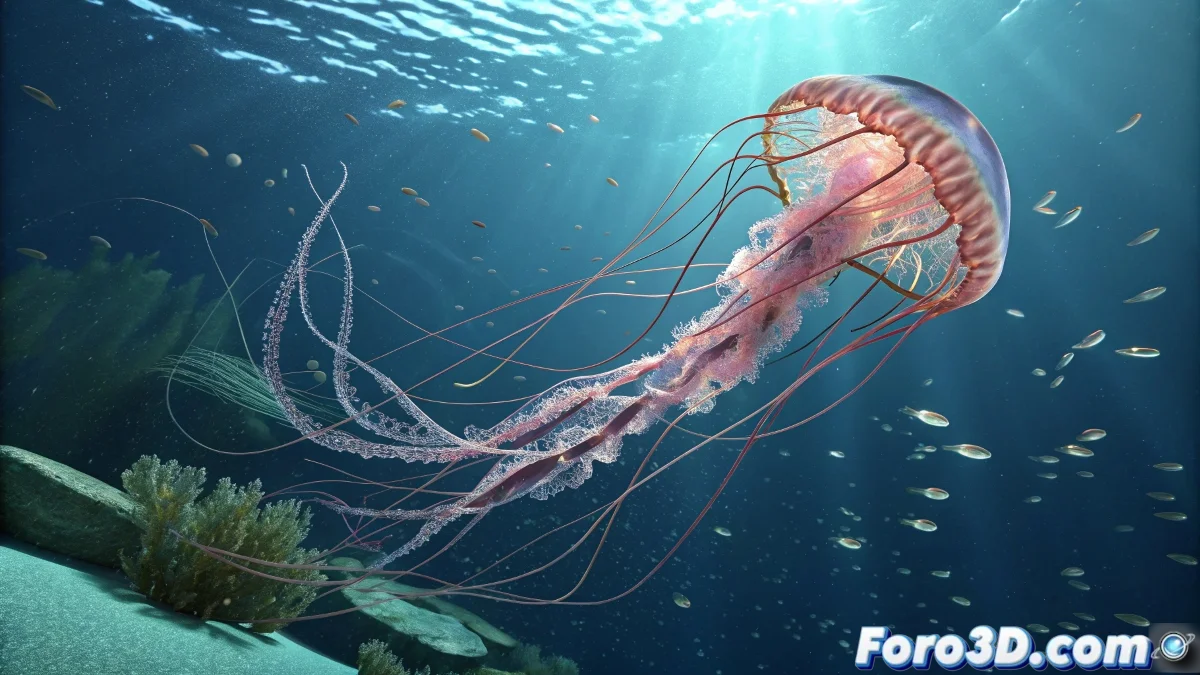
How to Animate Jellyfish Tentacles in Blender with Control and Fluidity
When animating jellyfish tentacles in Blender, the main challenge is achieving natural and coordinated movements without them looking messy or clumsy. To avoid those timing messes, the ideal approach is to use animation curves, like F-Curves, which allow you to precisely adjust the speed and synchronization of each tentacle. And no, you don't need to be a marine animation expert to do it! 🐙
Using F-Curves
Instead of moving the tentacles by eye, you can animate one and then copy that animation to the others, adjusting the timing with F-Curves so each one has an offset movement. This will help you achieve a more organic and fluid effect.
Armatures and Modifiers
Another recommended technique is to use armatures with controller bones and apply modifiers like Sine or Noise to automate part of the movement and prevent everything from looking mechanical. You can also use controllers with drivers to link animations and control multiple tentacles from a single parameter, making coordination easier.
Ultimately, the key is to combine manual animation with tools that give you control over the motion curve and timing, so your tentacles flow with rhythm and don't seem to be dancing out of sync.
Remember, in Blender there's no instant magic, but with a little patience and well-mastered curves, even the most dancing jellyfish will have elegant and not at all ugly movements. So let's get to work! 🎭
With these tips, you'll be able to animate jellyfish tentacles in Blender effectively and fluidly. And remember, if the tentacles don't move as you expected, you can always blame the F-Curves! 😉