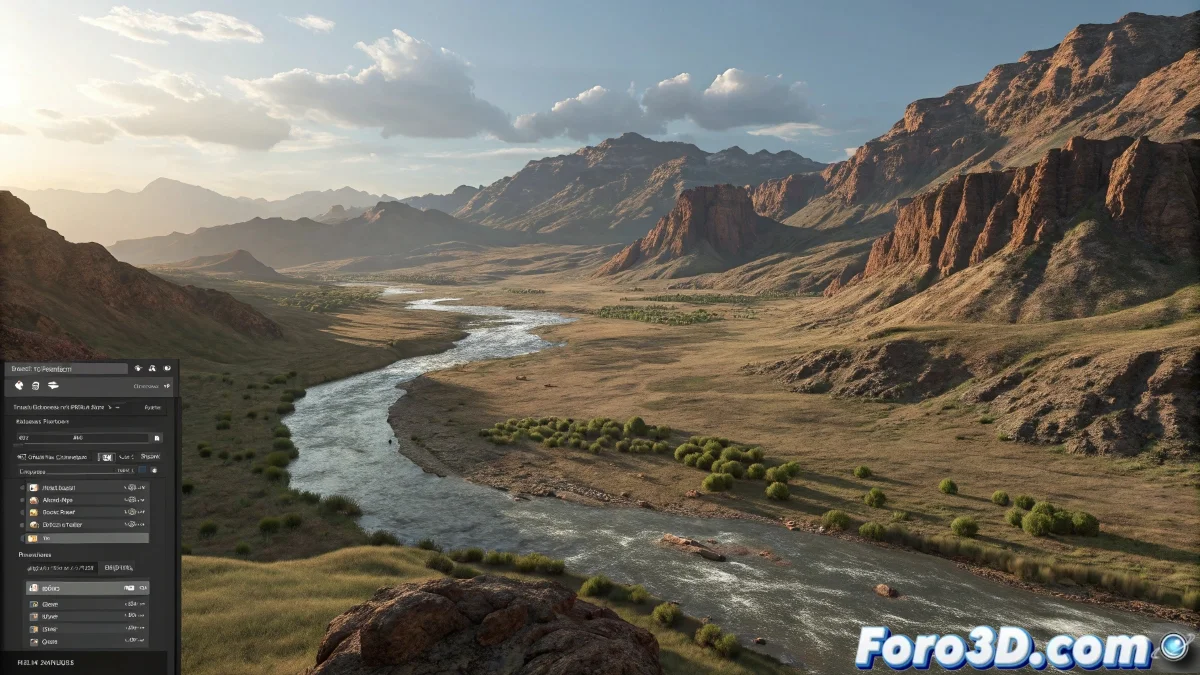
When Your Displacement is Still as a Statue 🗿
When animating with V-Ray in 3ds Max, many have experienced that epic frustration: you change displacement values, you see the numbers happily moving on the timeline, but when rendering... surprise! Your geometry behaves as if it's on permanent strike. It's like asking a teenager to clean their room - it seems to work, but in the end, nothing changes.
The Great Mystery of the Immovable Displacement
The problem isn't that V-Ray is stubborn (well, maybe a little), but that the displacement modifier works like that friend who says yes, yes to everything but doesn't act. The key is understanding that:
- Animated numerical values do not trigger updates in the render
- Displacement is calculated only once as a static effect
- V-Ray needs a nudge to reevaluate per frame
Tricks to Trick V-Ray into Moving
To achieve that animated displacement you so desire:
- Use animated Noise maps - like giving caffeine to your geometry
- Try with Gradient Ramp controlling the evolution of the effect
- Experiment with VRayDistanceTex linked to moving objects
- Create animated textures that visibly change between frames
As the veterans of Foro3D say: If the displacement doesn't move, it's because you haven't played the right music for it. In this case, the music is well-configured maps.
Common Mistakes That Turn Your Animation into a Poster
To prevent your displacement from staying in statue mode:
- Don't forget to check Use Globals (the world's most ignored checkbox)
- Make sure the changes in the map are truly visible
- Test with extreme values to see if something happens
- Check that the displacement channel is correctly assigned
At the end of the day, animating displacement in V-Ray is like trying to get a cat to obey orders: it requires patience, creative tricks, and accepting that sometimes it will do the exact opposite of what you expect. But when it finally works, the satisfaction is so great that it almost makes all the suffering worth it. Almost. 😼
Remember: in the world of 3D, if it doesn't work the first time, you can always say it was an experimental artistic effect. ✨