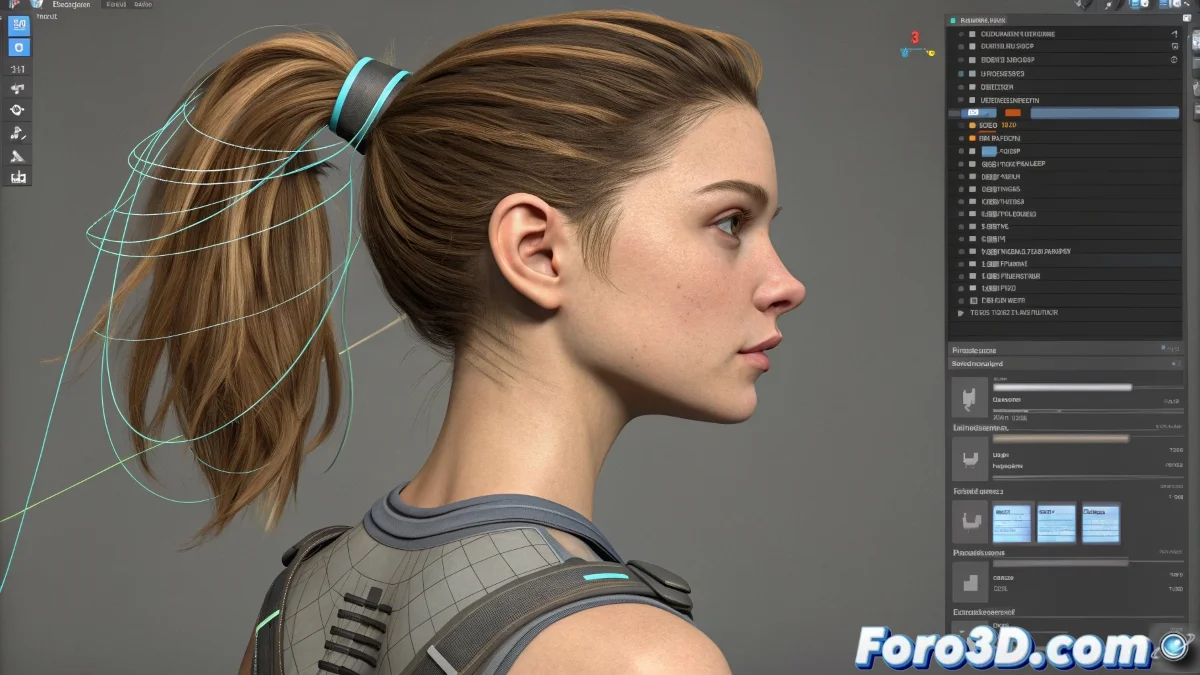
How to Animate a Ponytail in 3ds Max Without It Looking Like Jelly
When you face the task of animating hair, especially a ponytail, in 3ds Max, it's very common to fall into the temptation of applying a modifier like Flex hoping for magical results. The problem is that Flex, although useful for quick simulations, tends to behave as if the character were running through a wind tunnel… or as if they just came out of a shampoo commercial with physics from a 2000s video game.
The Alternative: Using a Secondary Bone System
If you're looking for more control and naturalness, the ideal is to create a secondary bone system specifically for the hair. In the case of a ponytail, you can create a small chain of bones that follows the shape of the main strand. These bones can be linked to the character's skeleton, but with their own dynamics or controller system.
One of the most effective ways in 3ds Max is to use the Spring Controller modifier applied to the hair bones. This method allows the bones to react to the movement of the Biped automatically, but maintaining more stiffness and coherence than with Flex. Furthermore, you can adjust parameters like Damping and Stiffness to control how much bounce and delay you want in the movement.
Basic Steps to Configure the System
- Create a bone chain: Following the shape of the ponytail.
- Apply a Spring Controller: To the rotations of each bone.
- Link the first bone: Of the chain to the head bone or the neck of the Biped.
- Adjust the values: For tension, damping, and frequency according to the scale and speed of your animation.
If you want more control, you can even combine the system with constraints or add manual controllers for corrections.
Advanced Solutions
If you prefer a more advanced result, you can also explore solutions with MassFX (now obsolete but still functional in some versions) or even take the hair to software like Maya to use nHair, then re-import it as an animation cache.
Quick Trick for Preview
Before getting tangled up in complex simulations, you can preview the movement by applying a simple Noise Controller to the rotation axes of the hair bones to get a quick idea of the type of bounce you're looking for. It's not final production… but it's better than staring at the viewport not knowing where to start.
Because of course… nothing like that moment where you spend hours adjusting physics… and in the end the client tells you: "Can you make it move less? It looks like it's on a roller coaster…"