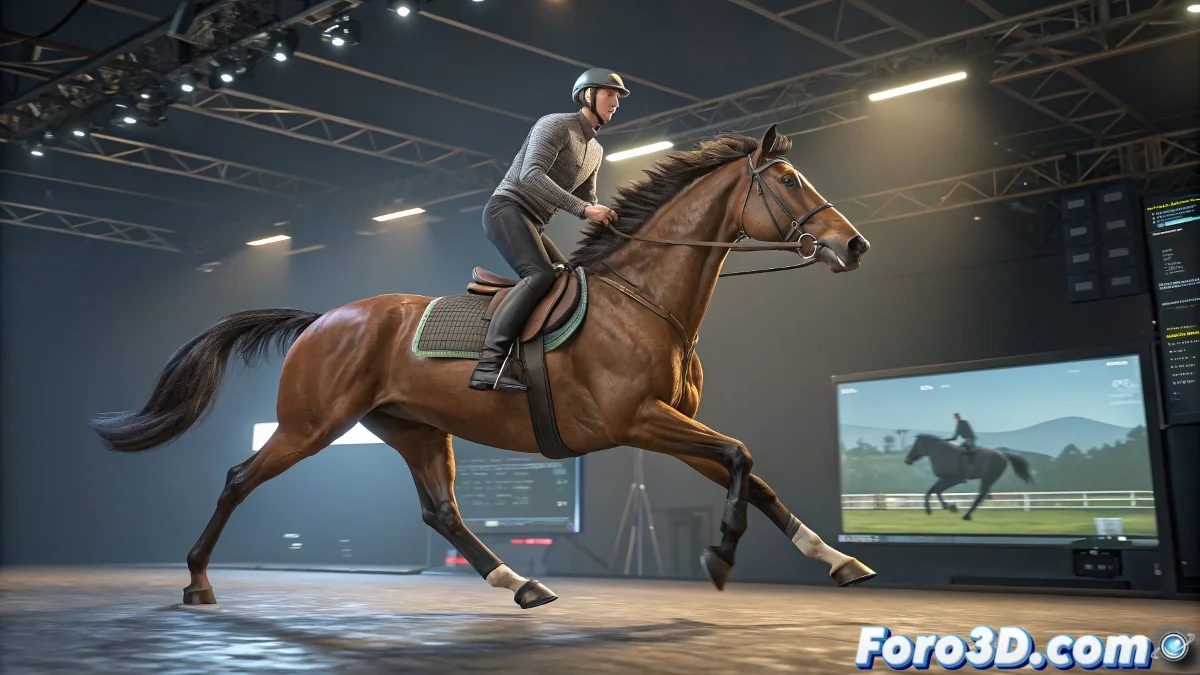
The Art of Preventing a Rider from Flying Like Superman 🦸
In the fascinating world of 3D animation, there's a magical moment when a horse comes to life... and an equally frustrating moment when its rider decides to behave like an astronaut in zero gravity. The CAT system is great for animating quadrupeds, but it doesn't include a glue mode to keep riders where they should be. The solution? A bit of digital witchcraft (and object hierarchies).
Linking the Rider Like an Express Package
The key to making rider and horse move like a dance couple lies in the linking hierarchy. Basically, you have to turn the poor rider into just another accessory of the horse, like those stickers you put on cars. The ideal spot is usually the horse's torso or pelvis, where the movement is most pronounced. This way, when the horse gallops, the rider doesn't end up surfing on its back. 🏄
- Select the rider: The subject in urgent need of anchoring
- Use the link tool: The digital equivalent of a seatbelt
- Connect to the master bone: Usually the horse's torso or pelvis
- Pray a little: Because sometimes 3D has a mind of its own
The wise folks at foro3d.com recommend: if the rider floats, it's not magic... it's because you skipped a step. And if you want realism, add small manual movements like that drunken sway that novice riders have.
Tricks to Avoid a Ragdoll Look
Achieving a natural-looking result requires some fine-tuning:
- Adjust the initial position: So it doesn't look like the rider is sitting in mid-air
- Secondary animation: Add movement to arms and head for more realism
- Correct sliding: Those annoying moments when the horse's back seems to be made of soap
At the end of the day, mastering this technique is like learning to ride a horse: at first you fall a lot, but once you get the hang of it, you can gallop towards the (rendered) horizon. And if all else fails, you can always say it's a magical fantasy scene where floating riders are an artistic detail. 🎨
Remember: in the 3D world, what matters isn't that it's perfect, but that you can explain the mistakes with enough conviction. Good luck with your flying riders! ✨