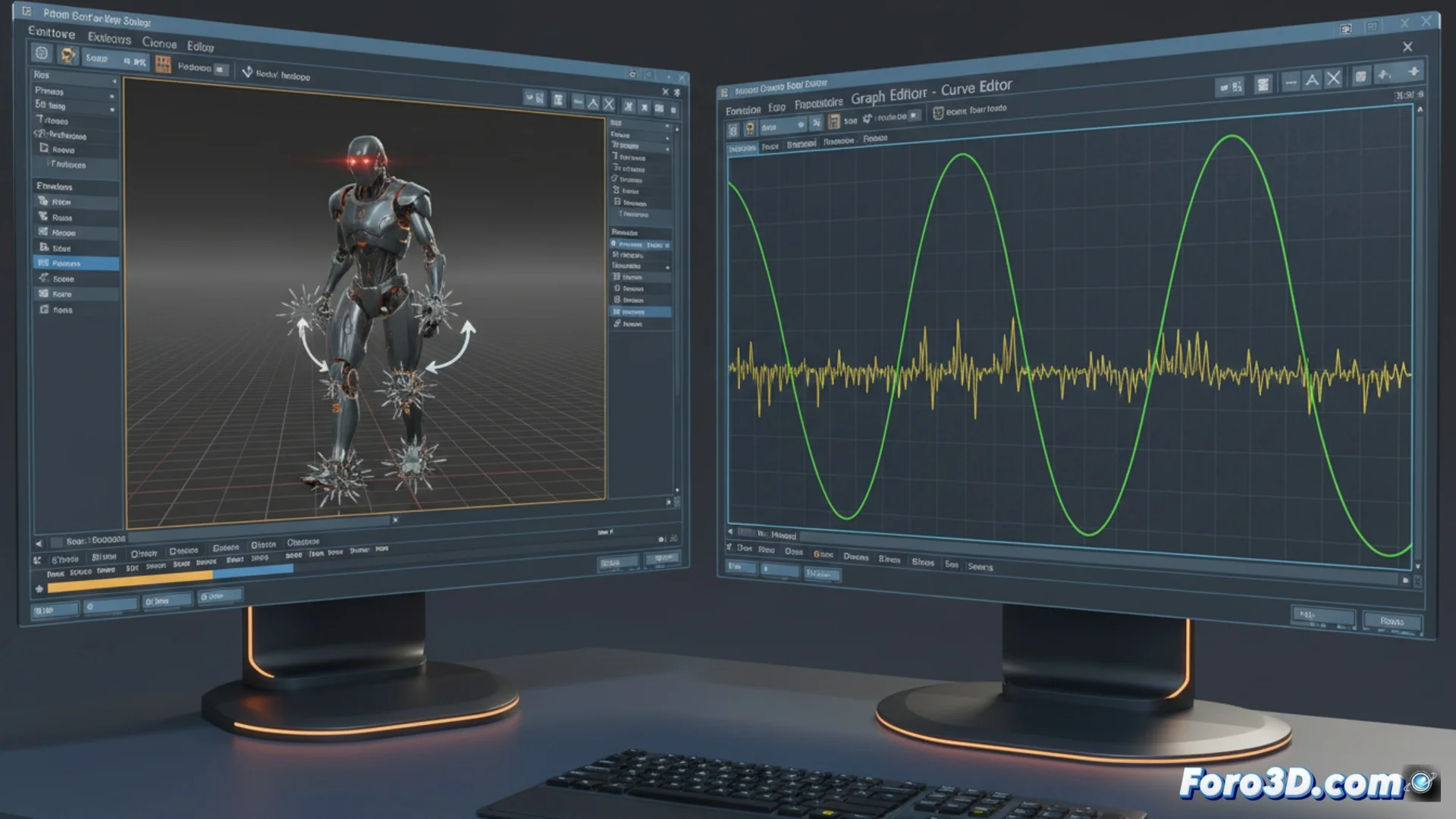
How to Add Variations to Animation Cycles in 3ds Max
Creating motion cycles that look alive and natural is a key challenge in 3D animation. A perfectly repetitive cycle often feels artificial. To solve this, in 3ds Max there are several strategies that allow injecting controlled imperfections and randomness. 🌀
Manipulate the Curve Editor and Keyframes
The starting point is usually the Curve Editor. Here you can manually adjust the keyframes that define the cycle. Instead of copying and pasting identical values, slightly alter the position, rotation, or scale at different moments in the loop. This small change breaks the rigid symmetry and generates a more believable feel. For more complex processes, using expression controllers or scripts allows introducing pseudo-random mathematical variations in the parameters, automating the task and adding layers of complexity.
Key manual methods:- Adjust keyframes: Manually modify transformation values at strategic points in the cycle to avoid exact repetition.
- Use expression controllers: Apply mathematical formulas that generate automatic variations in the animation.
- Implement basic scripts: Automate the introduction of random values in specific properties over time.
Seeking the perfect imperfection sometimes takes more time than animating the flawless cycle you're trying to break.
Leverage Modifiers and Noise for Automation
One of the most powerful tools for this purpose is the Noise modifier. You can apply it to a position or rotation controller, or even directly to an object's geometry via a mesh modifier. By configuring its scale, strength, and frequency, you generate irregular displacements that evolve over time. To integrate it into a cycle, animate the noise parameters and adjust its phase, making the variation pattern repeat in a non-monotonous way and blend with the main motion without editing every frame. 🎛️
Specific tools and advanced scripts:- Animation Layers: Overlay motion layers. A base layer contains the perfect cycle and an upper layer adds variations with noise or manual adjustments.
- Motion Mixer for characters: Combine and blend animation clips, ideal for introducing variations in walk or run cycles.
- Waveform Controller: Adds periodic oscillations with irregular parameters, combining multiple waveforms for a complex result.
Efficient Workflow
The key is to combine methods. Start by defining a solid base cycle. Then, overlay layers of irregularity using Noise or Animation Layers for general perturbations. For fine adjustments, resort to the curve editor. Finally, explore scripts like Randomize Transform for massive or specific variations. This layered approach allows you to control the chaos and make the motion breathe and feel organic, without consuming disproportionate time. ⚙️