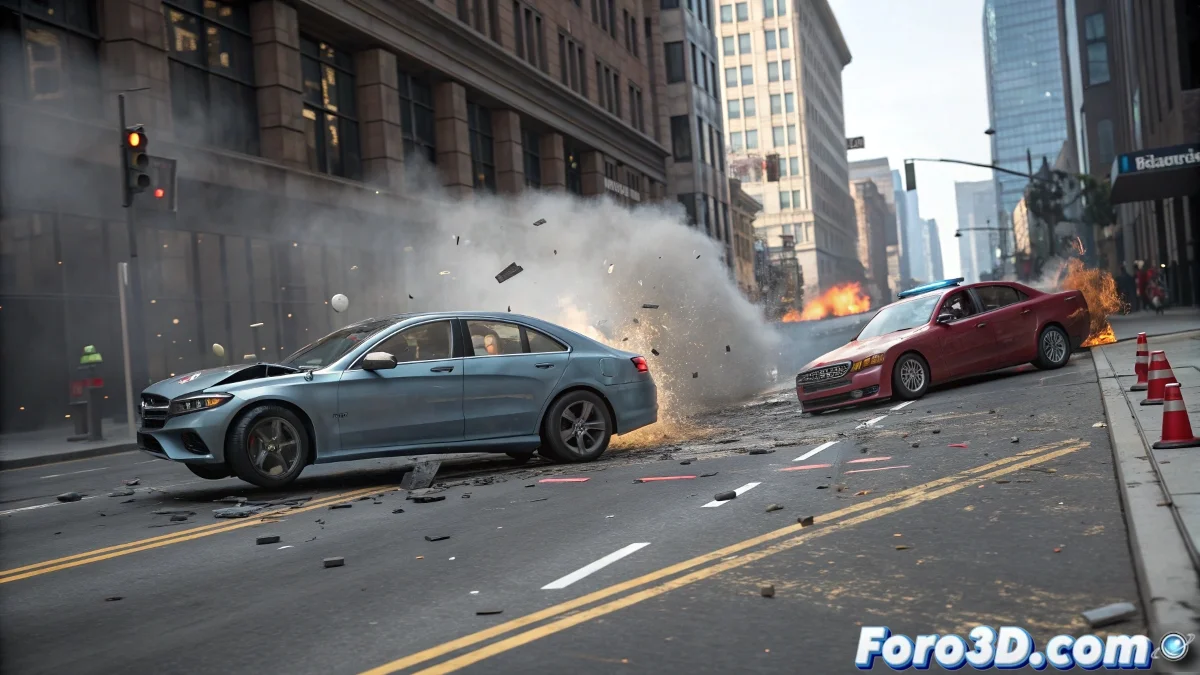
How to Achieve Realistic Crash Simulations in 3D Reconstructions with Cinema 4D
When creating virtual reconstructions of accidents in Cinema 4D, dynamic effects and collisions are key to making the result look believable. If cars crash but don't deform, you likely need to activate more advanced simulation systems that mimic real physics, such as impact deformation, surface friction, or rebounds based on mass and speed. And no, you don't need to be a physics expert to do it! 🚗
Tools within Cinema 4D to Improve Collisions
Cinema 4D includes its system of rigid and soft bodies within Dynamics. For car crashes, the ideal is to combine both: rigid bodies for structural parts that don't deform much (like the chassis), and soft or deformable bodies for the body panels. You can apply deformers like the Mesh Deformer or use fields to force specific areas to bend after impact. You can also leverage the Bullet engine to handle more precise collisions. If you're looking for greater detail, exporting to Houdini or Blender with Alembic could offer you even more detailed simulations.
How to Make Objects React to Impact
To make objects react realistically, make sure the mass, friction, and bounce are well configured in the dynamics tags. If the car simply bounces as if it were made of rubber, the values are likely scaled incorrectly or physical deformations are missing. A more technical option is to use the Collision Deformer tool, which literally deforms the mesh upon contact with another. To add more realism, you can add particles or fragments with MoGraph and secondary collisions using Thinking Particles or X-Particles if you have them.
In addition to the simulation, remember to also animate the context: skid marks, loose objects flying off, broken glass... You can simulate all of this with additional dynamic bodies. And if something fails, you can always say the driver was going so fast that the physics couldn't process it. Cinema 4D has its limits too, just like old cars with a loose hood! 😄
With these tips, you can effectively achieve realistic crash simulations in 3D reconstructions with Cinema 4D. And remember, if the crashes don't look as you expected, you can always adjust your simulation parameters! 🔧