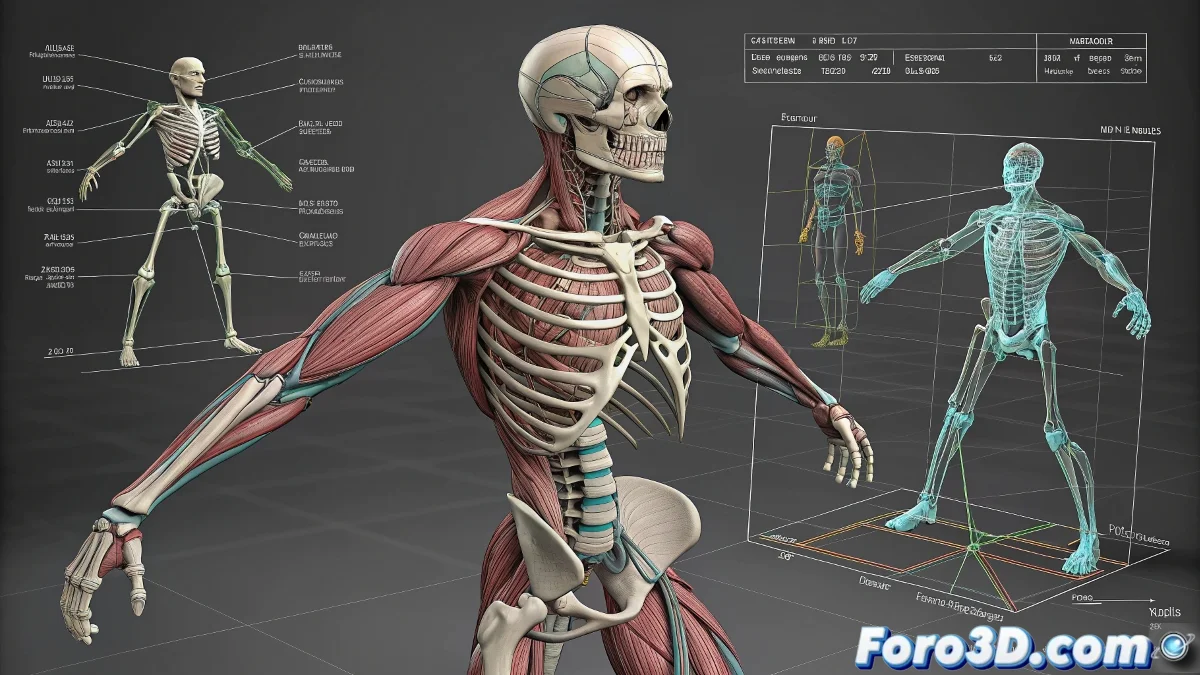
The Virtual Gym: Understanding Muscular Systems in 3D Rigging 💪🎮
Creating a professional muscular system in 3D is like being a digital personal trainer: you must understand anatomy, physics, and how to make everything move without it ending up looking like a lab accident. This realistic rigging holy trinity (bones, muscles, and skin) transforms rigid characters into believable creatures.
The Three Pillars of Anatomical Rigging
Each component has its key function:
- Skeleton (Skeleton Rig): The bone structure that provides support and basic movement
- Muscular System: The "engines" that simulate realistic contraction and expansion
- Skin Mesh: The visible surface that shows the final result
"A good muscular rig is like a digital neoprene suit: it must move with the body, not against it"
Workflow in Maya
To set up this system:
- Activate the Muscle.mll plugin (your virtual gym)
- Create muscles with Muscle Builder (splines or volumes)
- Connect via Muscle Objects and Muscle Skin Deformers
- Adjust jiggle and dynamics parameters for that natural bounce
Tips for Beginners in 3D Anatomy
Before creating the next Hulk:
- Master traditional skinning first
- Start with large muscle groups (arms, legs)
- Use real anatomical references (not just intuition)
- Try Capsule Muscles to simplify the process
And remember: if your character ends up looking like it has a massive allergic reaction, you probably need to check the deformation weights. Patience is key - even the best riggers went through characters that looked like they were melting. 😅
P.S.: As in everything, acknowledging when you're helped is not only polite, but ensures future mentorships. Digital karma exists!