How Low-Quality Cables Degrade Data and Video Connections
Choosing a cheap cable to connect your 4K monitor or charge your laptop may seem like a savings, but it's a decision that compromises performance. The connectors of these inexpensive accessories usually hide a fundamental problem: pins made from low-resistance metals. 🛑
The Physical Wear That Sabotages the Electrical Signal
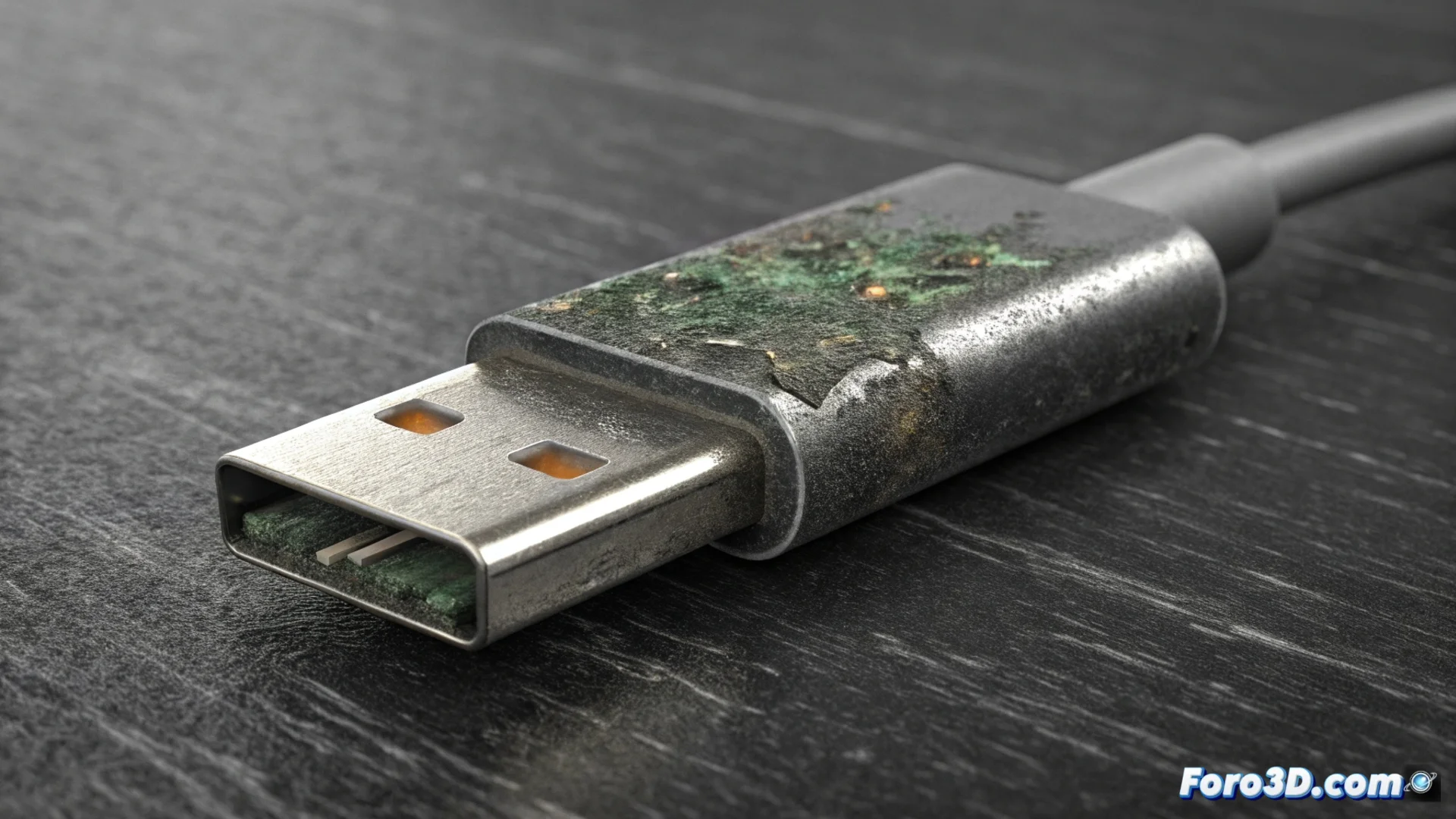
The pins inside a USB-C or DisplayPort connector are in constant risk. With each connection and disconnection, they erode. If they are also made of a cheap alloy, environmental humidity accelerates their oxidation. This deterioration is not just aesthetic; it directly interferes with the integrity of the electrical signal that must travel from one end to the other.
Direct consequences of poor contact:- Increases electrical resistance: Rust and wear prevent perfect contact, raising resistance and degrading the signal.
- Data packets are lost: Communication becomes unstable, causing errors or the system not recognizing the device.
- Voltage fluctuates: This can make laptop charging intermittent and unreliable.
A cheap cable can turn your brand-new 4K monitor into an elegant black screen, while the hardware unsuccessfully negotiates which protocol to use.
Problems Negotiating High-Speed Protocols
Modern connections do not just transfer power or simple data. They automatically negotiate complex protocols for high-resolution video, such as DisplayPort Alt Mode or HDMI over USB-C. When the pins are damaged, this initial "conversation" fails. The result is that your monitor might activate only a low resolution, refuse to work, or display image anomalies, even though both the video source and the screen are compatible with 4K or high refresh rates. 🔄
How to identify and avoid these failures:- Select recognized brands: Look for cables that specify materials, such as a gold plating over nickel, which resists oxidation better.
- Inspect the connectors: The pins should look clean, shiny, and uniform. Wear or opacity are bad signs.
- Test with another cable to diagnose: If a device (monitor, hard drive, charger) behaves erratically, replacing the cable is the first diagnostic step before assuming the main hardware is broken.
Investing in Quality Protects Your Equipment
A cable is the critical bridge between your devices. Underestimating its importance can make you perceive costly failures in equipment that is actually healthy. Opting for robustly constructed accessories is not a superfluous expense, but a measure to ensure that the data, video, and power connection works with the stability and speed that the manufacturer designed. Protect your hardware investment from the simplest link. ✅