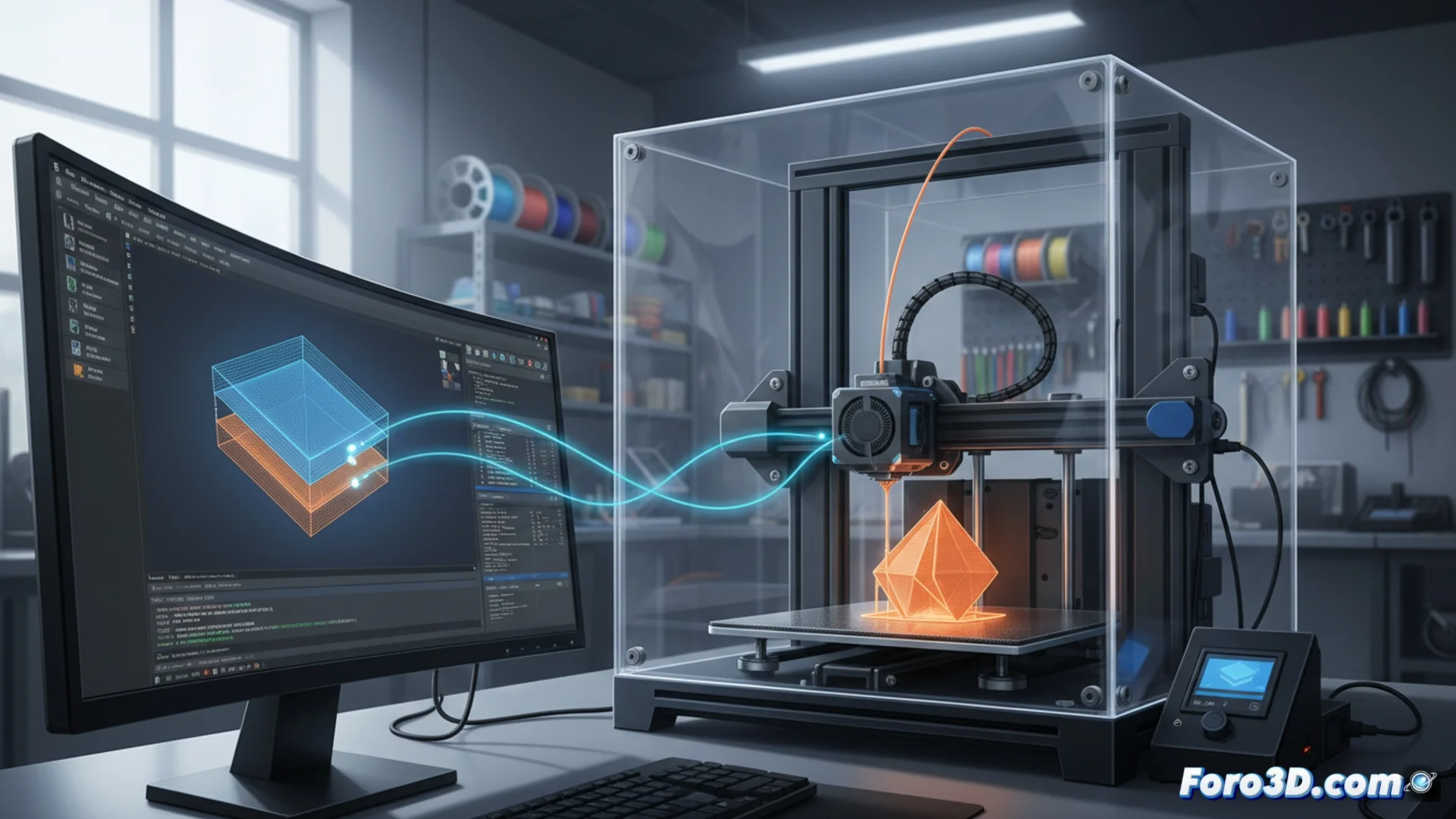
How Cura Achieves Compatibility with 3D Printers Through G-code
Ultimaker Cura is an essential tool for preparing 3D files and converting them into instructions that a printer can execute. 🛠️ Its power lies in how it manages the connection between the digital design and the physical hardware, a bridge built with the universal language of additive manufacturing.
The Central Role of Machine Profiles
Cura's ability to work with a wide variety of printers doesn't happen by magic. It is based on a system of machine profiles that act as technical templates. Each profile stores the specific data of a printer model, allowing the software to adapt its slicing process to the particularities of each device.
What defines a machine profile:- The physical dimensions of the build area (length, width, and height).
- The type of extruder and the nozzle diameter.
- The movement limits of each axis (X, Y, Z) to avoid collisions.
- The features and commands supported by the installed firmware.
Cura's built-in library includes preconfigured profiles for hundreds of printers, allowing users to start printing with a solid setup from the very first moment.
G-code: The Translator Between Software and Hardware
G-code is the set of commands that the printer's electronics understand and execute. Cura takes all the options chosen by the user—such as layer height, speed, or infill—and translates them into a precise sequence of instructions in this language. 🔤 The final compatibility depends on the printer's firmware (Marlin, Klipper, Repetier, etc.) being able to correctly interpret each generated command.
How compatibility is ensured in the code:- Cura employs G-code dialects specific to each firmware family.
- Official profiles only use functions and commands known to be stable for that printer model.
- It avoids generating instructions that the hardware cannot process, preventing failures during printing.
Expanding Limits with Custom Profiles
What happens if your printer is not on the official list? Cura's flexibility shines here. Users can create custom configurations from scratch. This involves manually measuring and defining the machine's physical properties and selecting the firmware it uses. By adjusting these parameters precisely, valid G-code can be generated for virtually any 3D printer based on standard components. This feature is key for working with custom printers, assembly kits, or models so new that they haven't been added to the library yet. 💡
Sometimes, the real challenge is not technical incompatibility, but a poorly adjusted profile that makes the printer try to draw in the air. Patience and precise configuration are the best allies to avoid these unwanted "abstract experiments" and achieve successful prints.