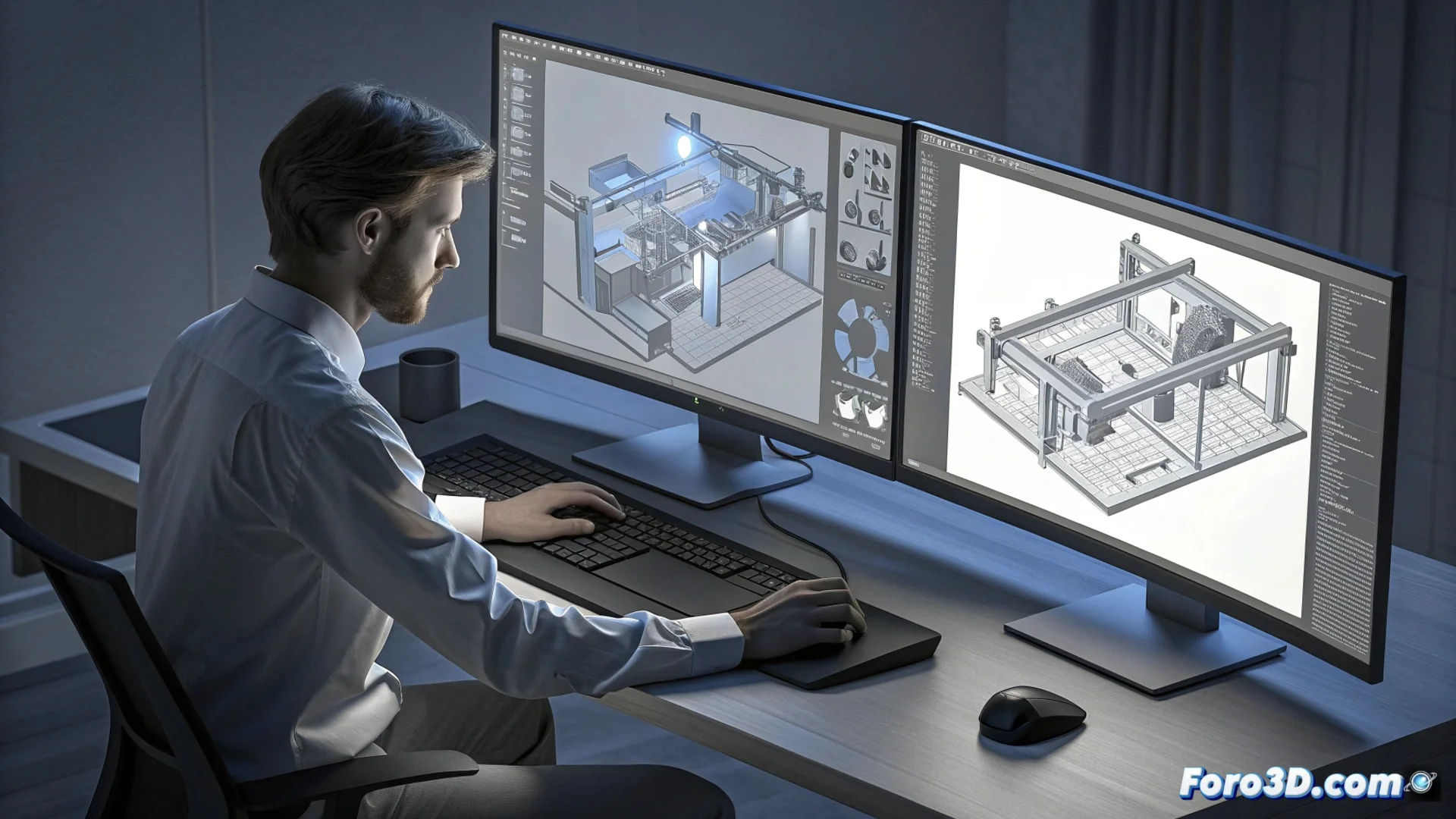
HiCAD Integrates with HELiOS to Manage Engineering Data
The direct connection between the HiCAD 3D CAD modeling environment and the HELiOS system eliminates barriers between designing and managing technical information. This unification allows engineering teams to operate within a single ecosystem, accessing and modifying both geometries and associated documentation without switching applications. 🚀
Centralize Technical Information
By linking, all files and metadata are stored in the central HELiOS database. This ensures that every project member always consults the most up-to-date information, preventing file duplication and conflicts arising from using outdated versions. The system maintains a single source of truth for drawings, models, and specifications.
Key advantages of unified storage:- Concurrent access: Multiple users can view and edit data simultaneously, with access control.
- Data consistency: Ensures that assemblies always reference the correct version of each part.
- Eliminate silos: Ends the practice of saving critical files on local drives or desktops.
Integrating version control directly into the CAD means you can no longer blame "that old version someone saved on the desktop" for assembly errors.
Manage Versions and States from the CAD
Within HiCAD's own interface, designers can manage the lifecycle of their projects. It is possible to assign states such as in progress or released to any document, while the system automatically records a detailed history of each change. This auditable tracking allows knowing who, when, and what was modified.
Integrated management features:- Complete history: A record of all revisions of a model or drawing is kept.
- Guided workflows: Predefined processes guide users through the steps needed to approve and release a design.
- Progress control: Facilitates tracking the progress of a project and the status of each component.
Optimize Engineering Processes
The integration automates manual tasks that consume time, such as importing or exporting files between systems. Users search, open, and save parts and drawings directly against the HELiOS database. By automatically managing cross-references between files, it reduces the margin for human errors and saves valuable time, as all technical information remains linked and up-to-date in one place. 💡