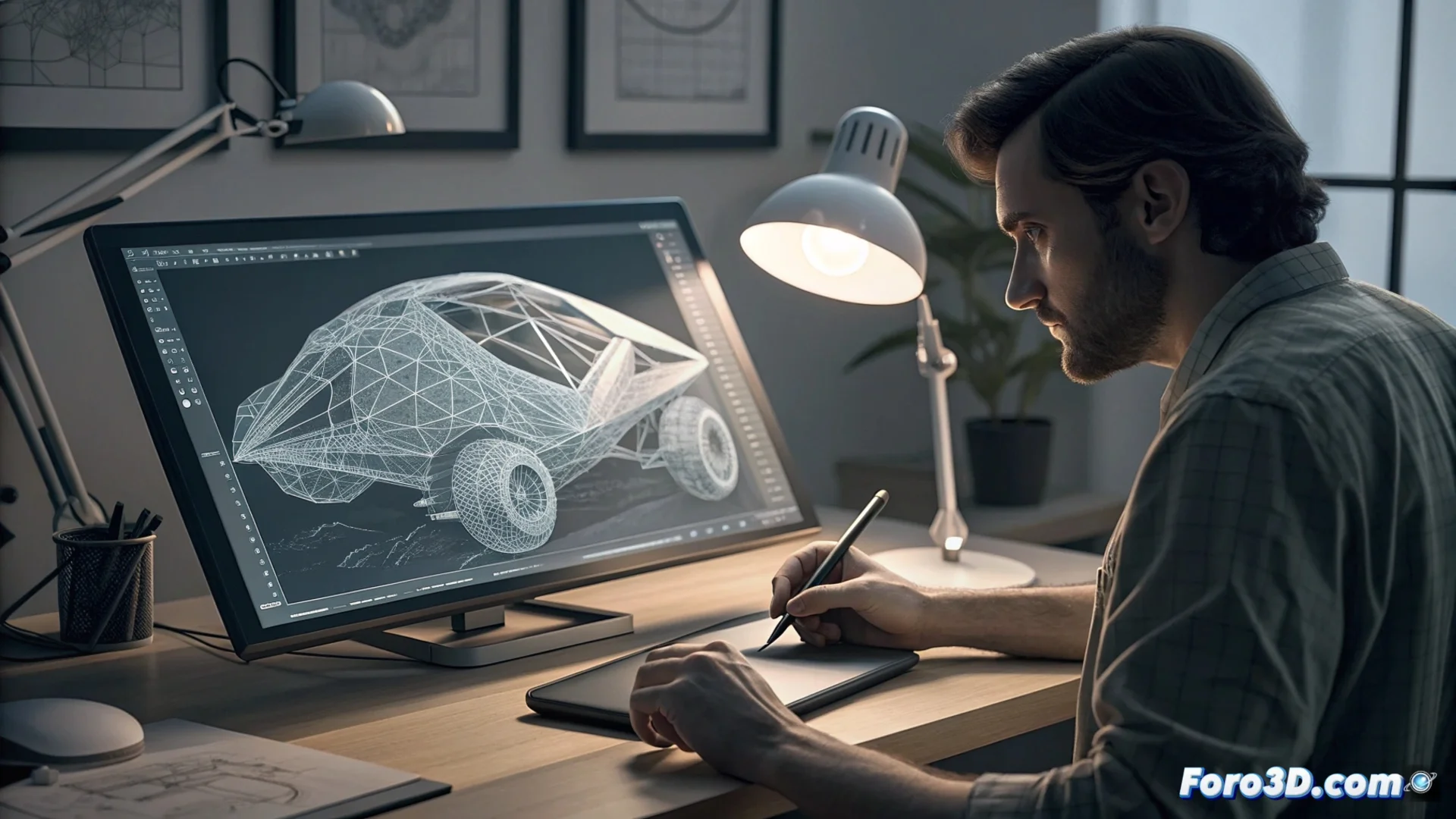
Hexagon: Direct 3D Modeling to Explore Ideas
In the field of 3D design, Hexagon stands out for adopting a different work philosophy. This program specializes in direct modeling, a method that prioritizes immediacy and intuitive geometry manipulation over complex planning. It is the perfect tool to bring concepts to life quickly and without technical barriers. 🎨
The Essence of Direct Modeling
This approach is based on interacting with the mesh immediately. The artist selects vertices, edges, or faces and applies transformations such as moving, scaling, or rotating using visual tools. Since there is no parametric operations tree, each change is applied and fused with the model instantly. This eliminates the need to plan a sequence of modifiers, allowing for high-speed visual iteration. It is comparable to sculpting digital clay, where the shape evolves through continuous gestures and real-time adjustments.
Key features of this method:- Immediate manipulation: Push, pull, and deform the geometry with instant visual feedback.
- No parametric history: Actions are definitive, which speeds up the process by not managing dependencies.
- Uninterrupted creative flow: The interface and tools are designed to keep focus on the shape, not on parameters.
Direct modeling is ideal when you need to capture the essence of an idea before it escapes.
Where Hexagon Shines
The Hexagon software finds its ideal niche in the initial phases of any project. Its strength lies in sketching ideas, generating quick volumetric mockups, or solving design problems organically. While a parametric modeler may impose restrictions that slow down exploration, this method accelerates to materialize the artist's intuition. It is not the optimal option for designs that require modifying precise dimensions in advanced stages, but it is invaluable for the first creative steps.
Main use cases:- Conceptual exploration: Visualize and test variants of a basic shape in minutes.
- 3D mockup creation: Build geometric prototypes to validate proportions and volumes.
- Organic problem solving: Adjust and correct the mesh freely and artisanally.
A Power That Requires Caution
The total freedom offered by direct modeling comes with great responsibility. It allows you to build a complex shape very quickly, but you can also alter it or undo previous work without a history that allows going back. Therefore, it is crucial to develop the habit of using Save As frequently, creating successive versions of your work. Enjoy the power to create without limits, but protect your progress. 💾