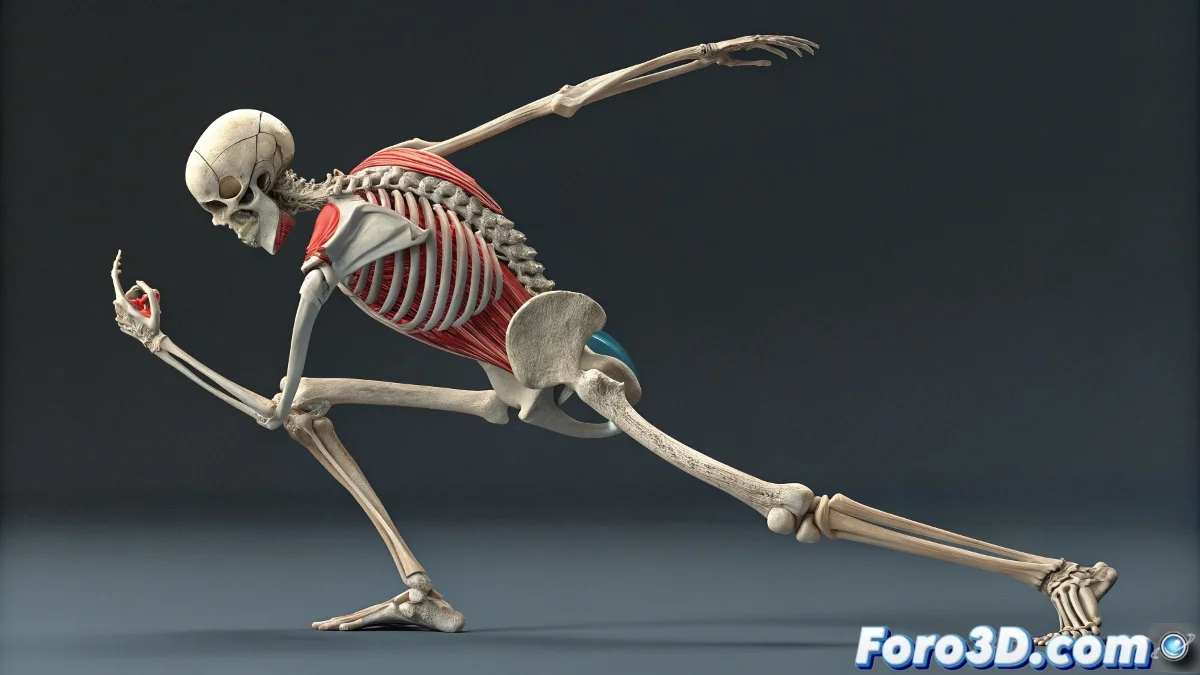
The Challenge of Animating a High Poly Model
Animating a High Poly model is like trying to do yoga in heavy medieval armor 🛡️. The incredible polygon density, although visually impressive, turns into a nightmare of deformations as soon as the rig comes into play. Joints like elbows, knees, and shoulders are the first to rebel, showing geometric collapses and stretches that would make any artist cry. The key to taming this beast is not to wrestle with it, but to apply intelligence and strategy.
The Magic of the Low Poly Proxy, Your Best Ally
The most elegant solution to this problem is the use of a Low Poly Proxy. This technique involves creating a simplified version of the model, with a much less dense mesh but that maintains the general silhouette. On this proxy, all the heavy work of rigging, skinning, and animation is done. Once the movements are perfect, the deformations are transferred to the original high poly model using modifiers like Skin Wrap or Mesh Deform. It's like rehearsing a choreography with a mannequin before the main star dances 💃.
An intelligent artist animates the proxy and lets the software sweat the transfer.
Mastering the Art of Weight Painting
When deformations resist, it's time to fine-tune the Weight Painting. This process is crucial for defining exactly how each bone influences the mesh vertices. A poorly assigned weight is the main cause of those unnatural folds and cuts in the geometry. 🎨 Take time to smooth the transitions between joints, paying special attention to critical areas. A good practice is to keep the joints perfectly aligned with the model's logical anatomy, which provides a solid foundation for believable deformations.
Advanced Strategies for Flawless Deformations
For those particularly rebellious cases, there are more advanced techniques that can save your animation:
- Specific Blend Shapes: create corrective shapes for problematic joints that activate at certain angles.
- Non-destructive Animation Layers: use animation layers to adjust poses without altering the base rig.
- Layer-by-Layer Review: isolate and test the deformation of each joint separately before integrating them.
- Corrective Sculpting Tools: apply sculpting over the deformed mesh to fix specific issues in key frames.
With patience and these techniques, even the densest model can be animated with fluidity and realism. And remember, if someone notices a small pinch in the mesh, you can always say it's a dramatic muscle tension effect 😉.