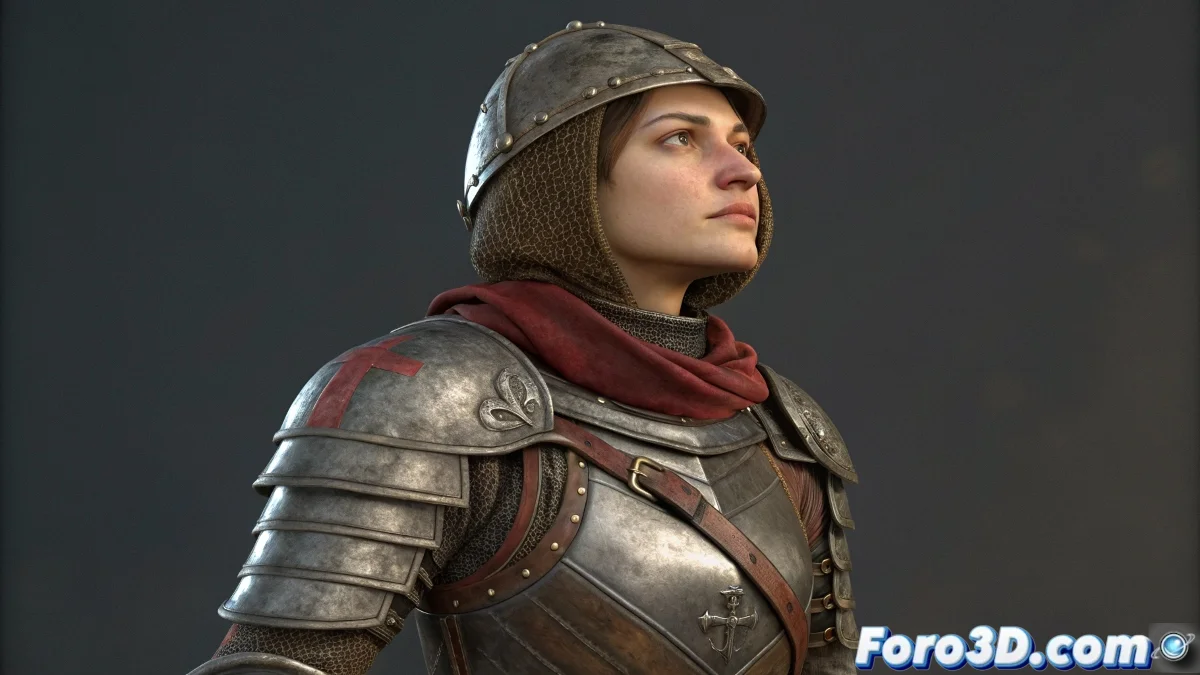
The Art of Dressing Characters Without Geometric Conflicts
Dressing a character in Blender with multiple layers of clothing and armor is like solving a three-dimensional puzzle where every piece must fit perfectly 🧩. Clipping – that annoying geometry intersection that makes clothing pass through armor or the body – is the number one enemy of any artist who wants to create believable and visually clean characters.
The Philosophy of Differentiated Treatment
The key to success lies in understanding that not all garments and armors should be treated the same way. Each type of element requires a specific technical approach according to its material properties and visual function.
- Rigid elements: Metal armors, plates, solid pieces
- Fitted garments: Leather clothing, elastic fabrics, uniforms
- Fluid garments: Capes, skirts, tunics, loose elements
- Accessories: Jewelry, belts, bags, decorative elements
A well-dressed character is like an orchestra: each instrument plays its score without interfering with the others.
Techniques for Rigid Elements: Direct Parenting
Armor pieces and metal elements must maintain their shape intact during animation, making direct parenting to bones the ideal solution.
- Parent / Bone: Rigid binding to specific bones
- Empty objects: Use empties as intermediaries for additional control
- Constraint precision: Add constraints for fine position/rotation control
- Hierarchy organization: Maintain clean hierarchies for easy manipulation
Fitted Garments: Armature Modifier and Weight Painting
Clothing that must move with the body but maintain proximity requires controlled deformation through the armature system and weights.
- Armature modifier: Connect the geometry to the skeleton
- Weight painting: Assign influences from specific bones
- Vertex groups: Vertex groups for precise control
- Mirror weights: Copy configuration to the symmetric side
Advanced Techniques for Fine Adjustment
When standard weight painting is not enough, additional techniques provide that extra level of control.
- Surface Deform modifier: Precise tracking of the body surface
- Shrinkwrap modifier: Maintain proximity to the base geometry
- Corrective shape keys: Correct specific problematic deformations
- Driver-based adjustment: Automatic adjustments based on joint angles
Geometry Optimization for Performance
Characters with multiple layers can become computationally heavy. Intelligent optimization strategies keep the scene manageable.
- Removal of hidden geometry: Remove polygons under armors
- Levels of detail: Different resolution based on distance to camera
- Strategic simplification: Reduce polygons in less visible areas
- Material sharing: Share materials between similar elements
Organized Workflow for Complex Characters
Handling multiple layers requires a specific methodology that ensures consistency and efficiency.
And when your character still shows clipping in extreme poses, you can always argue that it's realistic battle wear ⚔️. After all, in the fantasy world, even the most epic heroes have the right to have armor that doesn't fit perfectly.