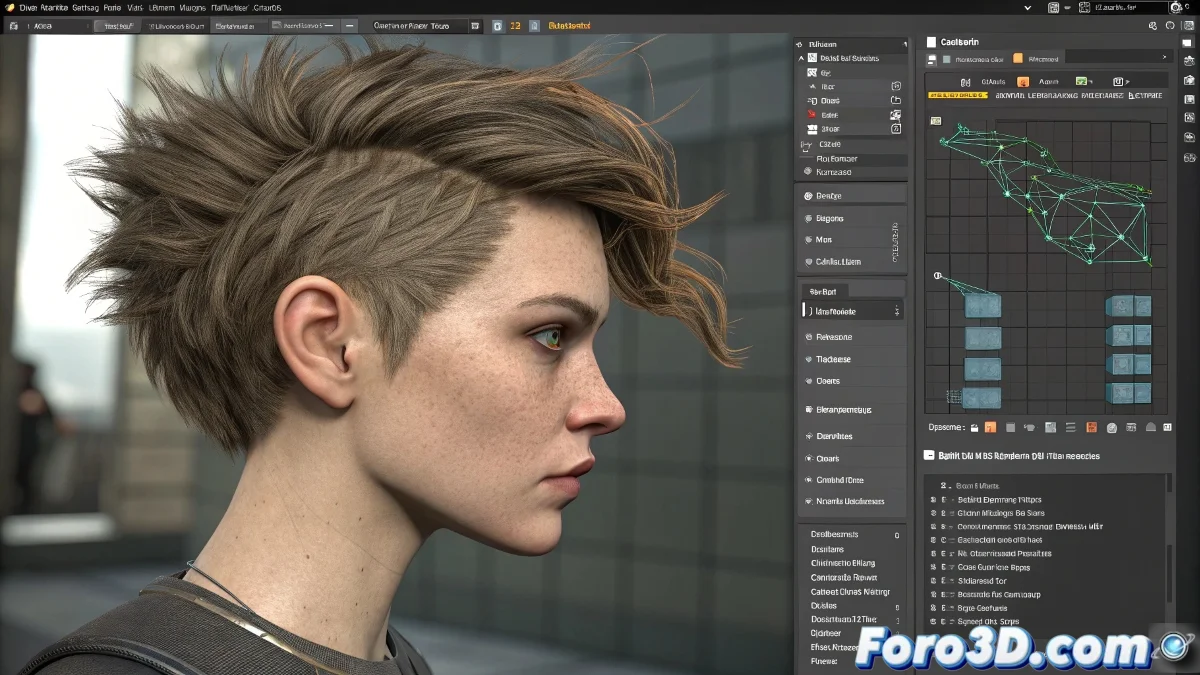
Guide to Animating 3D Hair with Ornatrix in Complex Projects
Ornatrix is a very complete professional plugin for creating and animating hair, fur, and fibers both in 3ds Max and Maya. You don't need additional plugins to animate: Ornatrix already includes tools dedicated to hair simulation and dynamic deformation, although it is recommended to understand how to combine it with native deformers or physics systems. Because every last hair counts! 💇♂️
What Do You Need to Animate in Ornatrix?
To start animating with Ornatrix, you'll need the following:
- Ornatrix: Make sure you have the latest version, preferably 2024.
- Hair Model: Generated using Guides + Hair from Guides.
- Basic Dynamics Knowledge: If you plan to use simulation.
Options for Animating with Ornatrix
Animation from Guides
You can manually move the hair guides (master guides) using controllers, bones, or deformers (like FFD or Skin). Ornatrix will automatically transfer that movement to the hair. Total control over every strand!
Dynamics Operator
Use Ornatrix Dynamics to apply realistic physics (gravity, collisions, bounces, wind). Go to the operators stack and add Dynamics after the styling operator. Adjust stiffness, mass, damping, and collisions. You can start the simulation from the Ornatrix panel or with the Play Simulation button. Let physics do its magic! 🌬️
- Stiffness: Adjust the hair stiffness.
- Mass: Set the mass for realistic behavior.
- Damping: Control the movement damping.
Alembic Cache or Point Cache
For complex projects, you can simulate the hair with Ornatrix and then export it as a cache to play the animation without recalculating on every render. Optimize your workflow!
Do I Need Other Plugins to Animate?
No. Ornatrix is self-sufficient for hair animation. But if you're in Maya, you can combine it with nHair or nCloth for advanced simulations or use its collision system if you already have experience with it. In 3ds Max, you can use it with deformers like Noise, Wave, or FFD. All in one! 🎯
Example Workflow
Follow these steps for an efficient workflow:
- Create the Hair: Use Guides / Hair from Guides.
- Style: Use Edit Guides to style.
- Insert Dynamics Modifier: Add the Dynamics modifier.
- Adjust Physics: Configure stiffness, damping, and other parameters. Simulate and/or Animate: Use guides with deformers.
- Bake the Animation: Use Point Cache if necessary.
Additionally, You Should Always Keep in Mind
Some additional tips for working with Ornatrix:
- Push Away From Surface: Use this tool to prevent the hair from penetrating the mesh.
- Follicles in Maya: Use Follicles to fix roots on moving characters.
- Stylized Animations: Override dynamics and only animate the guides with bones.
With Ornatrix, every hair can be a moving masterpiece. And who said hair couldn't be the protagonist of your 3D project! ✂️