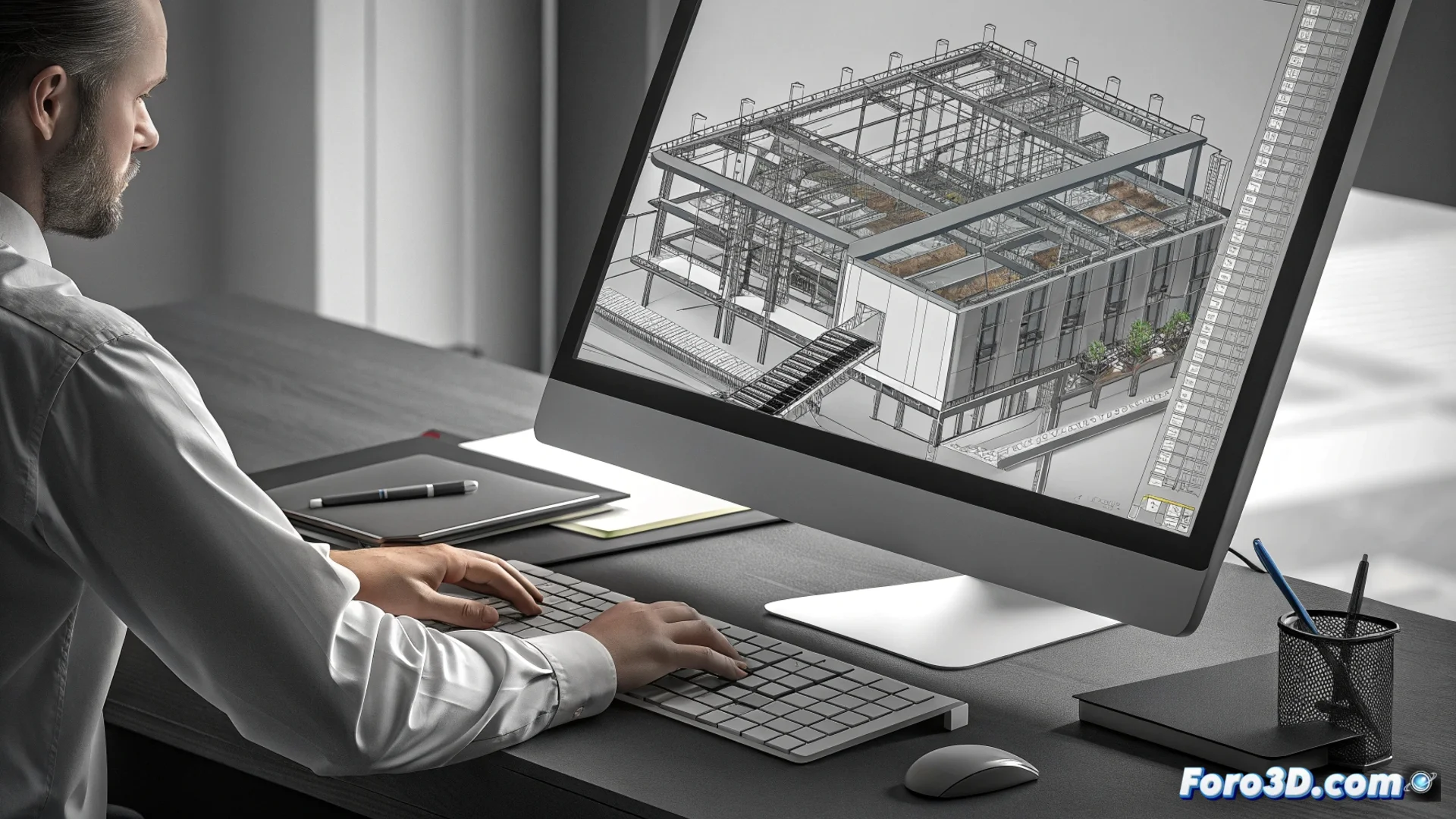
GstarCAD Includes Express Tools to Optimize Work
The design software GstarCAD incorporates an additional package called Express Tools. This set is designed to speed up both routine and complex processes within the workspace, offering specialized commands that significantly increase productivity. 🚀
Enhance Object and Text Editing
The Express Tools contain functions that go beyond basic options. For manipulating text, they allow actions such as aligning multiple lines with a single instruction or replacing character strings throughout the project. They also facilitate splitting or combining text blocks, which optimizes time when working with annotations and legends.
Key Editing Functions:- Align and Replace Text: Modifies multiple text elements simultaneously throughout the drawing.
- Manage Text Blocks: Joins or separates textual contents to maintain clarity in annotations.
- Advanced Geometry Editing: Commands to stretch multiple vertices at once or generate complex outlines quickly.
Productivity often lies in quickly executing what you already know how to do, not in searching for the tool for minutes. Express Tools solve this.
Organize Layers and Clean Files
Managing the structure of a drawing is simplified with these utilities. It is possible to isolate, freeze, or lock layers simply by visually selecting objects, without navigating extensive menus. Additionally, they include options to keep projects organized and lightweight.
Actions for Managing and Cleaning:- Visually Isolate Layers: Controls the visibility and state of layers through direct selection.
- Remove Duplicates: Removes overlapping or repeated objects with a single click to avoid redundancies.
- Purge Unused Elements: Eliminates unreferenced styles, blocks, or layers to reduce the final file size.
Impact on Workflow
Integrating the Express Tools into the daily workflow with GstarCAD allows users to focus on designing, not on tedious processes. By facilitating editing, management, and cleaning tasks, time is optimized, files are improved for collaboration, and overall efficiency is increased. These tools are an essential complement for any professional looking to maximize the potential of their CAD environment. 💡