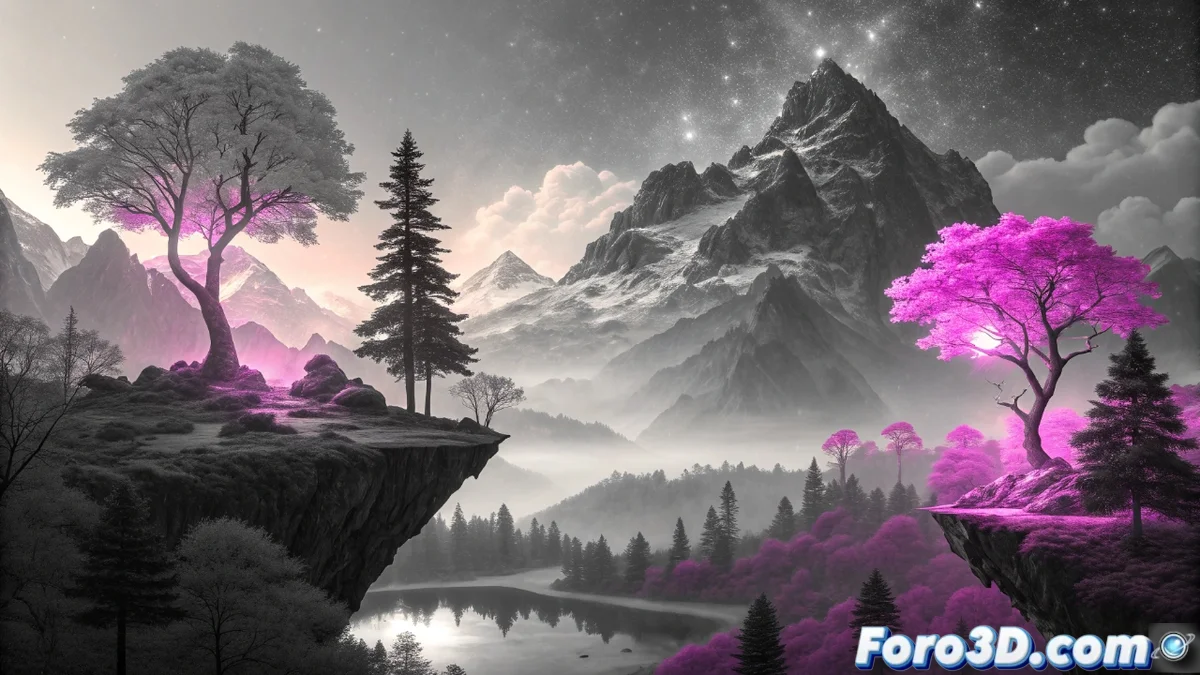
Gradient Maps in Contemporary Digital Art
Gradient maps have become a fundamental pillar in current digital creative processes. This technique revolutionizes the way artists apply color, completely transforming the atmosphere of any composition by overlaying sophisticated chromatic palettes on a grayscale base. Best of all, the original layers remain intact, providing unprecedented flexibility to test infinite variations without risking damage to the base work 🎨.
Advantages of the Non-Destructive Approach
The most valuable feature of gradient maps is their completely reversible nature. Creators can experiment with multiple color schemes on the same illustration, modifying intensity and transitions between shades using intuitive sliders. This rapid iteration capability greatly optimizes the creative workflow, opening doors to artistic explorations that would otherwise consume entire days of manual repainting.
Key Applications in Professional Environments:- Seamless integration into digital illustration pipelines and concept art development
- Extensive use in character and environment design for audiovisual projects
- Compatibility with specialized software like Photoshop, Clip Studio Paint, and Procreate
Gradient maps demonstrate that in digital art, what really matters is the final result, not the number of shortcuts used to achieve it.
Implementation in Creative Software
In the realm of professional digital art, gradient maps have been natively integrated into major creative suites. 2D applications like Photoshop include advanced implementations, while in 3D environments like Blender, Maya, or Substance Painter, they are used for texturing and visual appearance development. Artists often combine multiple gradient layers with different blending modes to achieve visually complex and enriched results.
Software Compatible with Gradient Maps:- 2D Tools: Photoshop, Clip Studio Paint, Procreate
- 3D Platforms: Blender, Maya, Substance Painter
- Creative fusions through blending modes and layer adjustments
Reflections on the Technique
It is fascinating how a tool that basically assigns colors over gray values can generate such passionate debates about its legitimacy in digital art. In the end, what prevails is the visual impact achieved, regardless of the methods used during the creative process. Gradient maps represent a significant advancement that enhances artistic expression without compromising the authenticity of the work 🖌️.