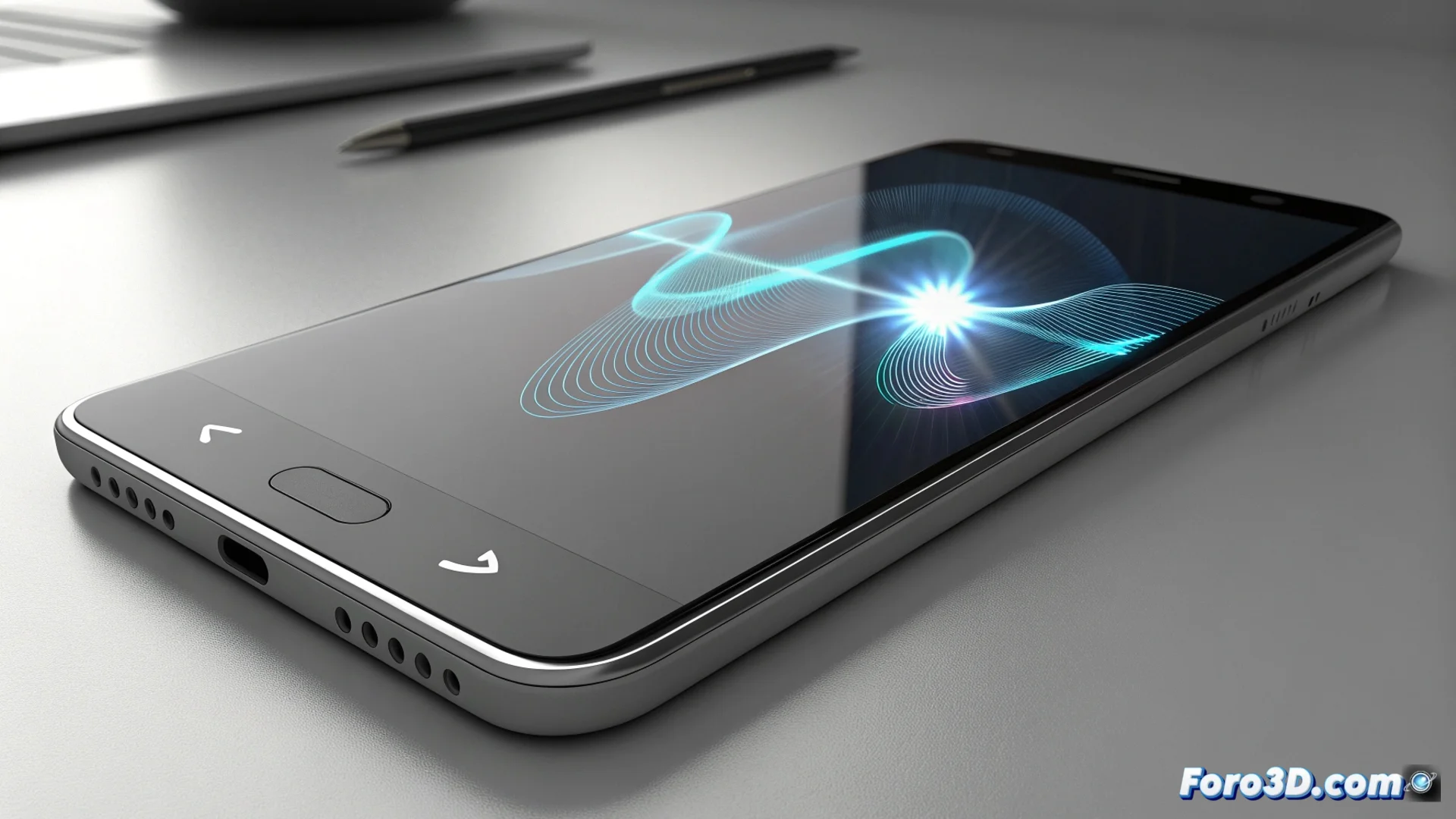
Google renews the voice search interface on Android
Google has rolled out a significant change in the way users interact by voice with their Android devices. This update replaces the classic four-dot animation, a visual element present for years, with a redesigned interface that prioritizes fluidity and system integration. The goal is to make using the assistant feel more natural and cohesive. 🎤
A design you can customize to your liking
The main novelty lies in the ability to customize various visual aspects of the interface while performing a voice query. This allows the tool to better adapt to individual preferences, marking an advance toward more adaptive user experiences with greater control over the aesthetics of daily applications.
Key features of the new interface:- Replaces the static dot animation with dynamic and modern visual elements.
- Includes options to modify colors and behaviors during voice activation.
- Seeks deeper visual integration with the overall Android system theme and aesthetics.
Some users are already expressing nostalgia for the hypnotic dance of the four dots, an icon of an era when only mattered that the assistant understood, not how it looked.
The update is rolling out in phases
As is usual with Google launches, this new voice interface does not arrive on all devices at the same time. Its implementation is gradual and may extend over several weeks. The time to receive it varies by geographic region and specific phone or tablet model.
To receive the update:- Keep your device's Android operating system updated to the latest available version.
- Ensure that Google's main apps, especially Search and Assistant, are up to date.
- Be patient, as the rollout is progressive and does not depend on direct user action.
A step toward smarter interfaces
This change reflects the constant evolution of user interfaces on Android, where customization and fluid experience take center stage. Although a familiar design is left behind, progress is made toward an ecosystem where tools not only work well but also allow the user to define how they are presented. The transition, though gradual, points the way to future improvements in interaction with digital assistants. 🔄