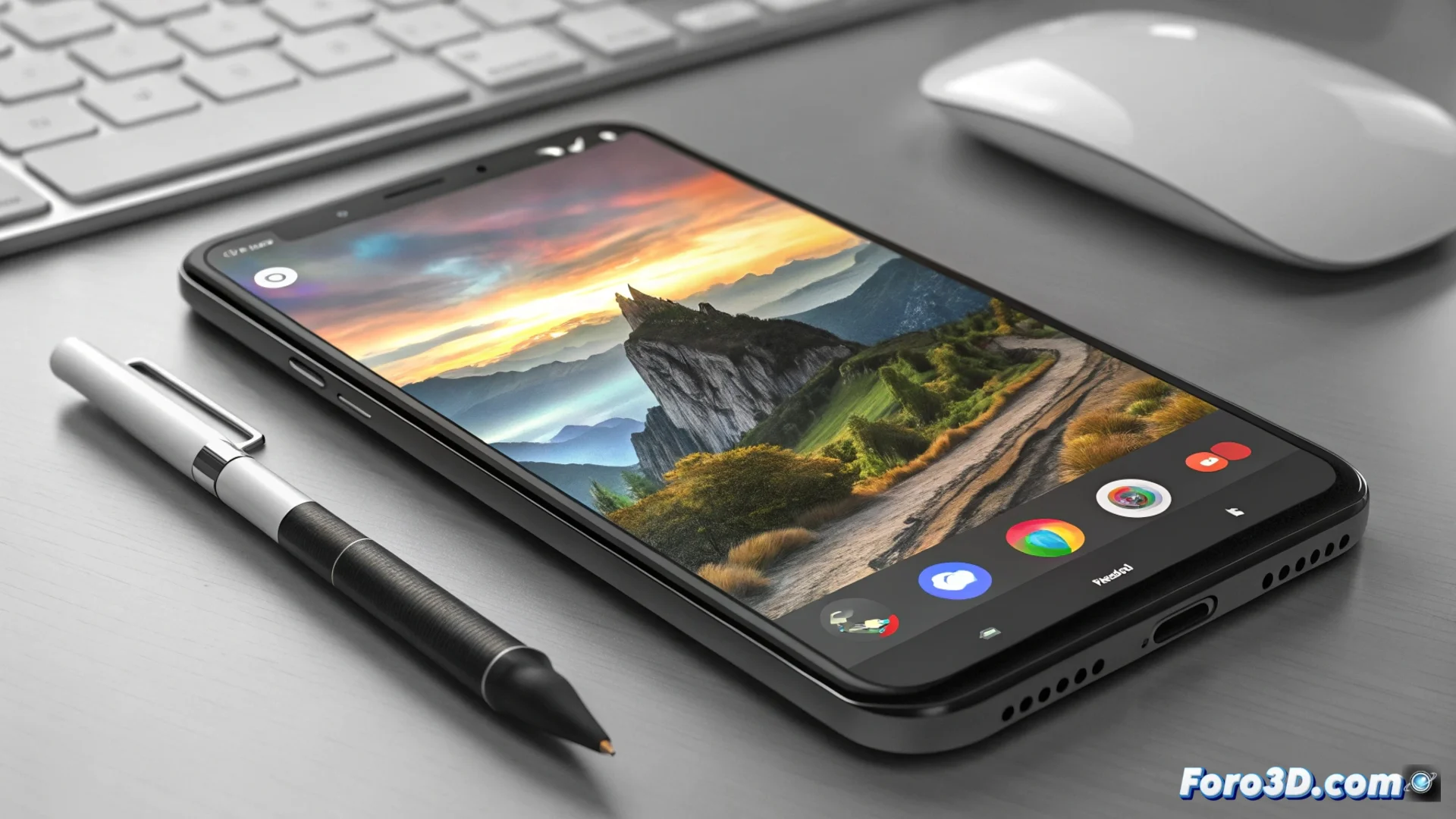
Google Photos Integrates Native Editor for 3D Content
The Google Photos app has implemented an integrated editor specifically designed to manipulate three-dimensional images and recordings. This suite of tools operates within the app's ecosystem, eliminating the need to export files to third-party programs. Users can now process their 3D multimedia library directly and efficiently. 📸
Instant Basic 3D Editing Features
The editor focuses on providing quick and visual control over the content. The crop option allows reframing the scene and removing distractions at the edges of the photo or video. A set of predefined filters modifies the color palette and contrast with a single click, creating distinct atmospheres instantly. All of this is processed in real time, allowing preview of the final result before saving.
Key Advantages of the Integrated Editor:- Unified workflow without leaving the app.
- Immediate preview of all applied adjustments.
- Quick access to basic corrections to optimize any 3D capture.
Sometimes, after spending half an hour adjusting shadows and lights, one realizes that the perfect 3D photo was the first one taken, without touching anything.
Advanced Manual Adjustments for Precise Control
For those seeking more detailed control, the editor unlocks manual parameters. Users can fine-tune values such as brightness, saturation, contrast, and color temperature. In the case of 3D videos, these adjustments are applied consistently throughout the entire sequence, ensuring uniformity.
Available Manual Controls:- Brightness: To manage the overall luminosity of the scene.
- Contrast: To define the difference between lights and shadows.
- Saturation: To intensify or attenuate the vividness of colors.
- Color Temperature: To adjust the warmth or coolness of the image.
A Tool to Simplify 3D Post-Production
This integration represents a significant step toward democratizing three-dimensional content editing. By bringing these tools inside Google Photos, it makes it easier for any user to enhance their 3D captures without a complex learning curve. It is a practical solution that covers everything from quick corrections to fine adjustments, all within a familiar environment. 🚀