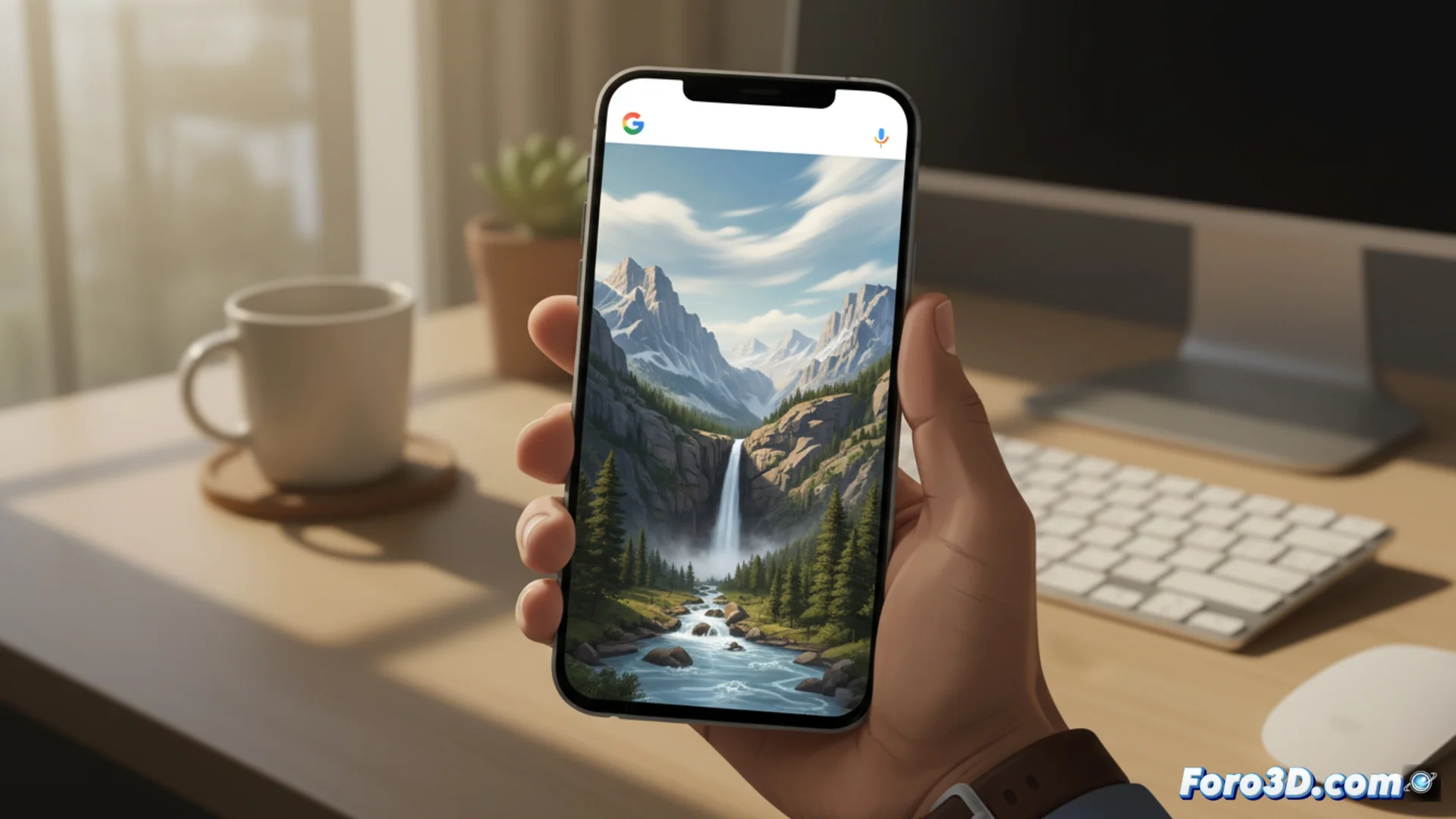
Google Photos Animates Images with Text
Google's storage platform now allows you to bring your photos to life through simple written descriptions. This new feature uses artificial intelligence to interpret what you request and turn a static snapshot into a video clip with simulated movement. 🎬
The Mechanism for Creating Movement
The process begins when you upload a photo to the cloud. The tool examines the elements present, such as people, cars, or natural elements. Then, it reads and understands the textual request you enter. For example, you can ask for the tree leaves to sway or for the waves to crash on the shore. Finally, it produces a short video where those specific components are animated realistically.
Key Steps in the Process:- The system analyzes the visual content of the original photograph.
- Interprets the text prompt provided by the user to define the animation.
- Renders a short video clip by applying movement to the selected elements.
The quality of the final result depends on how complex the scene is and how precise the written description you use is.
Availability and Considerations
This capability does not reach all users at once, but is activated progressively. To use it, the images must be hosted on Google's servers. An important detail is that the generated video takes up space in your storage quota when you save it.
Practical Considerations:- The feature rolls out gradually among the user base.
- It requires photos to be uploaded to Google's cloud.
- The resulting animated video consumes part of the user's available storage.
The Technology Behind the Magic
Google confirms that it employs advanced AI models to create these animations. All the heavy processing and rendering work is done on its own servers, not on the user's device. This allows handling computationally intensive tasks and delivering more polished results. Now you can suggest to your portraits that they smile or to your landscapes that they come alive with dynamism, although the sense of rhythm may still elude artificial intelligence. 🤖