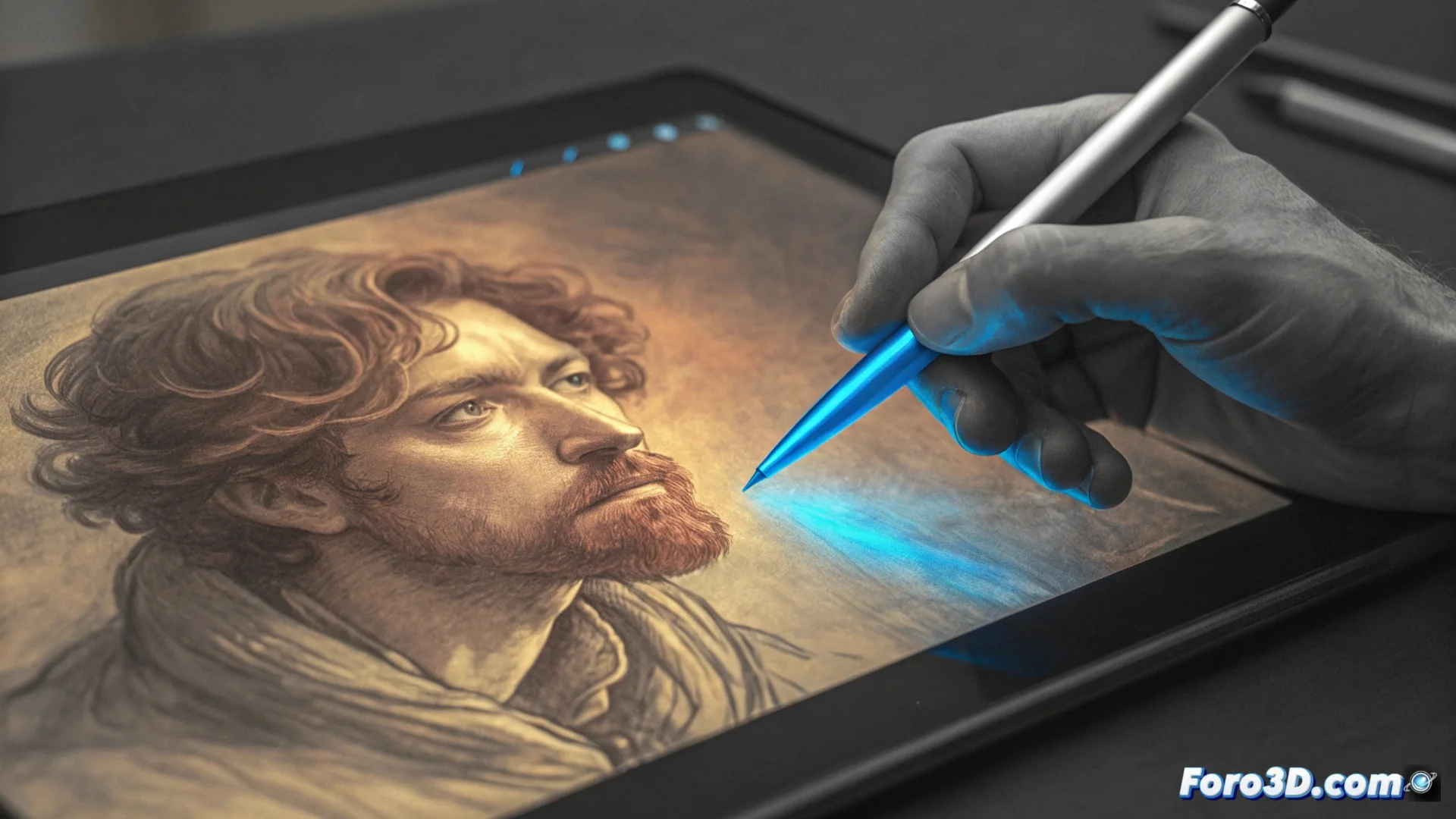
Glazing or digital glazing: technique for painting with translucent layers
Glazing or digital glazing is a fundamental method in digital painting that simulates traditional processes. It consists of overlaying color layers with very low opacity over a dry base or on a separate layer. This approach allows subtly altering the tone, saturation, and color temperature in an area without completely covering what is underneath. The result provides a unique depth and richness visually, as the lower layers continue to interact with the light passing through the upper ones. 🎨
Implementing glazing in painting software
To use this technique in programs like Photoshop, Krita, or Procreate, set up a new layer. The key is to choose an appropriate blending mode and work with minimal opacities.
Key steps to set up:- Create a new layer and set its blending mode to Multiply, Hue, or Luminosity.
- Adjust the layer opacity to a low value, typically between 1% and 10%.
- Select a soft brush with reduced flow and minimum hardness to achieve delicate strokes.
True mastery is not in applying the glaze, but in knowing when to stop before your character looks like it's submerged in a jar of jam.
Applications in illustration and concept art
Artists turn to glazing for the precise control it offers. It's ideal for correcting and refining without needing to repaint entire areas.
Main uses of the technique:- Unify color palettes and harmonize an entire scene coherently.
- Adjust light temperature and add ambient reflections that give realism.
- Define volumes and textures gradually, especially on skin, fabrics, or organic materials.
Conclusion on the method
Mastering glazing means building color in a gradual and controlled way, layer by layer. This technique is a powerful tool for any digital artist seeking to add depth, atmosphere, and subtle corrections to their work, emulating the richness of oil or watercolor paintings with the precision of the digital medium.